Invert Image
ComfyUI Wiki
Learn about the ImageInvert node in ComfyUI, which is designed for inverting the colors of an image, effectively transforming each pixel's color value to its complementary color…
This page is archived and no longer updated. Built-in node documentation is now officially maintained: open ComfyUI, hover any node and press
? (or right-click and choose Help) to see the latest built-in docs inside the app. The content below is preserved for reference.
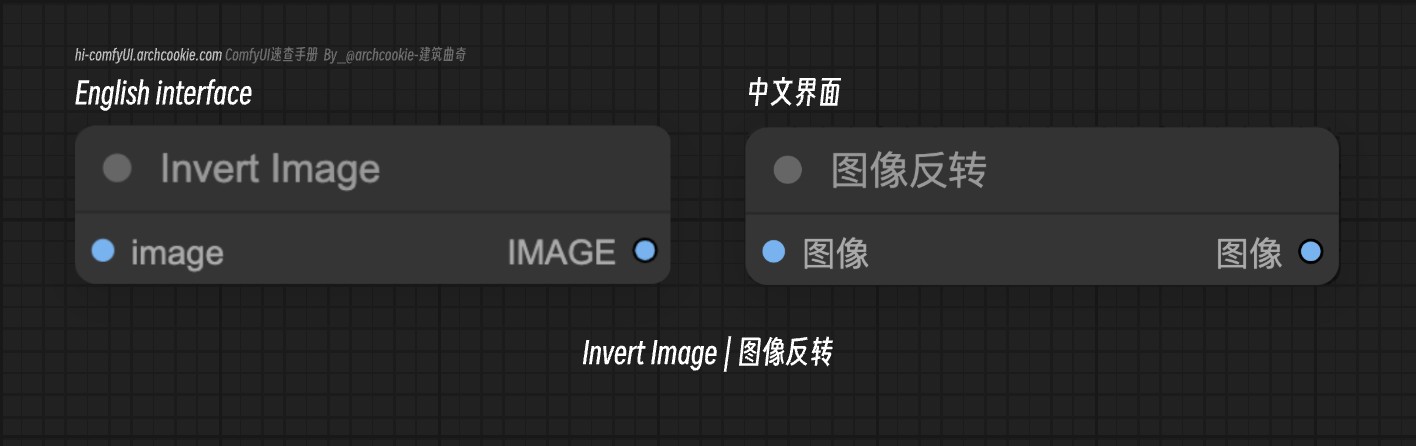
Documentation
- Class name:
ImageInvert - Category:
image - Output node:
False
The ImageInvert node is designed to invert the colors of an image, effectively transforming each pixel's color value to its complementary color on the color wheel. This operation is useful for creating negative images or for visual effects that require color inversion.
Input types
| Parameter | Comfy dtype | Description |
|---|---|---|
image | IMAGE | The 'image' parameter represents the input image to be inverted. It is crucial for specifying the target image whose colors are to be inverted, affecting the node's execution and the visual outcome of the inversion process. |
Output types
| Parameter | Comfy dtype | Description |
|---|---|---|
image | IMAGE | The output is an inverted version of the input image, with each pixel's color value transformed to its complementary color. |
Comments
Sign in with GitHub to join the discussion.