ComfyUI Tutorials
From your first node to advanced workflows — follow the basics learning path, then dive into image, video, audio and 3D generation.
Basics Learning Path11
Start here — ordered from the easiest to the hardest. Follow the steps in order.

Basic Syntax Tips for ComfyUI Prompt Writing
This article introduces some simple requirements and rules for prompt writing in ComfyUI.

ComfyUI Basic Outpainting Workflow and Tutorial
ComfyUI Outpainting Tutorial and Workflow, detailed guide on how to use ComfyUI for image extension
How to install different types of models in ComfyUI
This article introduces how to install different types of models in ComfyUI.
How To Launch ComfyUI Post-Installation?
This article introduces how to run ComfyUI serve.
How to Update ComfyUI
This article introduces how to update ComfyUI.
How to Share Stable Diffusion Models Between ComfyUI and A1111 or Other Stable Diffusion AI image generator WebUI?
This article introduces how to share Stable Diffusion Models Between ComfyUI and A1111 or Other Stable Diffusion AI image generator WebUI.
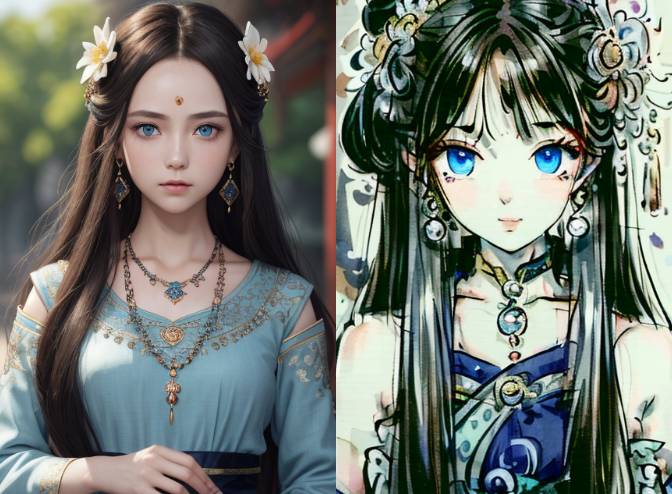
Getting Started with LoRA in ComfyUI - From Basic Usage to Multiple Models
A comprehensive beginner's guide to using LoRA in ComfyUI, covering both basic single model usage and advanced multiple LoRA combinations to achieve richer AI art effects. Includes detailed instructions for model installation and parameter adjustments.
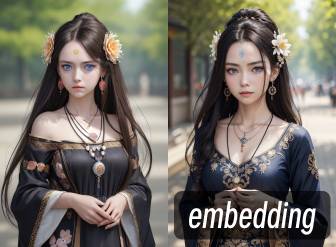
Using Embedding Models in ComfyUI
This tutorial provides detailed instructions on how to use Embedding models in ComfyUI, including model downloads, installation, and usage methods.

ComfyUI Text-to-Image Tutorial, Creating Your First Image
Generate images using ComfyUI default settings
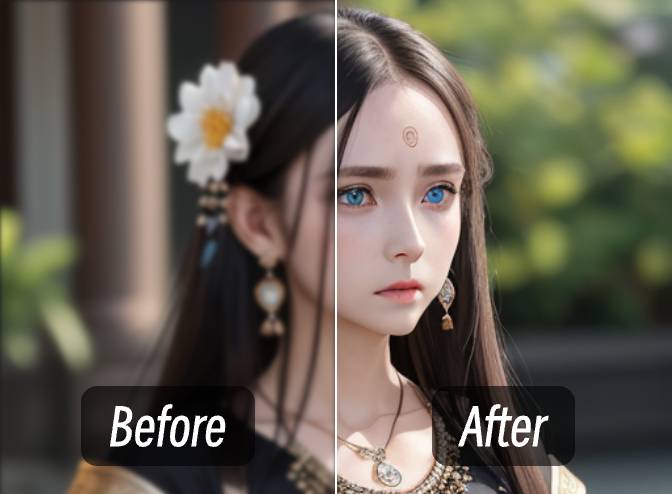
Different Methods and Detailed Tutorial for Image Upscaling in ComfyUI
This tutorial introduces three different methods for image upscaling in ComfyUI: pixel resampling, SD secondary sampling upscaling, and using dedicated upscaling models. Each method has its own characteristics and suitable scenarios.
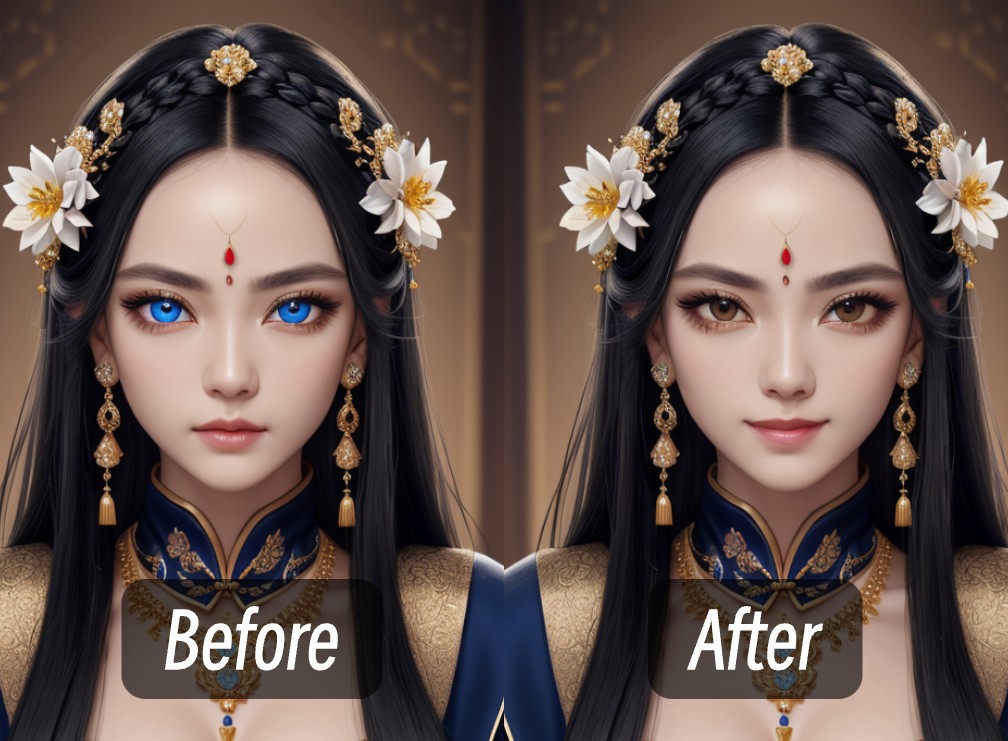
How to Inpaint an Image in ComfyUI
This article explains how to perform inpainting in ComfyUI with complete workflow and examples
Advanced Tutorials37
Model workflows and production techniques, grouped by topic.
image13

Flux.1 Krea Dev, GGUF, Nunchaku Versions ComfyUI Complete Usage Guide Tutorial
Complete usage guide for multiple Flux.1 Krea Dev versions in ComfyUI

ComfyUI FLUX.1 Kontext (Dev, Pro, Max) Complete Guide: Native Workflows, API Calls & Prompt Optimization
Master FLUX.1 Kontext versions in ComfyUI for image editing: covers native workflow configuration, GGUF/FP8 model versions, API node usage, multi-round editing, character consistency, prompt optimization strategies - from basics to advanced applications
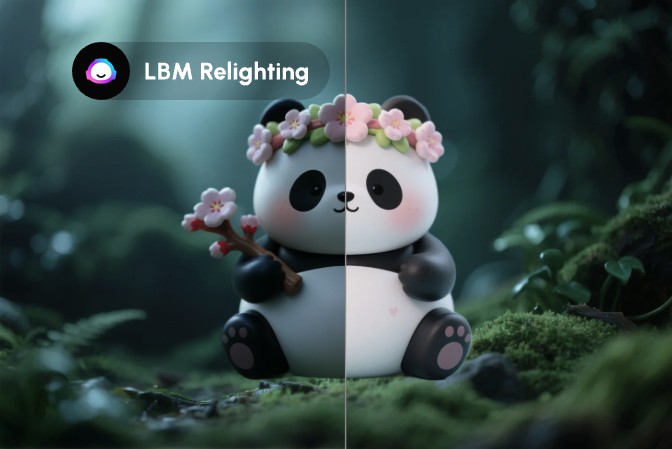
ComfyUI LBM Relighting Workflow - Complete Step-by-Step Tutorial for Fast Image Relighting
Learn how to use LBM (Latent Bridge Matching) technology in ComfyUI to achieve fast image relighting, automatically adjusting foreground object lighting effects based on background environment
Flux.1 Dev Text-to-Image: Complete ComfyUI Guide & Workflow
Step-by-step tutorial for Flux.1 Dev text-to-image generation in ComfyUI. Learn installation, model setup, prompt optimization, and workflow configuration for high-quality AI images.
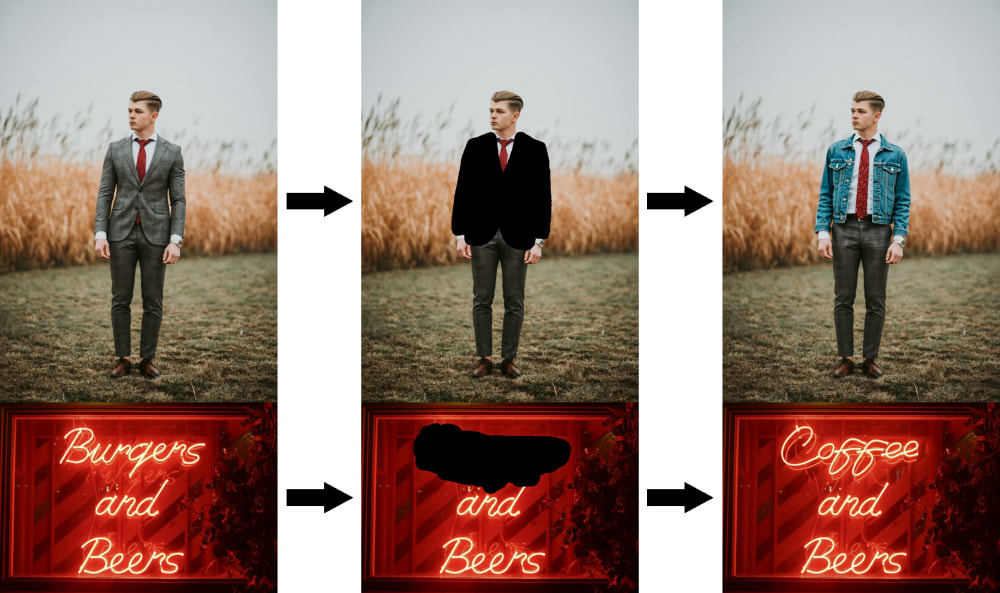
Flux Fill Workflow Step-by-Step Guide
Learn how to use the Flux Fill model for image repair and extension
Flux ComfyUI Image-to-Image Workflow Tutorial
This article introduces the Flux ComfyUI Image-to-Image workflow tutorial.
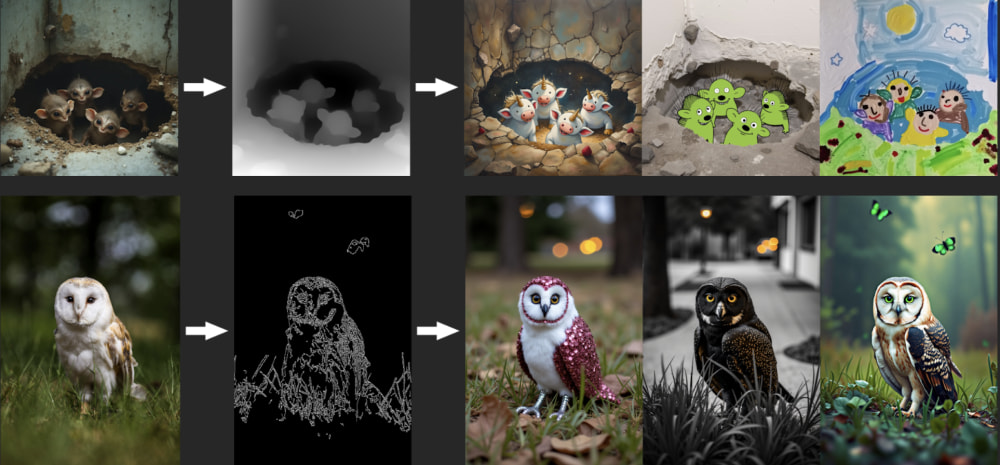
Flux.1 Dev Tools: ControlNet & Advanced Workflows in ComfyUI
Step-by-step guide to Flux.1 Dev Tools in ComfyUI: set up official Flux ControlNet models, configure workflows, and master advanced image generation techniques.
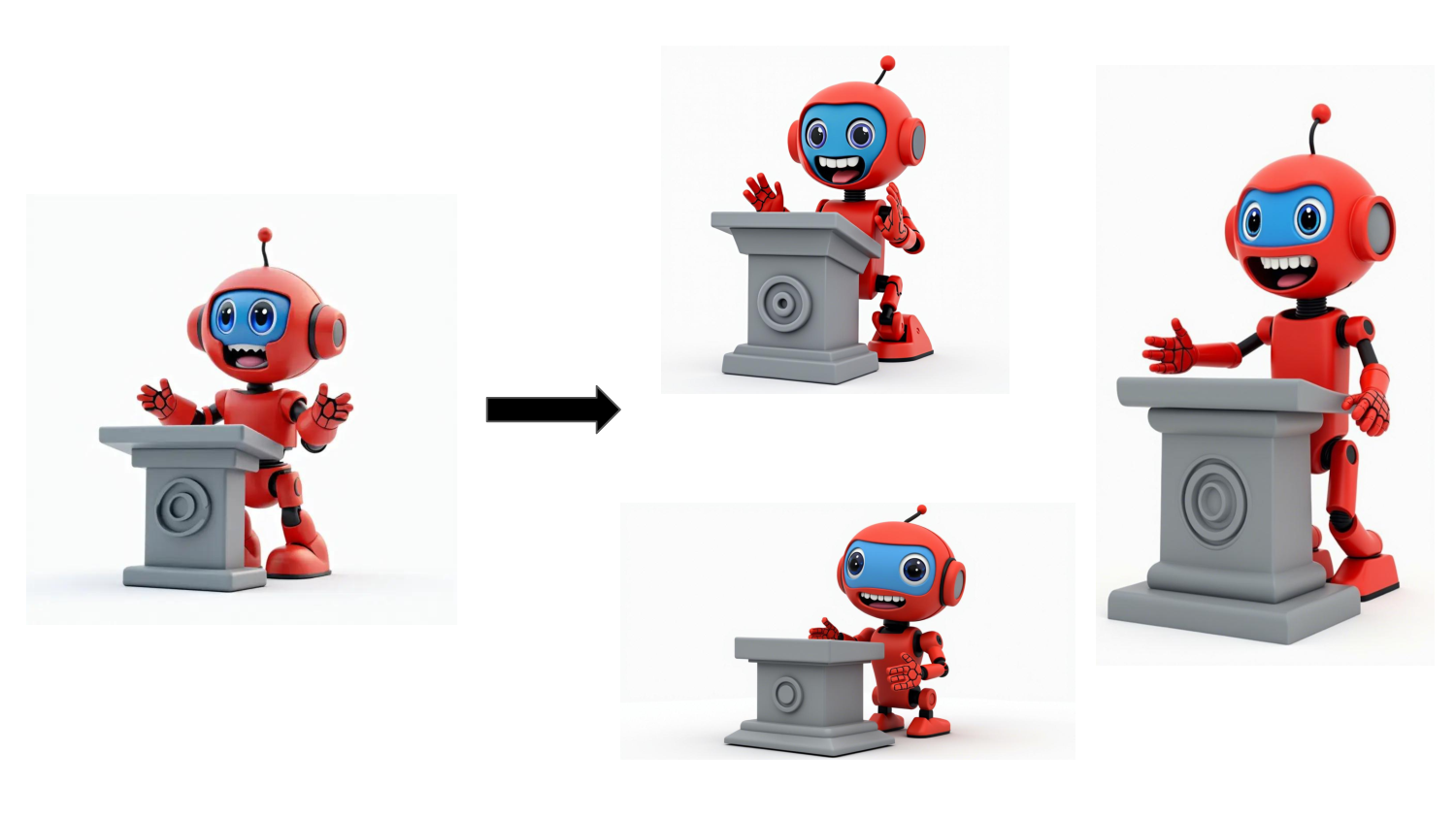
Detailed Tutorial on Flux.1 Redux Dev Workflow
Learn how to generate image variants using the Flux Redux model
ByteDance USO ComfyUI Workflow Guide, Image Style Transfer and Subject Identity Preservation Image Generation
Unified Style and Subject-Driven Generation with ByteDance's USO model

ComfyUI HiDream-I1 fp8, gguf, nf4 Text-to-Image Workflow Example - Complete Guide
This tutorial includes examples of workflows for different versions of HiDream I1.
Qwen-Image ComfyUI Native, GGUF, and Nunchaku Workflow Complete Usage Guide
Qwen-Image is a 20B parameter MMDiT (Multimodal Diffusion Transformer) model open-sourced under the Apache 2.0 license.
Qwen-Image-2512 ComfyUI Workflow Tutorial
Qwen-Image-2512 is the December update of Qwen-Image, featuring significant improvements in human realism, natural detail, and text rendering.
Qwen-Image-Layered ComfyUI Workflow Usage Guide
Qwen-Image-Layered is an image layered editing model developed by Alibaba's Qwen team that can decompose images into multiple RGBA layers, with each layer independently editable without affecting other content.
video9
ComfyUI Frame Pack Workflow Complete Step-by-Step Tutorial
This tutorial will guide you on how to use the Frame Pack workflow in ComfyUI, providing detailed step-by-step instructions.

Wan2.1 Fun Control ComfyUI Workflows - Complete Guide
This tutorial provides a detailed introduction on how to use the Wan Fun Control model in ComfyUI, including complete model installation, workflow usage, and more.

Wan2.1 Video LoRA ComfyUI Workflow - Complete Guide
This tutorial details how to use Wan2.1 Video LoRA models in ComfyUI

Wan2.1 Video Generation in ComfyUI: T2V, I2V & V2V Guide
Complete Wan2.1 ComfyUI guide for AI video generation: text-to-video, image-to-video, and video-to-video workflows. Includes installation, model setup, and parameter tuning tips.
Wan2.2 ComfyUI Workflow Guide - Official, Kijai & GGUF
Complete Wan2.2 video generation tutorial for ComfyUI: official native workflow, Kijai WanVideoWrapper, GGUF quantized version, and Lightx2v fast generation. Step-by-step setup and usage guide.
Wan2.2 Animate ComfyUI Workflow
Unified character animation and replacement framework with precise motion and expression replication.
Wan2.2 Fun Control ComfyUI Workflow Complete Usage Guide, Official + Community Versions (Kijai, GGUF)
The most comprehensive Wan2.2 Fun Control video ComfyUI tutorial: including official native version, Kijai WanVideoWrapper, GGUF quantized version and other video control generation workflows
Wan2.2 Fun InP ComfyUI Workflow Complete Usage Guide, Official + Community Versions (Kijai, GGUF)
The most comprehensive Wan2.2 Fun InP video ComfyUI tutorial: including official native version, Kijai WanVideoWrapper, GGUF quantized version and other first-last frame video generation workflows
Wan2.2-S2V Audio-Driven Video Generation ComfyUI workflow and tutorial
Complete guide to using Wan2.2-S2V for creating audio-synchronized videos in ComfyUI, including model setup, workflow configuration, and practical examples.

Other13
HunyuanVideo Image-to-Video GGUF, FP8 and ComfyUI Native Workflow Complete Guide with Examples
A comprehensive tutorial on using Tencent's HunyuanVideo model in ComfyUI for image-to-video generation, including environment setup, model installation, and workflow instructions
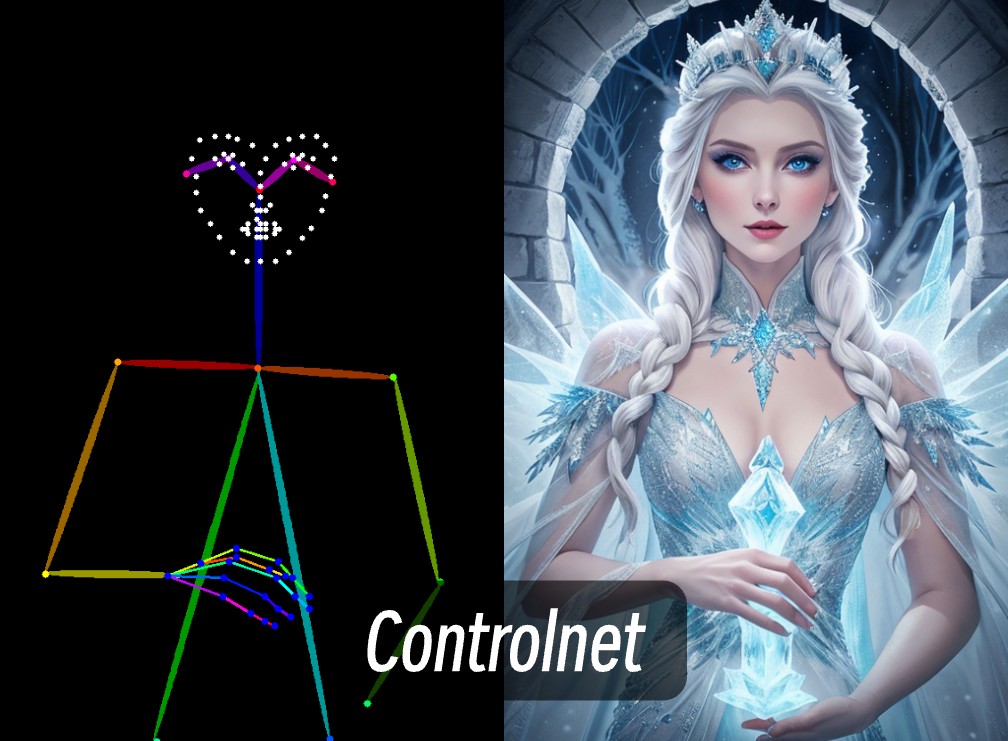
ControlNet Tutorial: Using ControlNet in ComfyUI for Precise Controlled Image Generation
This article explains how to install and use ControlNet models in ComfyUI.
ComfyUI Sonic Workflow for Digital Human Video Generation
Detailed tutorial for Tencent Sonic ComfyUI workflow

DeepSeek Janus Pro ComfyUI Workflow
How to set up and use DeepSeek Janus Pro in ComfyUI, based on the ComfyUI-Janus-Pro plugin
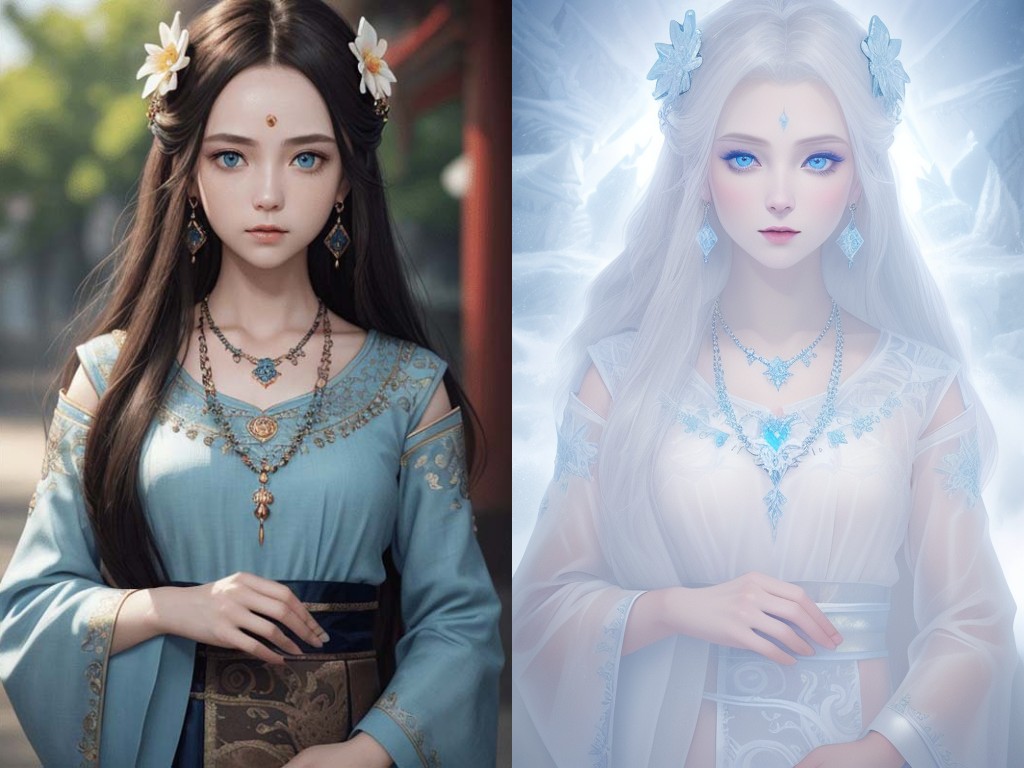
How to Use Multiple ControlNets in ComfyUI
This article explains how to combine multiple ControlNets in ComfyUI by chaining the Apply ControlNet nodes for more precise control and generation effects.
Stable Diffusion 3.5 Workflow Tutorial in ComfyUI
This article introduces the Stable Diffusion 3.5 Workflow Tutorial in ComfyUI.
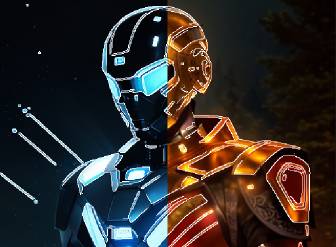
How to Use Canny ControlNet SD1.5 Model in ComfyUI - Complete Guide
This tutorial provides detailed instructions on using Canny ControlNet in ComfyUI, including installation, workflow usage, and parameter adjustments, making it ideal for beginners.
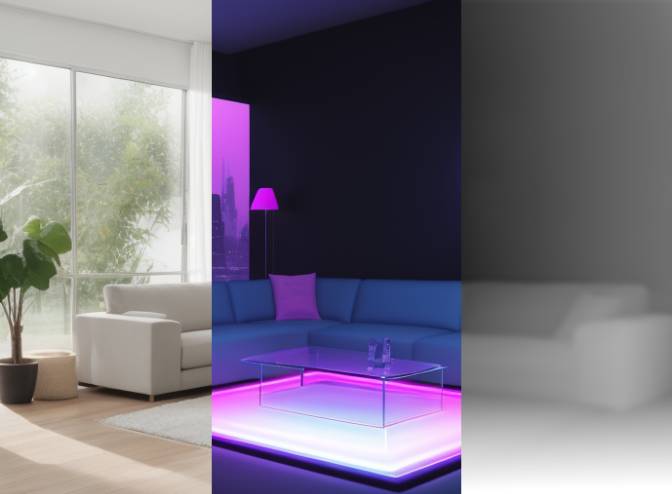
Complete Guide - How to Use Depth ControlNet with SD1.5 in ComfyUI
This tutorial provides detailed instructions on using Depth ControlNet in ComfyUI, including installation, workflow setup, and parameter adjustments to help you better control image depth information and spatial structure.
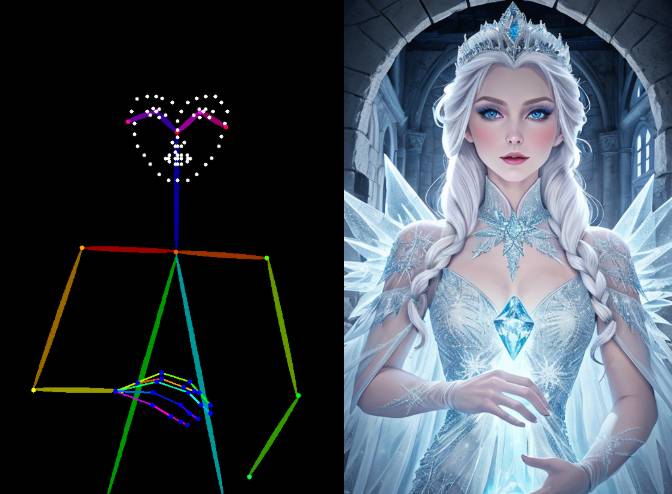
How to Use OpenPose ControlNet SD1.5 for Image Generation in ComfyUI
This article provides a detailed guide on ComfyUI OpenPose ControlNet, including installation, workflow usage, and parameter adjustments, offering a step-by-step tutorial
HunyuanVideo Text-to-Video Workflow Guide and Examples
A comprehensive tutorial on using Tencent's Hunyuan Video model in ComfyUI for text-to-video generation, including environment setup, model installation, and workflow instructions

IC-Light V2 Workflow Tutorial and Online Usage Guide
Experience IC-Light V2's image editing capabilities online through Hugging Face Space, without the need for local deployment

LTX Video Workflow Step-by-Step Guide
Learn how to use the LTX Video model for AI video generation and editing in ComfyUI. Step-by-step workflow guide covering text-to-video and image-to-video with parameter tuning tips.
Lumina Image 2.0 ComfyUI Workflow Examples
A detailed guide on using the Lumina Image 2.0 model in ComfyUI, including model installation, workflow configuration, and parameter optimization tips.
Expert0
Expert-level deep dives are on the way. Stay tuned.