VAE Encode in ComfyUI: Convert an Image to a LATENT
ComfyUI Wiki
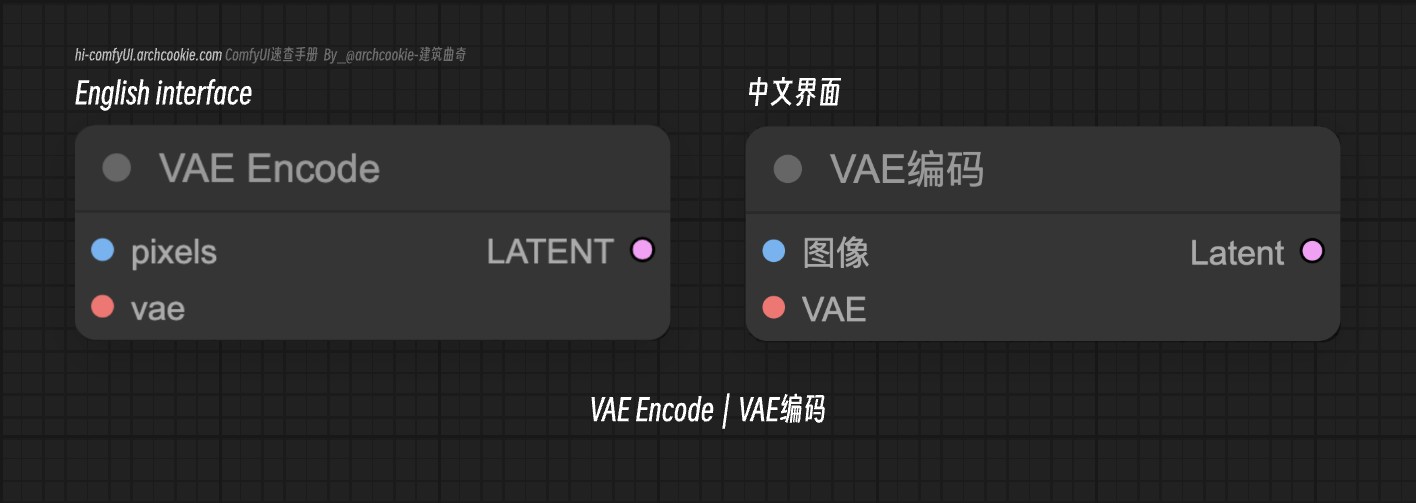
VAEEncode converts an IMAGE into a LATENT with the VAE you connect, the step before img2img and inpainting. Wire pixels and vae, then send latent to KSampler.
Documentation
- Class name:
VAEEncode - Category:
latent - Output node:
False
This node is designed for encoding images into a latent space representation using a specified VAE model. It abstracts the complexity of the encoding process, providing a straightforward way to transform images into their latent representations.
Input types
| Parameter | Comfy dtype | Description |
|---|---|---|
pixels | IMAGE | The 'pixels' parameter represents the image data to be encoded into the latent space. It plays a crucial role in determining the output latent representation by serving as the direct input for the encoding process. |
vae | VAE | The 'vae' parameter specifies the Variational Autoencoder model to be used for encoding the image data into latent space. It is essential for defining the encoding mechanism and characteristics of the generated latent representation. |
Output types
| Parameter | Comfy dtype | Description |
|---|---|---|
latent | LATENT | The output is a latent space representation of the input image, encapsulating its essential features in a compressed form. |
Comments
Sign in with GitHub to join the discussion.