Canny Node
Learn about the Canny node in ComfyUI, which is designed for edge detection in images, utilizing the Canny algorithm to identify and highlight the edges. This process involves applying a series of filters to the input image to detect areas of high gradient, which correspond to edges, thereby enhancing the image's structural details.
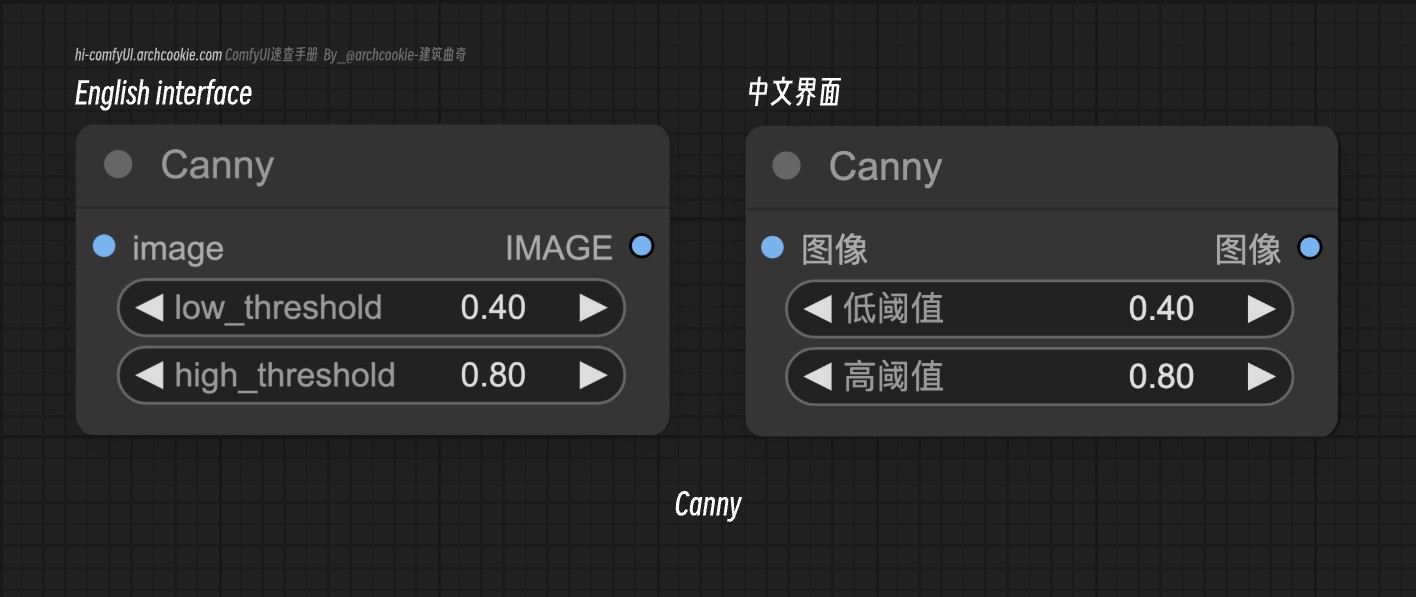
Documentation
- Class name:
Canny - Category:
image/preprocessors - Output node:
False
The Canny node is designed for edge detection in images, utilizing the Canny algorithm to identify and highlight the edges. This process involves applying a series of filters to the input image to detect areas of high gradient, which correspond to edges, thereby enhancing the image's structural details.
输入类型
| Parameter | Comfy dtype | Description |
|---|---|---|
image | IMAGE | The input image to be processed for edge detection. It is crucial as it serves as the base for the edge detection operation. |
low_threshold | FLOAT | The lower threshold for the hysteresis procedure in edge detection. It determines the minimum intensity gradient considered for an edge, affecting the sensitivity of edge detection. |
high_threshold | FLOAT | The upper threshold for the hysteresis procedure in edge detection. It sets the maximum intensity gradient considered for an edge, influencing the selectivity of edge detection. |
输出类型
| Parameter | Comfy dtype | Description |
|---|---|---|
image | IMAGE | The output is an image with highlighted edges, where the edges are detected using the Canny algorithm. This enhances the structural details of the original image. |