FLUX.1: 12B Text to Image Model for ComfyUI - Download and Guide
FLUX.1 is Black Forest Labs' first open-source image generation model: a 12B rectified flow transformer with variants for different speed and quality tradeoffs.
FLUX.1
Text-to-ImageOpen SourceImage EditingFirst-generation Flux model — 12B parameter rectified flow transformer by Black Forest Labs. Variants: full-precision [dev], 4-step distilled [schnell], FP8 / GGUF quantized builds, plus Fill, Redux, Canny, Depth, Kontext, and Krea tools.
| Developer | Black Forest Labs (founded by ex-Stable Diffusion core team) |
| Release Date | 2024-08-01 |
| Architecture | 12B Rectified Flow Transformer (DiT) |
| License | FLUX-1-dev-non-commercial |
| Output Resolution | 1024×1024 native, multi-aspect via padding |
| Capabilities | Fill (inpainting/extend), Redux (style transfer via SigLIP), Canny and Depth control, plus the Kontext and Krea variants below |
Tool Variants
Two FLUX.1 variants ship with their own weights, licenses, and curated download packs:
| Variant | Task | Released | Model Page |
|---|---|---|---|
| FLUX.1 Kontext | In-context image editing from text instructions (12B) | 2025-06 | FLUX.1 Kontext |
| FLUX.1 Krea | Photorealistic text-to-image fine-tune with Krea AI | 2025-07 | FLUX.1 Krea |
Guides and workflows related to this model series.
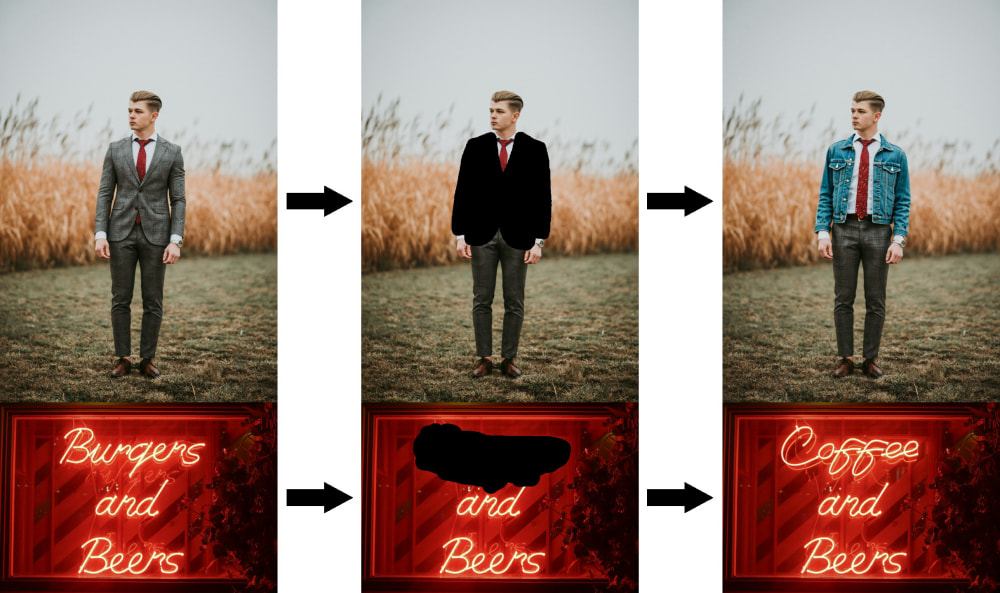
Complete FLUX.1 Fill Dev workflow guide: download flux1-fill-dev.safetensors, build inpainting and outpainting workflows in ComfyUI, and edit images with FLUX.1 Tools.
Build a FLUX.1 image-to-image (img2img) workflow in ComfyUI: replace Empty Latent with Load Image + VAE Encode, set denoise, and download a ready-made FLUX GGUF workflow.
Step-by-step tutorial for Flux.1 Dev text-to-image generation in ComfyUI. Learn installation, model setup, prompt optimization, and workflow configuration for high-quality AI images.
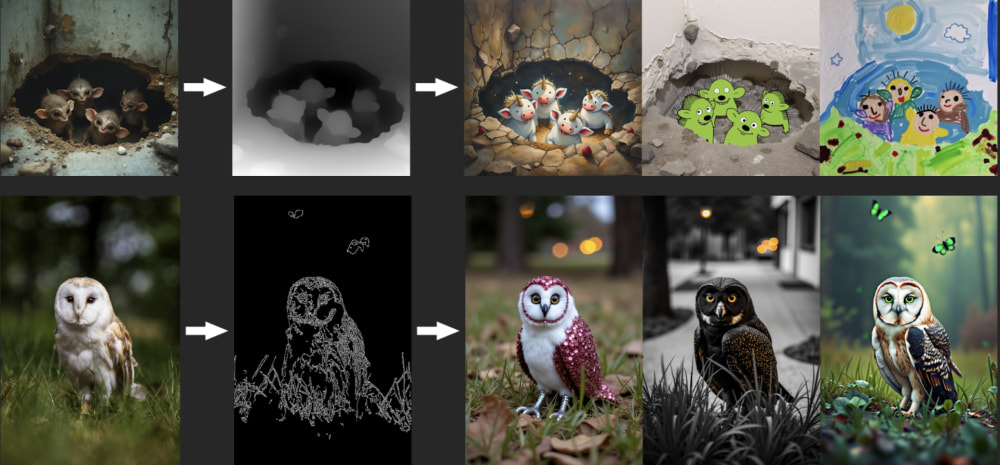
Step-by-step guide to Flux.1 Dev Tools in ComfyUI: set up official Flux ControlNet models, configure workflows, and master advanced image generation techniques.
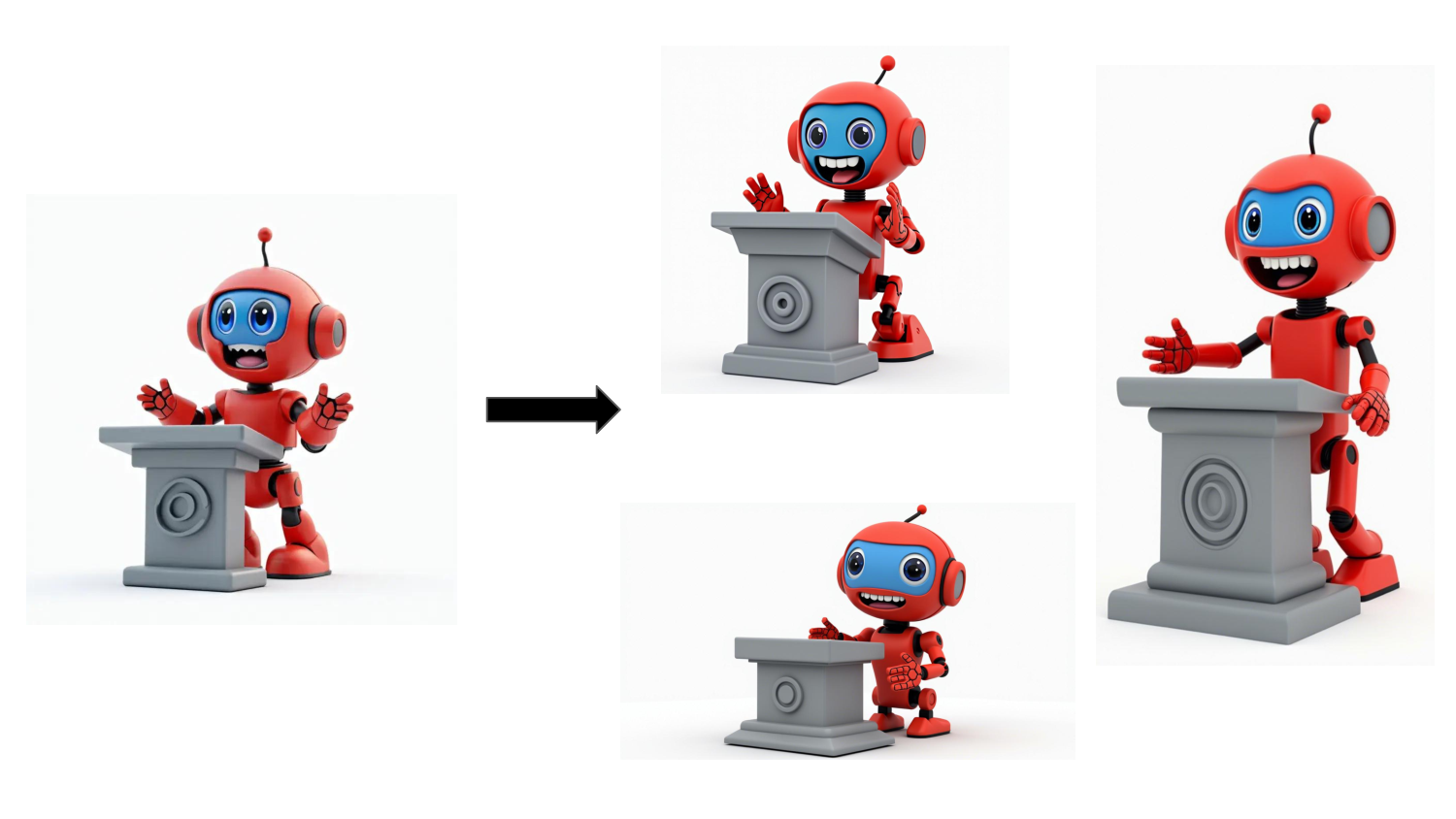
Run FLUX Redux in ComfyUI to make image variants without any prompt: load flux1-redux-dev and sigclip vision, blend styles from several images, then follow the official workflow.

ByteDance USO ComfyUI Workflow Guide, Image Style Transfer and Subject Identity Preservation Image Generation
Unified Style and Subject-Driven Generation with ByteDance's USO model
Comments
Sign in with GitHub to join the discussion.