Conditioning Set Timestep Range
Learn about the Conditioning Set Timestep Range node in ComfyUI, which adjusts the temporal aspect of conditioning by setting a specific range of timesteps, allowing for more targeted and efficient generation.
 ## Documentation
- Class name: `ConditioningSetTimestepRange`
- Category: `advanced/conditioning`
- Output node: `False`
## Documentation
- Class name: `ConditioningSetTimestepRange`
- Category: `advanced/conditioning`
- Output node: `False`
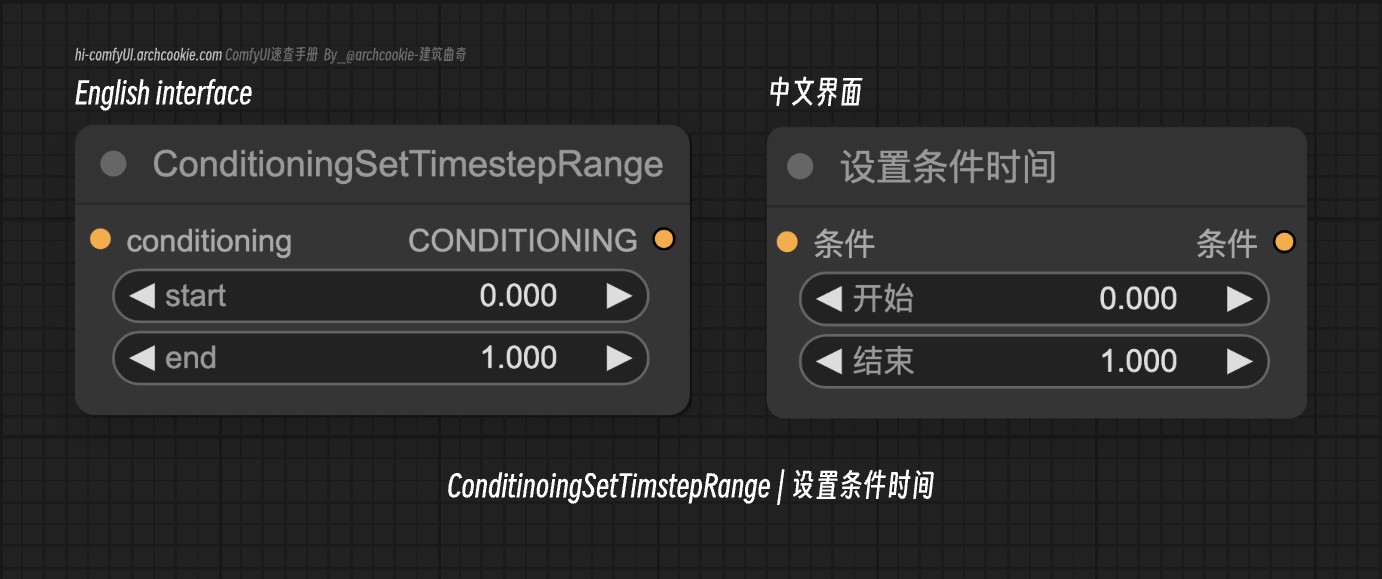
This node is designed to adjust the temporal aspect of conditioning by setting a specific range of timesteps. It allows for the precise control over the start and end points of the conditioning process, enabling more targeted and efficient generation.
ConditioningSetTimestepRange Input types
| Parameter | Comfy dtype | Description |
|---|---|---|
conditioning | CONDITIONING | The conditioning input represents the current state of the generation process, which this node modifies by setting a specific range of timesteps. |
start | FLOAT | The start parameter specifies the beginning of the timestep range as a percentage of the total generation process, allowing for fine-tuned control over when the conditioning effects begin. |
end | FLOAT | The end parameter defines the endpoint of the timestep range as a percentage, enabling precise control over the duration and conclusion of the conditioning effects. |
ConditioningSetTimestepRange Output types
| Parameter | Comfy dtype | Description |
|---|---|---|
conditioning | CONDITIONING | The output is the modified conditioning with the specified timestep range applied, ready for further processing or generation. |