MiniMax-H3-Image: 16 MP Text-to-Image and Editing in ComfyUI
MiniMax open-sourced H3-Image: one 33B checkpoint for 16 MP text-to-image and multi-reference editing, 6 steps at CFG 1, native in ComfyUI.
MiniMax-H3-Image is MiniMax's open-weight image model, published on 2026-11-10. One checkpoint generates text-to-image and edits up to 16 reference images, at about 16 megapixels, in 6 steps with no CFG. Native ComfyUI support merged the same day (PR 17655) and ships with official T2I and Edit templates.

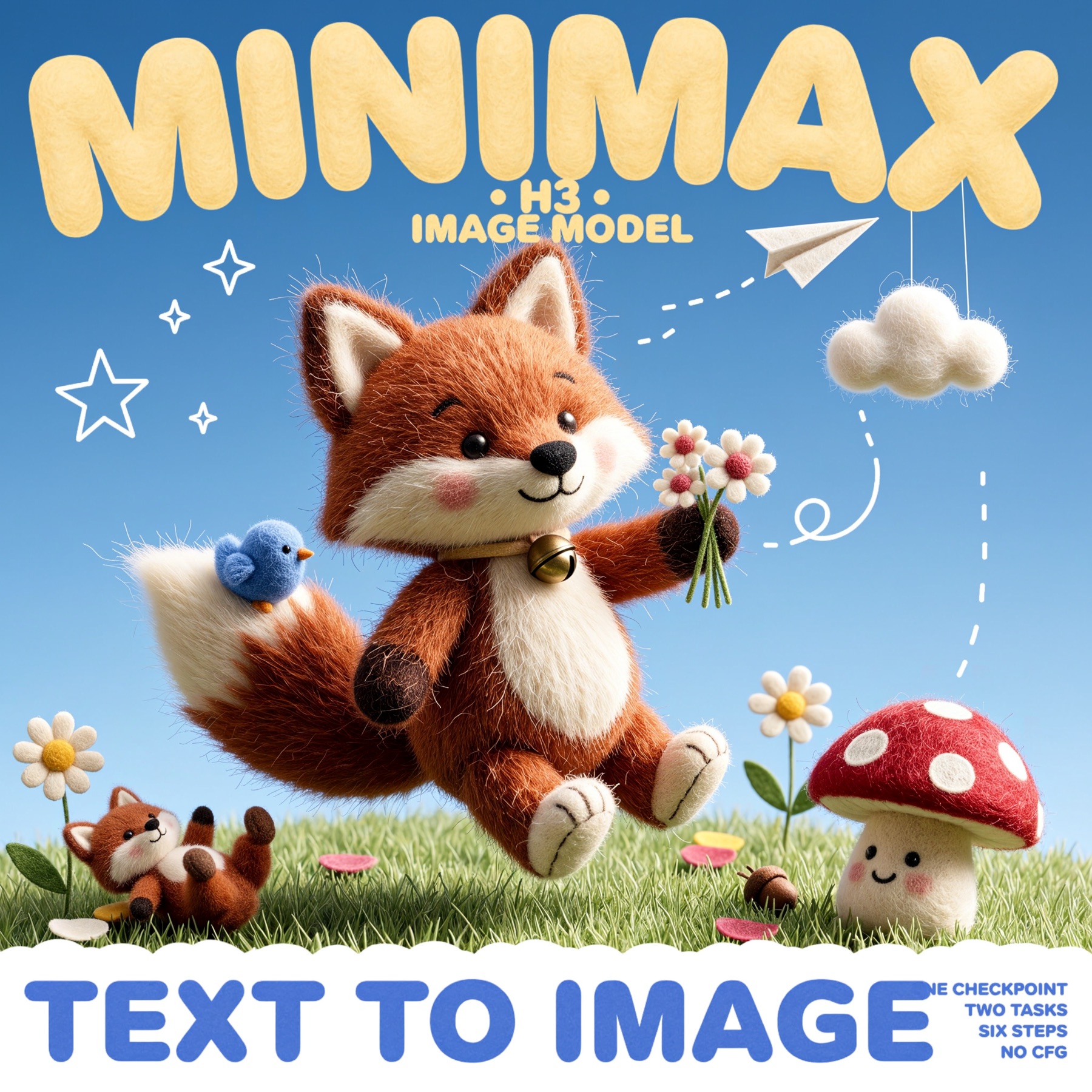
Fifteen text-to-image results at 16 MP. Source: MiniMaxAI/MiniMax-H3-Image
What it does
| Output size | 4096x4096 (1:1) up to 6272x2688 (21:9), roughly 16 MP, no upscaler |
| Sampling | 6 steps, CFG 1, no negative prompt |
| Editing | same checkpoint, up to 16 reference images per run |
| Backbone | 33.1B DiT (H3 architecture without the audio layers) |
| Text encoder | Qwen3-VL-32B, layer 50 hidden states |
| VAE | new image VAE, 16x downsampling, 24 latent channels |
The model expects a long English description of the finished picture. MiniMax's hosted H3-Image-Context-IR rewrites short prompts into that form; offline you can run it with the optional MiniMax-H3-Image-PE prompt expander, or use the 9B Qwen3.5 expander wired into the official ComfyUI template.

Photo-style output. Source: MiniMaxAI/MiniMax-H3-Image
Edit with reference images
Editing is the same checkpoint: pass images with MiniMaxH3ImageConditioning and refer to them as Picture 1, Picture 2 in the prompt. The 16-image limit covers cases like furnishing an empty room from nine product shots, or turning a painted game map into a first-person view.
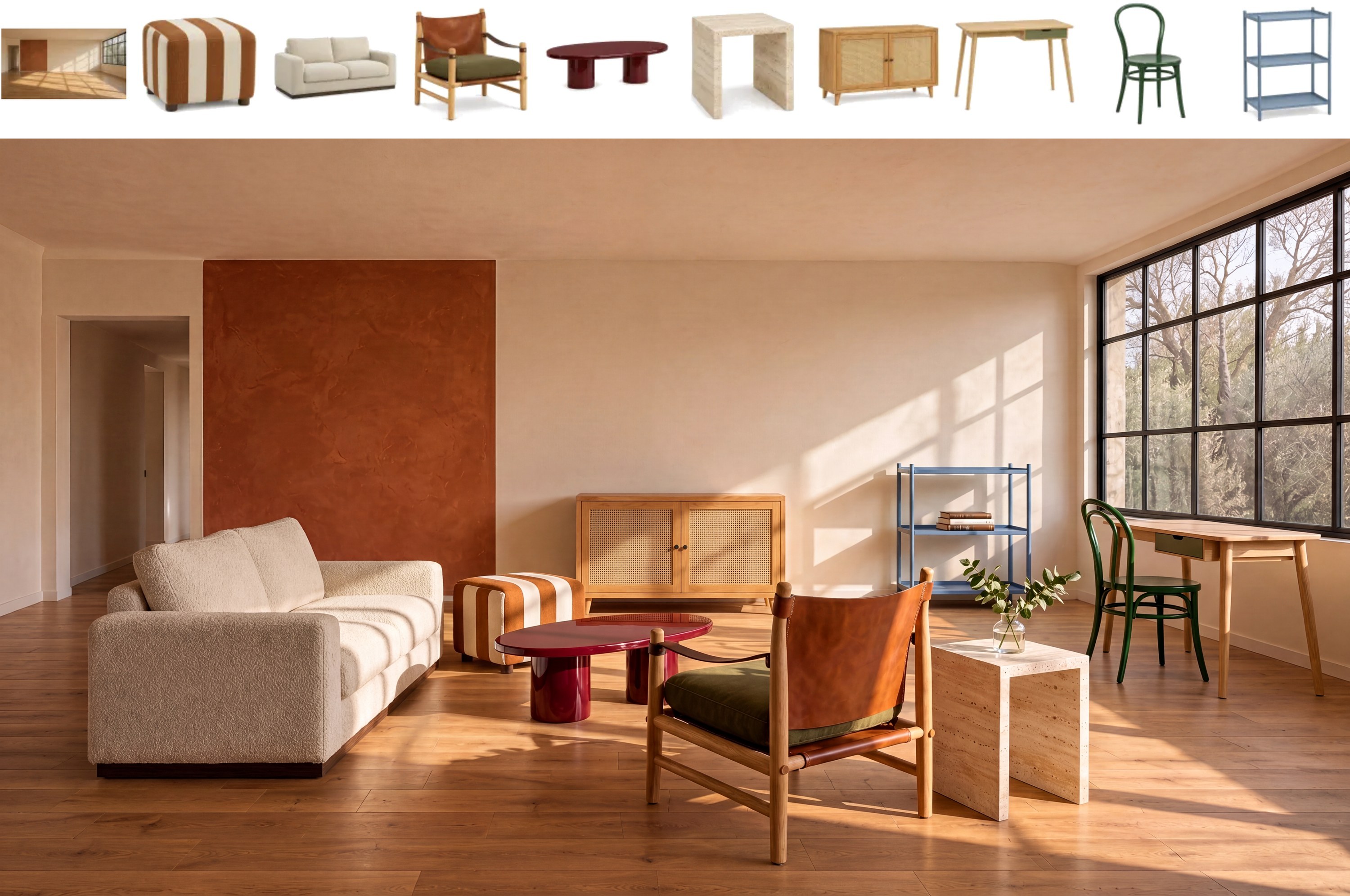
Ten references: nine pieces of furniture plus an empty room. Source: MiniMaxAI/MiniMax-H3-Image
Run it in ComfyUI
-
Update ComfyUI to v0.45.0 or newer (tagged 2026-11-10). The node is
MiniMax H3 Image Conditioning; the T2I and Edit templates are already in the template browser. -
Download the Comfy-Org repack from Comfy-Org/MiniMax-H3-Image:
File Folder Size minimax_h3_image_pruned_int8_convrot.safetensorsdiffusion_models21.0 GB minimax_h3_image_pruned_w4a8.safetensorsdiffusion_models12.5 GB minimax_h3_image_pruned_bf16.safetensorsdiffusion_models40.2 GB qwen3vl_32b_minimax_h3_int8_convrot.safetensorstext_encoders27.1 GB qwen3vl_32b_minimax_h3_nvfp4_awq.safetensorstext_encoders15.7 GB qwen3.5_9b_w4a8_gptq.safetensorstext_encoders7.3 GB minimax_h3_image_vae_fp16.safetensorsvae1.2 GB The
qwen3.5_9bfile is only for prompt expansion throughGenerate Text, and the Edit template uses it by default. -
Load a template and set the sampler to 6 steps, CFG 1. Raise the resolution before you spend a queue: the template starts at 4 MP to stay inside smaller cards, and results below the 4 MP floor get soft.
Both JSONs are the official workflow_templates files, unmodified.
The T2I template: prompt expander, MiniMax H3 Image Conditioning, 6-step KSampler at CFG 1.
Notes
- Best around 16 MP. MiniMax puts the working range at 4 to 20 MP; common 16 MP sizes are 4096x4096, 5472x3072 and 6272x2688.
- Text is a first-class target. Instruction following is the headline claim, and the puzzle-board samples below are the model writing its own layout and labels.
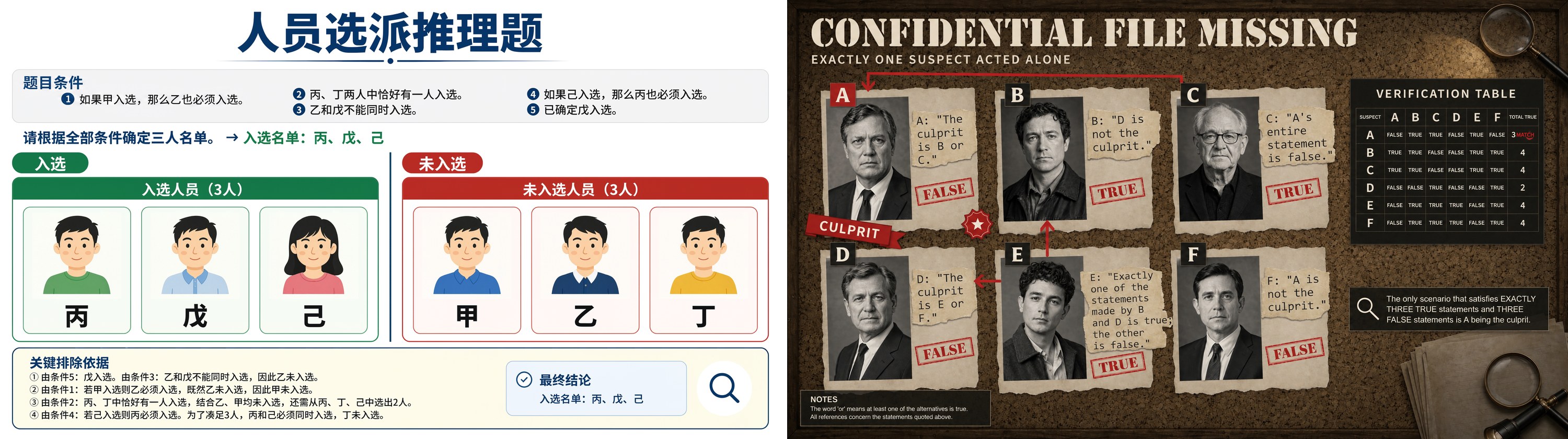
Text-heavy boards, generated rather than composed. Source: MiniMaxAI/MiniMax-H3-Image
Resources
- MiniMaxAI/MiniMax-H3-Image (weights and examples)
- Comfy-Org/MiniMax-H3-Image (ComfyUI repack)
- MiniMaxAI/MiniMax-H3-Image-PE (optional prompt expander)
- Official ComfyUI tutorial
- Model page
Comments
Sign in with GitHub to join the discussion.