H3 Temporal Windows and Spatial Tiles Render Long V2V in ComfyUI
A ComfyUI node pack that renders long, high-resolution MiniMax H3 video-to-video as overlapping windows and spatial tiles, with two example workflows.
comfyui-minimax-h3-temporal-window-spatial-tiles (v1.4.0, 2026-11-11).
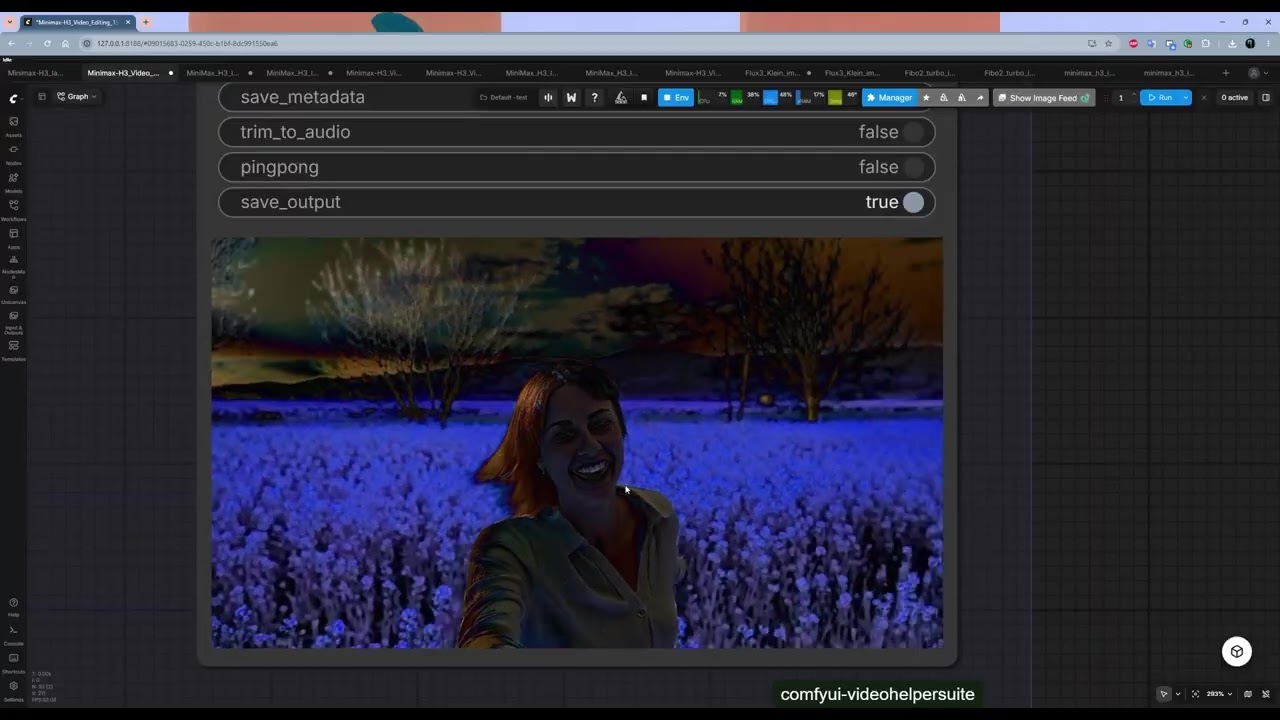
A frame from the author's demo video for the pack.
H3 samples in short passes, so a long shot means one pass per chunk and motion drifts at every hand-off. This pack keeps the source clip in charge: every window continues from finished frames of the window before it, and every tile reads its own crop of that same footage.
It needs native MiniMax H3 support in ComfyUI (v0.35.0 or newer) and no extra dependencies. With one window and tiling off, the output is bit-identical to the stock workflow, which is a handy way to check the install.
The two settings that matter
| Setting | What to use |
|---|---|
window_frames | Frames per window on H3's 17k+5 grid. 124 is 5.2 s, 175 is 7.3 s. |
overlap_frames | Frames shared by neighbouring windows. 22 is the default; raise to 39 if a join shows. |
carry_overlap | Leave on. Each window starts from the previous window's finished overlap frames, video and audio together. |
spatial_tiles | Off by default. Needs a reference video, otherwise a full-denoise pass repeats the subject in every tile. |
tile_overlap | 192 px or more. Wider bands hide seams between tiles. |
tile_carry | sync (default since v1.3.0): all tiles step together and agree on the picture, so fast motion no longer ghosts across a seam. |
Tiles land around 1 MP each (960x544 is the author's example), so a 2.5 MP shot is a few tiles per window rather than one oversized pass.
The plate input
Reference to Video always shrinks a reference clip to roughly 768p. Above about 1 MP, or in a second refine pass, tiles then follow a soft downscaled copy. Connect the same clip at full resolution to the optional plate input and each tile gets its own sharp crop instead.
That costs time: at plate_scale 1.0 the author measured 1330 s against 812 s for the same run without a plate. Dropping plate_scale to 0.5 recovers most of it and still beats the plain reference.
Example workflows
Both are in the repo's example_workflows folder and under Workflow → Browse Templates once installed. They rely on a few other node packs, which ComfyUI Manager's Install Missing Custom Nodes resolves.
Two more nodes ship with the pack: Long Generation does long text-to-video and image-to-video with a per-window prompt timeline, and v1.4.0 added Multi Guide, which collects up to 16 image or audio guides in one node instead of a chain of Add Guide nodes.
Where it still shows
Motion can hesitate for a frame or two where windows hand over, and flat areas such as sky or walls can differ slightly between tiles. The README also compares it with ComfyUI's built-in Context Windows node: blending every window at every step removes the hand-off moment, but in the author's side-by-side test gave a softer picture and a character whose look slowly changed.
The route the author recommends for big frames is the two-stage one shipped in the examples: generate around 1 MP, then upscale the latent and run the V2V node again with tiles on and low sigmas.
Comments
Sign in with GitHub to join the discussion.