MiniMax H3 Singularity V2: Wider Action Coverage, Audio Reference Fix
WarmBloodAban's MiniMax H3 Singularity V2 INT8 brings wider action coverage, tighter prompt following, a fixed audio reference path and stronger style rendering to ComfyUI.
Minimax-h3_Singularity_ref2va_v2_int8.safetensors was uploaded at 12:02 UTC, and the model card gained a V2 section later the same day. The repository sits at roughly 811 likes and 669,000 downloads at the time of writing.
Singularity is the community H3 fusion fine-tune covered earlier in MiniMax H3 Singularity: a merge of H3's ref, fl and b25-49 checkpoints that is deep fine-tuned and then pruned for three days to remove high-step training artifacts. V2 does not change that recipe or the four pipelines it serves (text-to-video, image-to-video, reference-to-video and video-to-video). It is the same model, retrained with a different set of fixes on top.
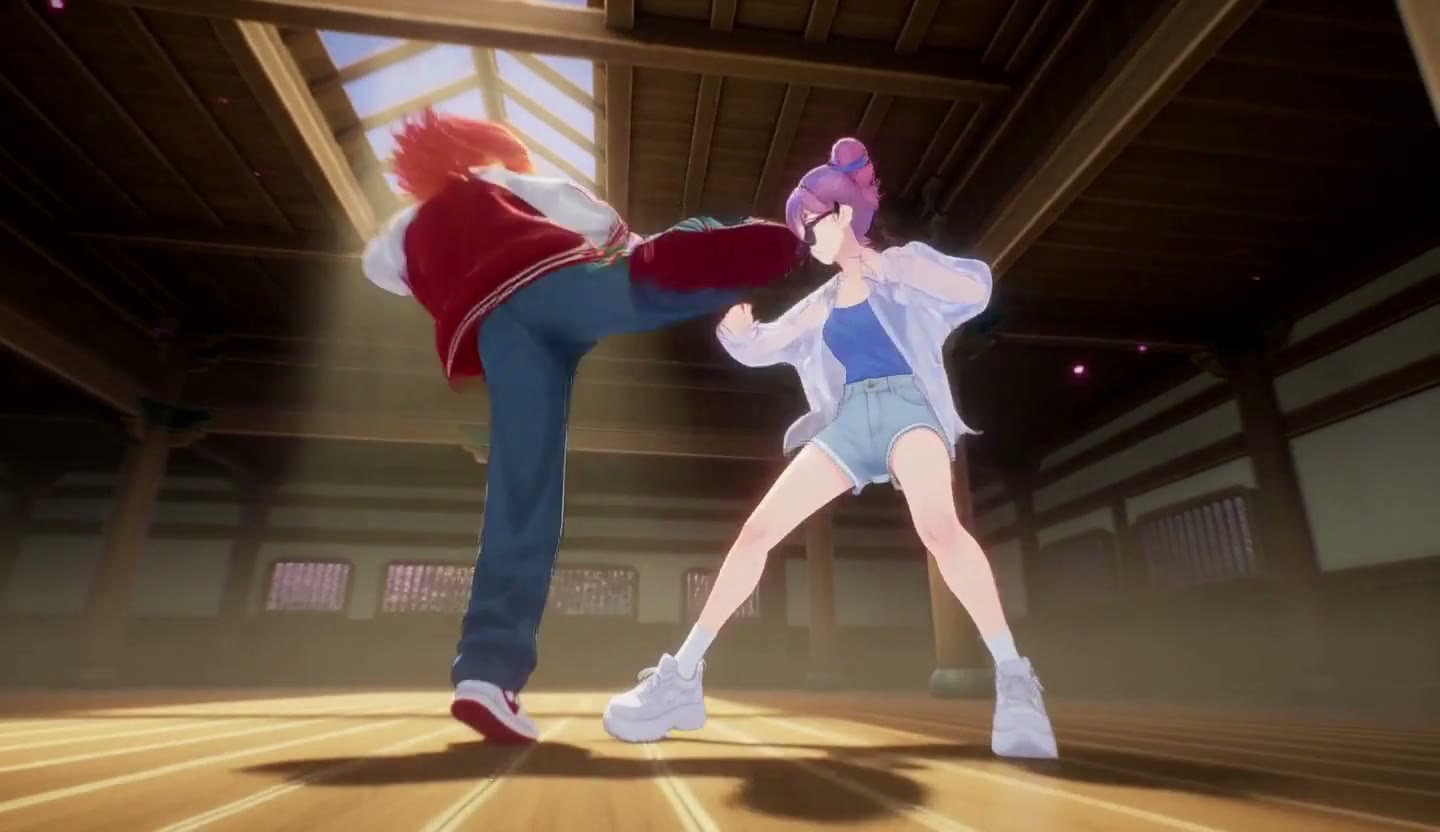
A frame from a showcase clip in the release repository.
What V2 changes
The model card lists four changes over V1, three of them quality fixes and one of them a functional bug fix.
| Area | V2 change |
|---|---|
| Action coverage | Trained further on top of V1 for a wider range of action scenes and more varied motion sequences |
| Prompt adherence | Closer following of subject, action, environment and style instructions, with prompts recommended to stay near 5,000 characters |
| Audio reference | The audio reference conditioning issue is fixed. An audio clip can now be used as a reference to adjust a character's color tone |
| Style rendering | Stronger results when the prompt names the target look: photorealistic, East Asian realism, 3D CG or cinematic CG |
The audio reference fix is the one change that alters what the model can do rather than how well it does it. In V1 the audio reference path did not condition correctly, so passing audio alongside a reference did little or produced off-target color; V2 states the path now works for tone adjustment. Everything else stays: HDR-oriented training against motion blur, distant face restoration in medium and long shots, reduced skin gloss, stronger melee and sword-fight motion, fantasy VFX, camera-move response and expression detail.
Prompting V2
The V2 guidance is to describe subject, action, environment, camera movement and intended style in one consistent instruction, and to skip repetition and conflicting style words. The card also gives keyword sets per look:
| Visual style | Keywords to include |
|---|---|
| Photorealistic | photorealistic, natural lighting, realistic textures |
| East Asian realism | East Asian realism, realistic East Asian aesthetics, natural lighting |
| 3D CG | 3D CG, detailed materials, stylized 3D rendering |
| Cinematic CG | cinematic CG, cinematic lighting, film-quality rendering |
The 5,000-character figure is described as a ceiling rather than a target, so a short, well-structured prompt is the intended default for action shots.
A showcase clip from the repository, 1440×832 with audio.
Another repository showcase clip. The cover image is a frame from this one.
A showcase clip whose file name marks an audio reference pass, the path V2 repairs.
Files and setup
V2 ships as a single INT8 checkpoint in the same slot as the stock H3 INT8 weights:
| File | Size | Notes |
|---|---|---|
Minimax-h3_Singularity_ref2va_v2_int8.safetensors | 31.7 GB | The V2 release |
Minimax-h3_Singularity_ref2va_v1.3_Pruned_w4a8.safetensors | 11.0 GB | V1.3 pruned 4-bit build, unchanged |
Minimax-h3_Singularity_ref2va_Pruned_v1.3_int8.safetensors | 19.5 GB | V1.3 pruned INT8 build, unchanged |
The V2 upload is the full-size INT8 layout only: no pruned INT8 build and no 4-bit build exist for V2 yet, so cards that ran the 11 GB w4a8 file still have to fall back to the V1.3 checkpoint. The card keeps recommending minimax_h3_ref2v_turbo_4step_v0.1 as the acceleration LoRA for four-step inference.
The repository also carries MiniMax_H3_Singularity_Prompt_Writing_Specification_Enhanced_EN.md, a prompt-writing spec last updated in September that describes the prompt structure the fine-tune was trained to read.
Availability
Download the V2 checkpoint from the Hugging Face repository, place it in ComfyUI/models/diffusion_models/, and load it where a MiniMax H3 diffusion model goes. The model card links a RunningHub workflow for a browser-based test without a local GPU, and a community post on r/comfyui links a dual-sampling workflow built around V2.
Comments
Sign in with GitHub to join the discussion.