Fizgig v8: The LoRA Studio Becomes a Web App
Fizgig v8 rebuilds the LoRA and fine-tune studio as a web app: train from a browser or your phone, borrow another computer's GPU, and open RunPod pods in the same window.
Fizgig v8.0.0, released on October 14, converts the studio from a desktop app into a web app (GitHub | release notes | web UI guide). It opens in its own window like before or in any browser, and the same window now also reaches the GPUs of your other machines and of rented RunPod pods. Patches v8.0.1 and v8.0.2 followed the same day.
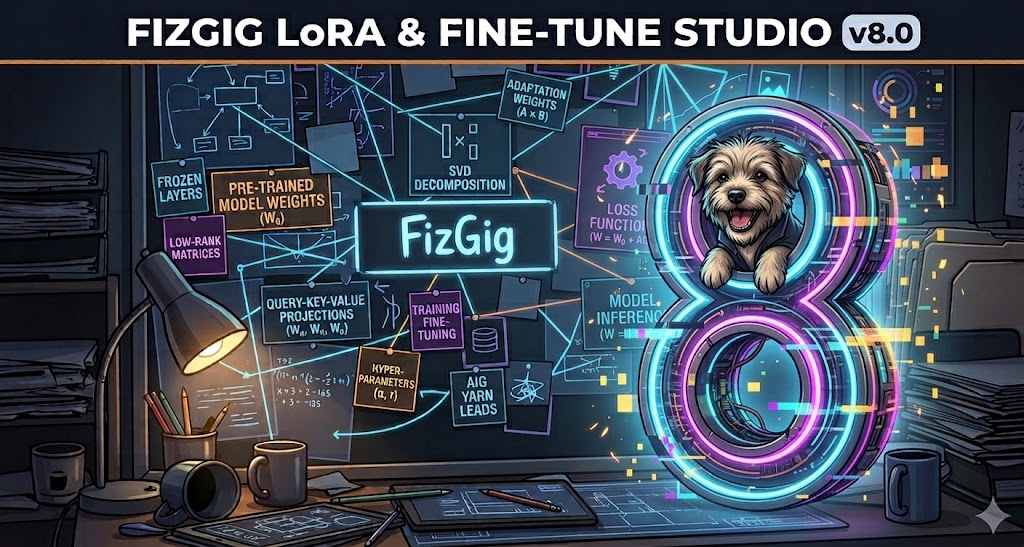
Fizgig: a train, fine-tune, repair and explore workbench for Flux 2 Klein 9B, Krea 2, MiniMax H3, Qwen Image 2.1, Z-Image Turbo, SDXL, Anima and ACE-Step 1.5 XL
The studio already trained LoRAs and fine-tunes for eight model families and shipped its own driver system, so the community can add more. Version 8 leaves the training engine alone and rewrites how you reach it: one app that follows you to another device instead of living on the machine with the card.
A web app, without giving up the desktop feel
Fizgig starts in its own window on the computer it is installed on, or in the browser if you prefer. Set a password in Preferences → Web UI and the app shows an address you can open on your phone or another computer on the network, so a run started at the desk can be watched from elsewhere. Live loss, previews and time left are all in that view.
The new Runs & outputs tab keeps every run with its loss curve and its files, on both the old and the new app. For models with the loss watch there are per-image loss charts, and a caption can be fixed straight from a chart while the run continues: the trainer re-encodes that image at the next epoch.
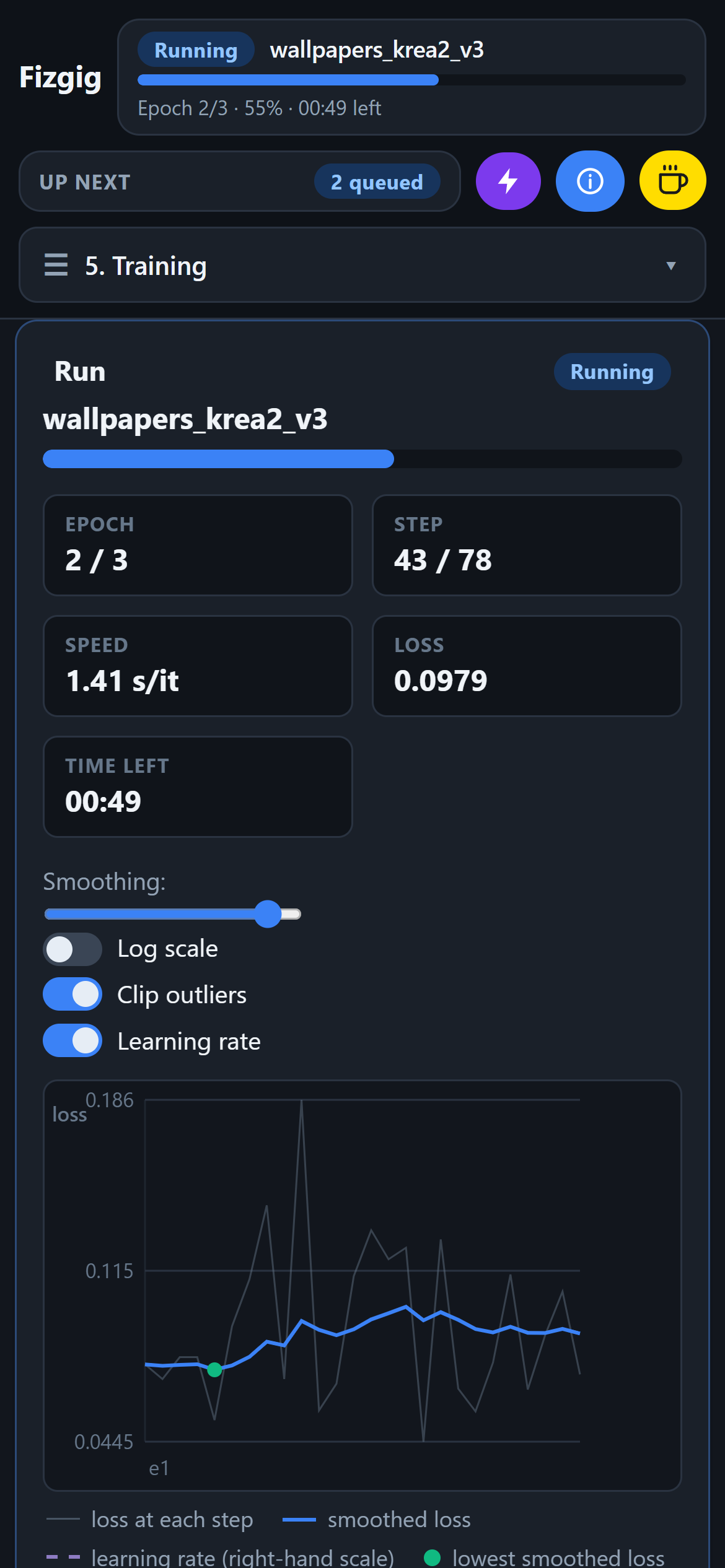
The same run, watched from a phone browser while training continues on the host machine.
Your other computers appear by themselves
The Pods tab lists Fizgig installs found on the local network with their name and GPU, marked "On your network". Opening one uses it as if it were a pod, so a laptop can drive the desktop's 5090. While that machine trains, its row says what it is training and how many runs are queued behind it.
A training folder can be sent from one computer to another from the Start tab, captions included, and a Windows firewall helper ("Allow on my network") opens the port with one administrator prompt.
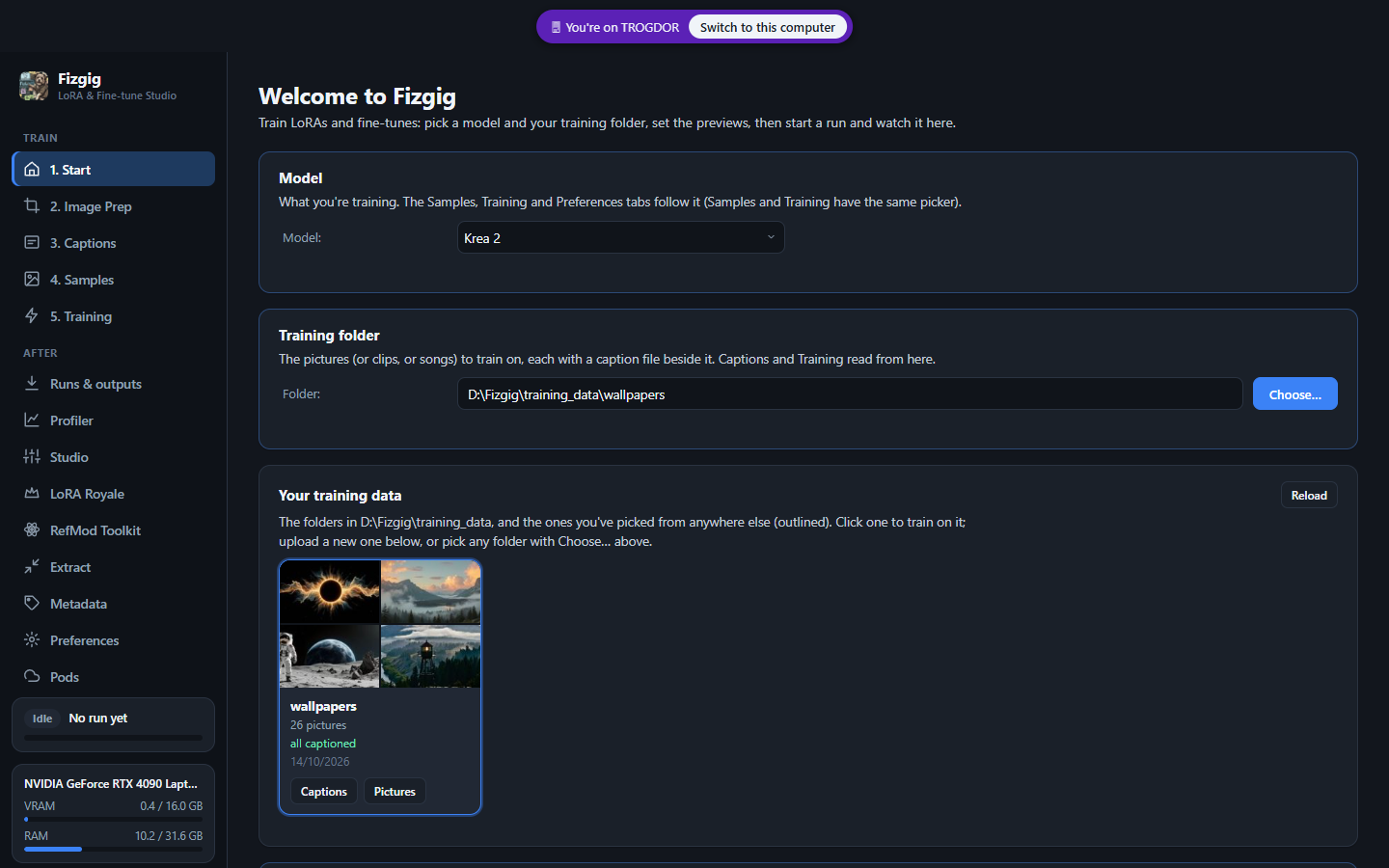
Fizgig on a laptop driving a desktop on the same network, opened from the Pods tab.
RunPod moves into the same window
RunPod support is no longer a separate remote desktop. The pod now runs the app itself, so a rented pod is opened by its HTTP port and logged in with its password, and closing the browser tab does not stop training. Existing pods keep working with the classic v7.x template, and both templates share the same /workspace, so a volume carries its models, datasets, LoRAs, settings and past runs across.
With a RunPod API key the Pods tab lists the free cards right now, filtered by memory, cloud and price and ranked by what a run would cost on each, and can deploy from there. The app reads the pod password from the RunPod settings each time, so a pod whose template sets FIZGIG_PASSWORD opens already logged in, and a login lasts 30 days per device. A finished run can also stop its own pod, with a two-minute countdown you can cancel.
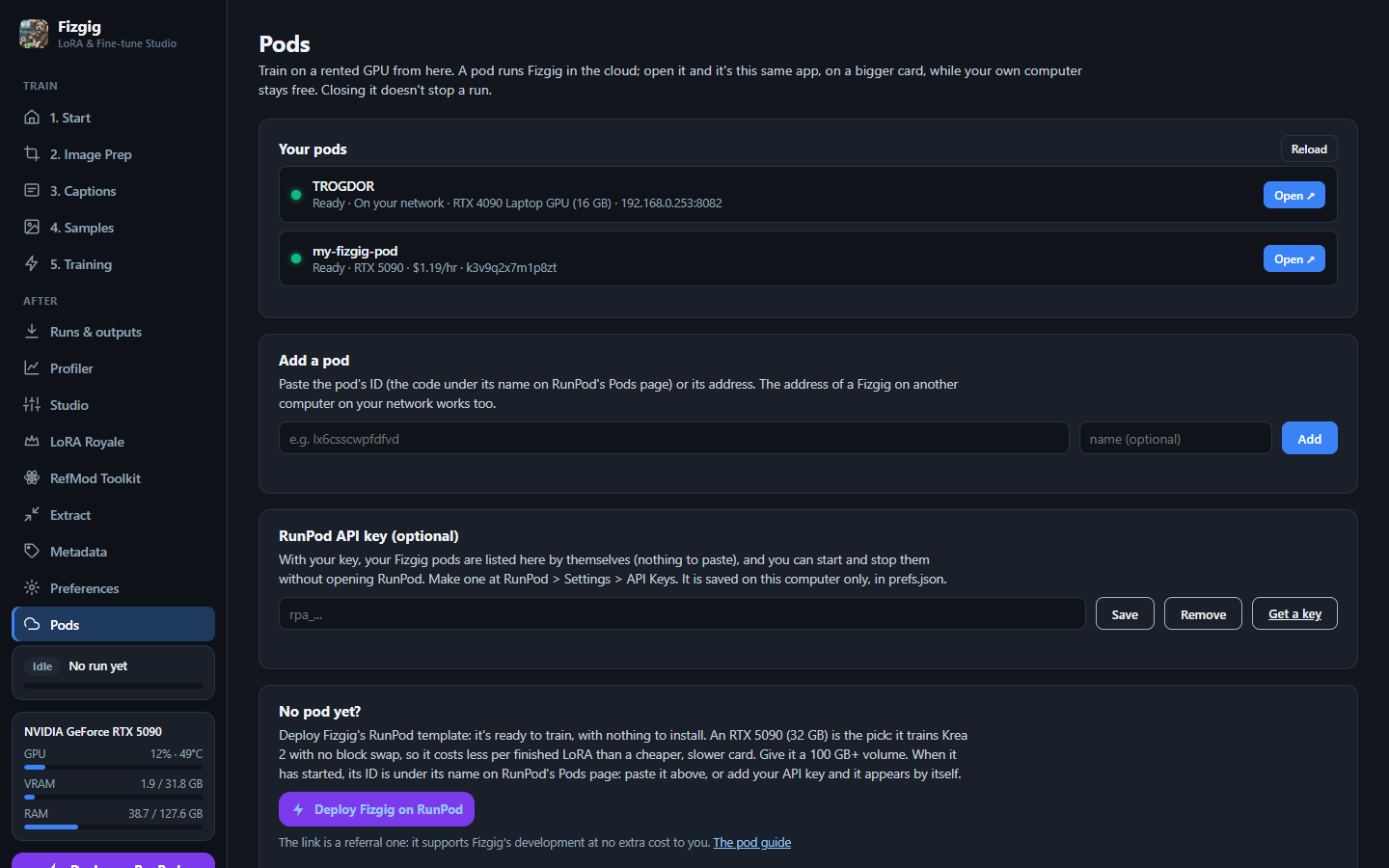
The Pods tab: machines on your network and rented RunPod pods in one list, with the queue for each.
What else is new in the app
- RefMod Toolkit (MiniMax H3): test RefMods and ReFLoRAs before ComfyUI, with and without them on the same seed, one-setting sweeps, curve presets, numbered references, the exact ComfyUI node values, and Bake or Save as ReFLoRA.
- Extract from a fine-tune: the Extract tab turns a full fine-tune into ordinary LoRAs, one per rank you tick, in a single pass. It replaces the separate Checkpoint to LoRA app.
- Metadata: read and edit any
.safetensorsfile's metadata and thumbnail. Saving rewrites only the header, so even a large checkpoint saves in seconds. - Studio (the renamed Repair Studio) gains a No-LoRA pane, crop adjust for H3 frames, epoch and LoRA mixes, Model EQ, metrics, and setups you can save and load. ACE-Step songs get one full-width player that compares Baseline, Tweaked and No LoRA from the same moment, with loop handles, scrubbing and block activity that glows as the song plays.
- Resume at a new size: change Target Megapixels while a run is paused and Resume carries on at the new size, caching the pictures again and keeping what still fits.
- The queue stays in sight: an "Up next" panel sits under the run in the sidebar on every tab, and a held queue turns amber with the reason and a Start queue button.
- A samples gallery with likeness scoring against three photos of a subject, image sizes listed under thumbnails in the captions view, and a file picker that reaches every drive.
- Gizmo gets the new look, an Open Fizgig button and entry from the Image Prep tab.
Updating
Existing installs update in place, and the update migrates your settings, presets, downloaded models and queued runs into a single user_data folder, which is also what makes an install portable. Launchers were renamed: run_fizgig.bat is now Launch Fizgig.bat, with browser, AMD and Gizmo variants beside it. The old desktop app is gone; everything it did is in the new app, except LoRA the Explorer and Diff to LoRA, whose jobs are covered by Studio's "I'm feeling lucky" and Extract's "From a fine-tune".
.safetensors LoRAs that drop straight into ComfyUI/models/loras/.
Comments
Sign in with GitHub to join the discussion.