HEISS UI: A Local Front End That Runs ComfyUI Without the Graph
HEISS UI is an open-source local front end for ComfyUI: a prompt box and gallery over 28 model families, with missing files one click away and no node graph to wire.
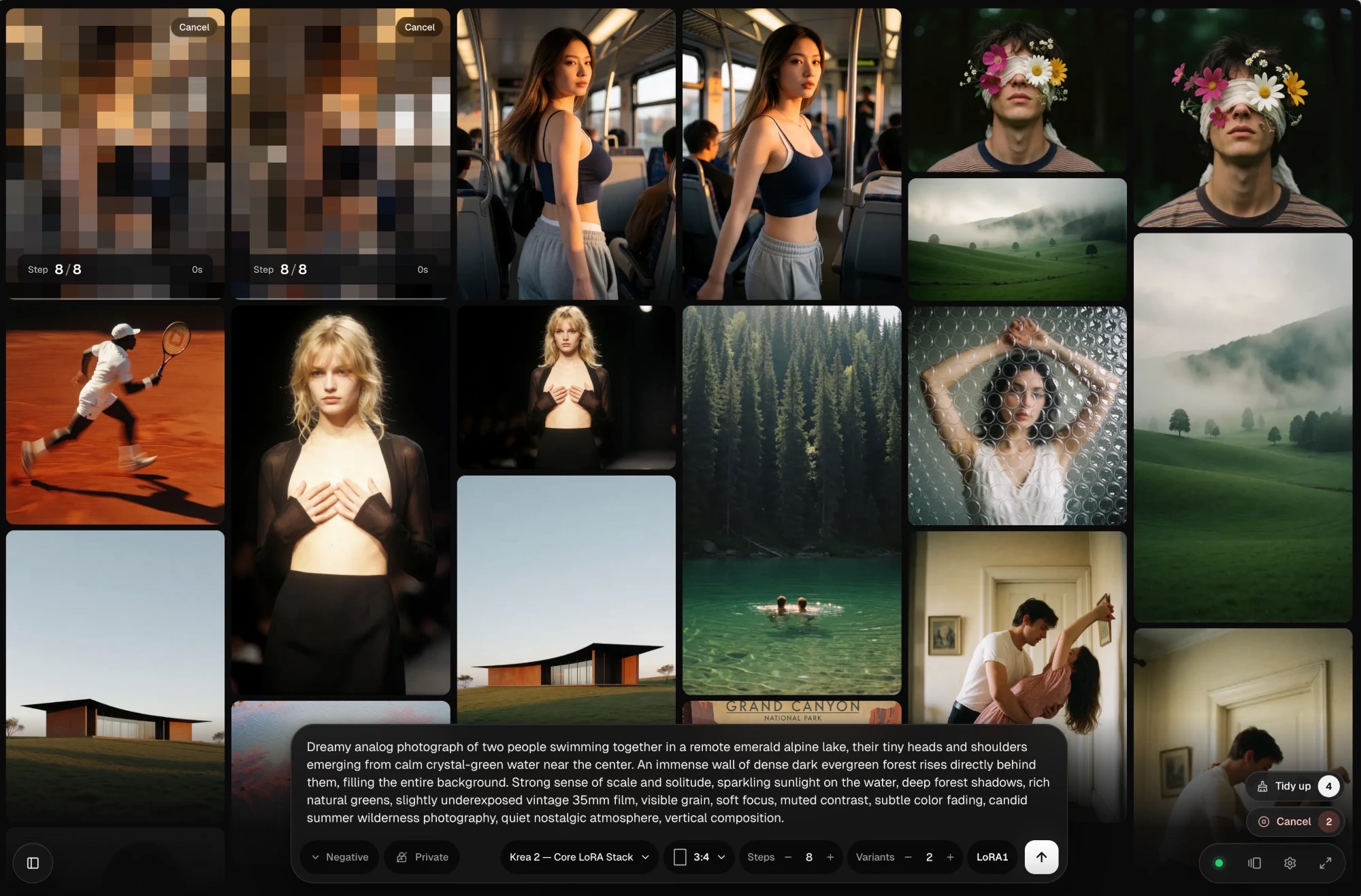
A masonry gallery of generated photographs with two tiles still resolving as pixel mosaics, and the prompt composer floating at the bottom.
Prompt, wait, look, tweak
The node graph is where workflows get built; HEISS UI is for the loop afterwards. You pick a model from a menu, write a prompt, and results land in a gallery you can search, star and hide. LoRA stacks, live previews, video previews and recent prompts sit next to the composer, and Zen mode strips the interface down to the prompt and the picture.
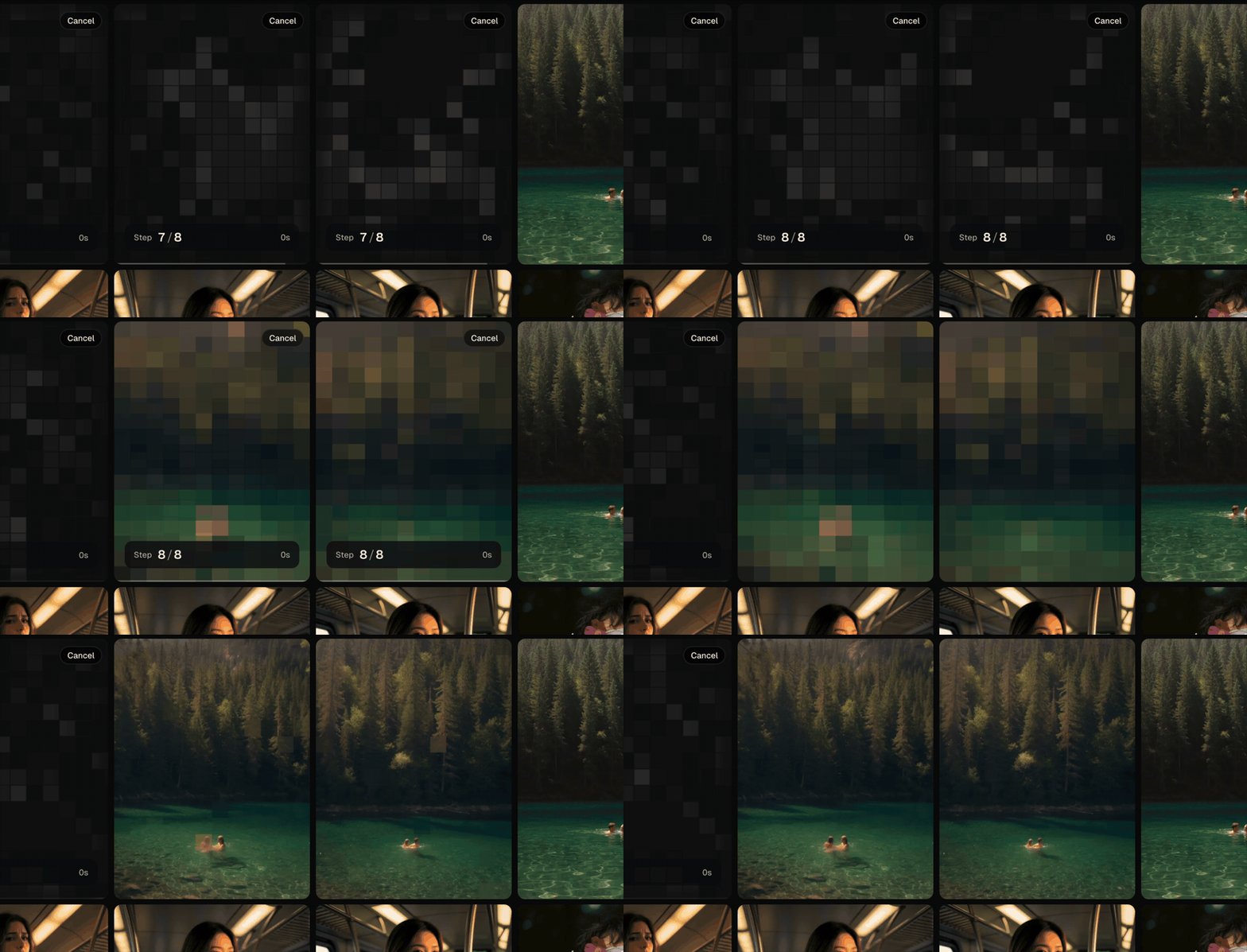
Two generations resolving live, from step previews to the finished photographs.
Because takes pile up fast, auto-grouping folds pictures from similar prompts, including ones you tweak along the way, into a single stack with a count in the corner. Sliding the pointer along the bottom of a tile flips through the stack, and unstacking puts them back. It moves no files, and the button next to gallery search turns it off.
Reference handling is split by model type: FLUX.2 Klein 4B, Klein 9B and Dev and Qwen-Image 2.1 edit from a reference image, while everything else takes a start image with a Change from the reference slider for how far the result may drift. Every reference slot can be painted on directly, which is how inpainting is entered.
28 model families
Image families cover Krea 2, Anima, Z-Image, FLUX.2 (Dev, Klein 4B and Klein 9B), SDXL including NoobAI, Illustrious and Pony, Pony V7, Chroma, Qwen-Image and Qwen-Image 2.1, Ideogram 4, MageFlow, ERNIE-Image, Lumina Image 2.0, Sana, HiDream I1, SD 3.5, FLUX.1, SD 2.x and SD 1.5. Video is beta and covers MiniMax H3, HunyuanVideo 1.5, Wan 2.2 at 5B and 14B, and Wan 2.1, with text-to-video and image-to-video where the model offers both.
Each family carries its makers' recommended sampler, scheduler, steps and guidance, and a renamed file is still recognised. GGUF works; formats that need their own loader nodes, such as Nunchaku and NF4, do not. Anything outside the list runs as an imported workflow instead.
Inpainting and upscale
Inpainting shipped in v0.17.0 and is in beta, on by default, and needs no extra nodes: paint over part of a reference or start image, say what it becomes, and only that region is redrawn while the rest keeps its pixels. Inpaint strength and Edge softness sit under the image, and 18 of the 21 image families can inpaint. It does not cover Ideogram 4, MageFlow, Sana, video or imported workflows, and there is no outpainting or layer stack.

A reference dropped into the prompt bar, the brush opening the inpaint studio over the gallery, and a stroke painted over the part to change.
Smart upscale uses SeedVR2 and is part of the run rather than a second step: pick None, 2K or 4K next to the size menu and the render continues into the upscale, so you can close the page and still get the finished file. Anything already in the gallery upscales from its tile, with a Fast / Balanced / High effort setting and an optional face-detail pass that calls for the Impact Pack nodes. If a tier needs models or nodes you do not have, picking it offers to install them with the sizes shown first.
Bring your own workflow
The built-in families cover the everyday loop; anything custom comes in as a graph. Export a workflow from ComfyUI, in API format or as a normal file, and drop it on the Workflow Gallery. The usual inputs are wired for you and only those change, everything else runs as exported, and the import review marks what it guessed, warns about nodes that execute code, touch files or go online, and points at the right folder for a missing model file.
Missing parts, one click
The setup step that usually means hunting for a text encoder, a VAE and a custom node pack is a list here. Pick a family and it shows what is still missing, with a download button per part and Get all for the whole set. Nothing downloads until you press the button, and an unrecognised file can be typed manually under Settings.
On your phone and on the LAN
ComfyUI and HEISS UI keep running on the desktop; other devices on the network only need a browser. Turning on Open on other devices in Settings and setting a studio password publishes the studio at the machine's LAN address, where laptops and tablets get the full layout and phones get a one-thumb version: a single Describe… pill for the prompt, reference, workflow, shape, image count and upscale, a brush that opens the inpaint studio for a finger, and a share sheet from long-press. Renders still happen on the PC, and hidden images stay behind Touch ID, Windows Hello or the password.
Getting started
Download the zip for Windows, macOS on Apple silicon or Linux x64 from the latest release, unpack it and start the launcher; Node.js and the packages are inside, and the studio opens in the browser at localhost:8787. ComfyUI on the same machine connects on its own at 127.0.0.1:8188, or on ComfyUI Desktop's port 8000, and anything else is set under Settings. Building from source needs Node.js 20.9 or newer.
Availability
HEISS UI is at github.com/tristmeister/HEISS-UI with a documentation site at heiss-ui.vercel.app, and it is built on J-AI Studio by Jasper. Version 0.17.0 landed on 2026-10-09; the project has been releasing roughly weekly since it appeared in late September, so the feature list is still moving.
Comments
Sign in with GitHub to join the discussion.