Qwen-Image 2.1 Turbo: 8 Steps Instead of 40 in ComfyUI
Alibaba's official Qwen-Image 2.1 Turbo takes the 7B generator and editor from 40 denoising steps to 8 at CFG 1, with BF16, INT8 and LoRA weights repackaged for ComfyUI.
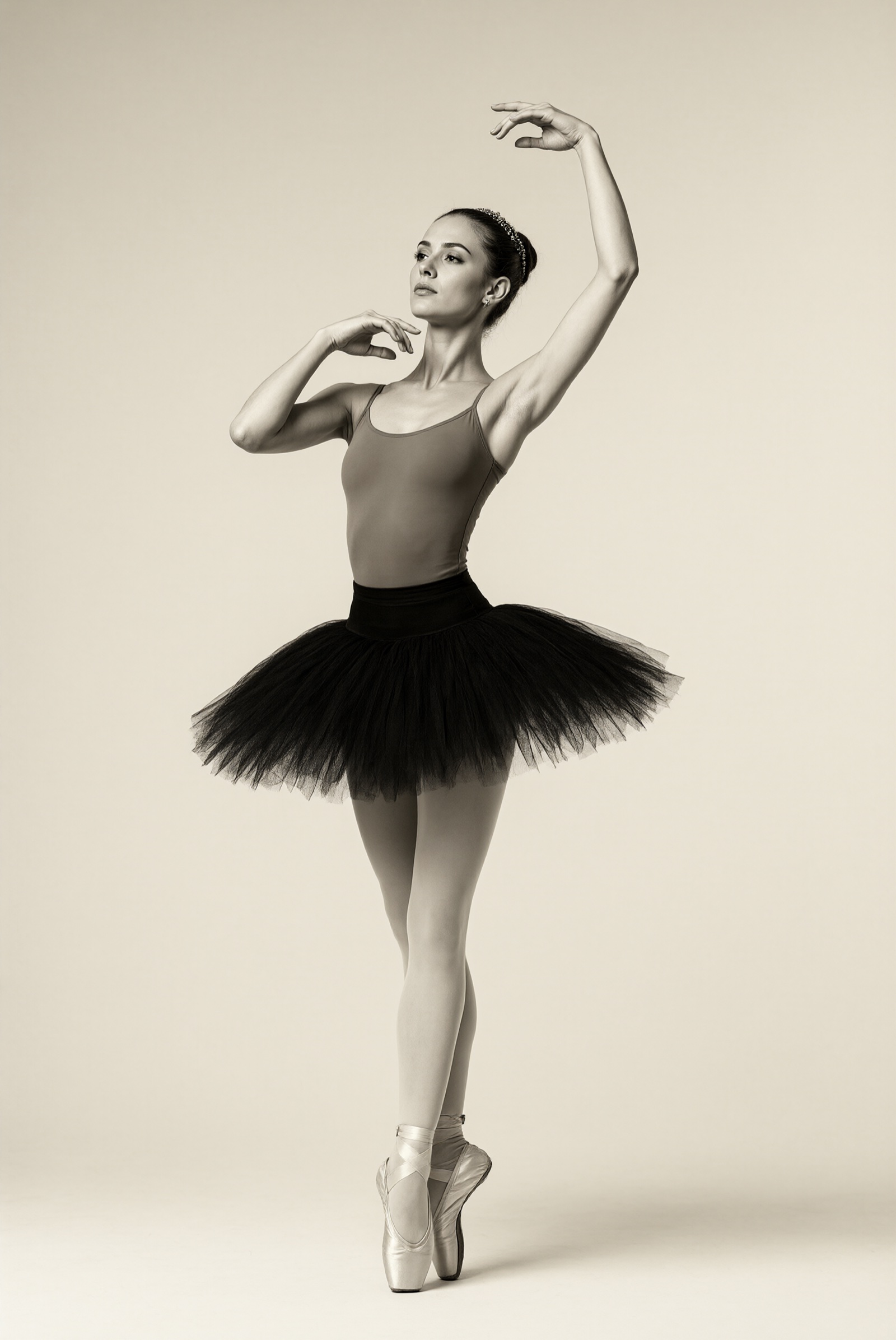
Human poses and motion, one of the 8-step categories in Alibaba's own Turbo showcase.
What the Turbo checkpoint changes
Turbo is not a new architecture. It is a second checkpoint of Qwen-Image 2.1 with its sampling schedule baked in, so the same transformer weights serve generation, instruction editing, RGBA transparency and subject extraction as before. The differences that matter when you wire it up:
- 8 denoising steps instead of 40. The recommended 8-step schedule ships inside the checkpoint. The model card is explicit that passing
num_inference_stepson its own does not override it, and that other schedules have not been evaluated for this checkpoint. - CFG 1 by default. Classifier-free guidance is off, so each step runs a single forward pass.
- Prefix KV caching reuses the text and reference-image context across denoising steps, which the pipeline enables with
use_kv_cache=True. - Same resolution presets as the base model, from 2048x2048 (1:1) up to 2752x1536 (16:9) and the matching portrait ratios.
- Diffusers-based for now. It loads with
QwenImage21Pipeline, and needs a diffusers build that supports pipeline-configured sampling sigmas.
The saved schedule is 1.0, 0.978453, 0.95418, 0.926626, 0.89508, 0.845148, 0.704534, 0.414568, ending on an empty 0 step. In the Banodoco #qwen-image channel, Kijai noted it sits close to ComfyUI's linear_quadratic scheduler with no shift applied, and that he has not seen a fixed Euler schedule beat a stochastic sampler on turbo checkpoints in general.
Showcase
The model card groups its 8-step outputs by what people actually ask the model to do. Portrait photography and poster typography come out of the same checkpoint as the editing cases:
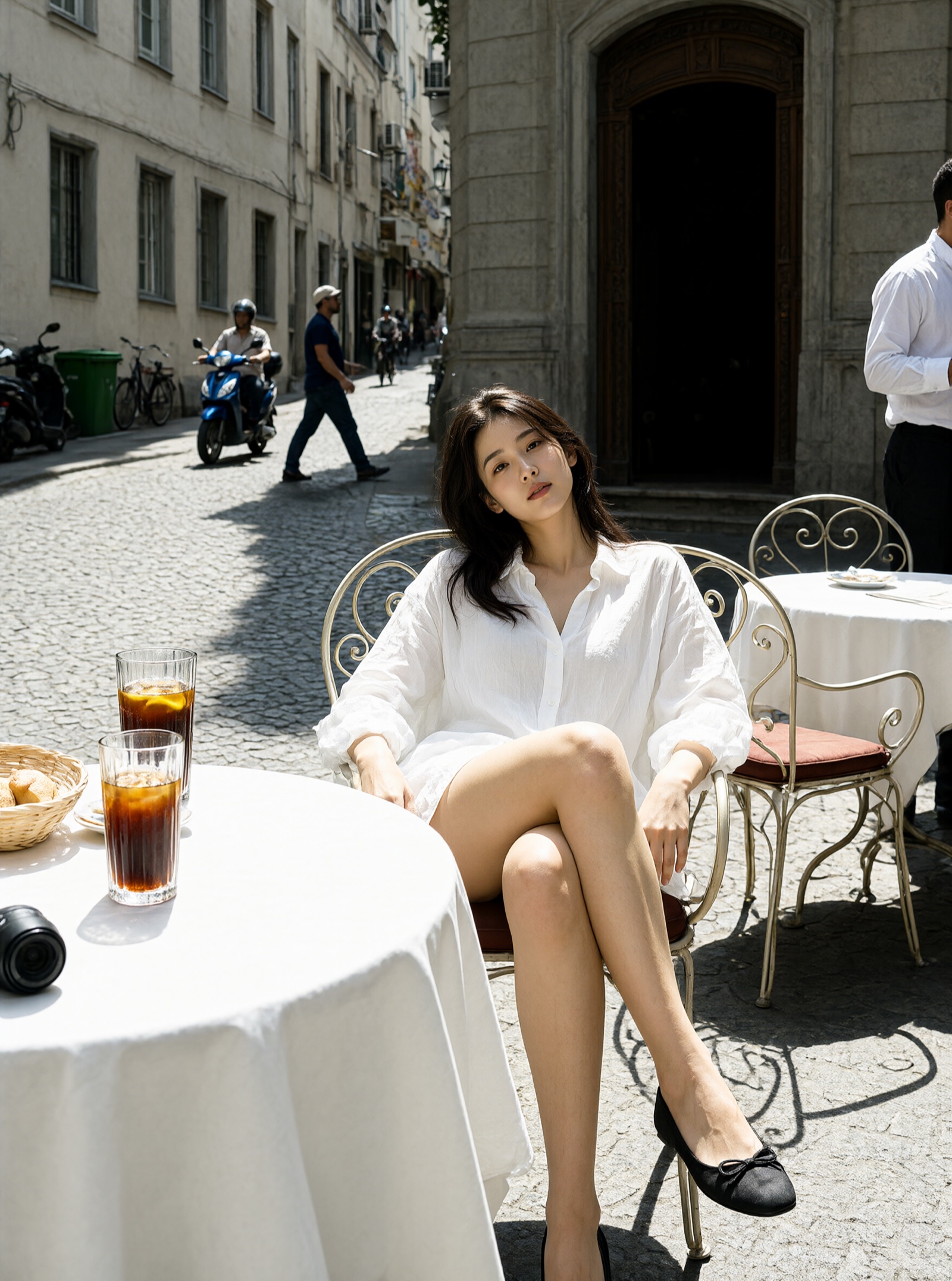
A portrait, generated in 8 steps at 1680x2512.
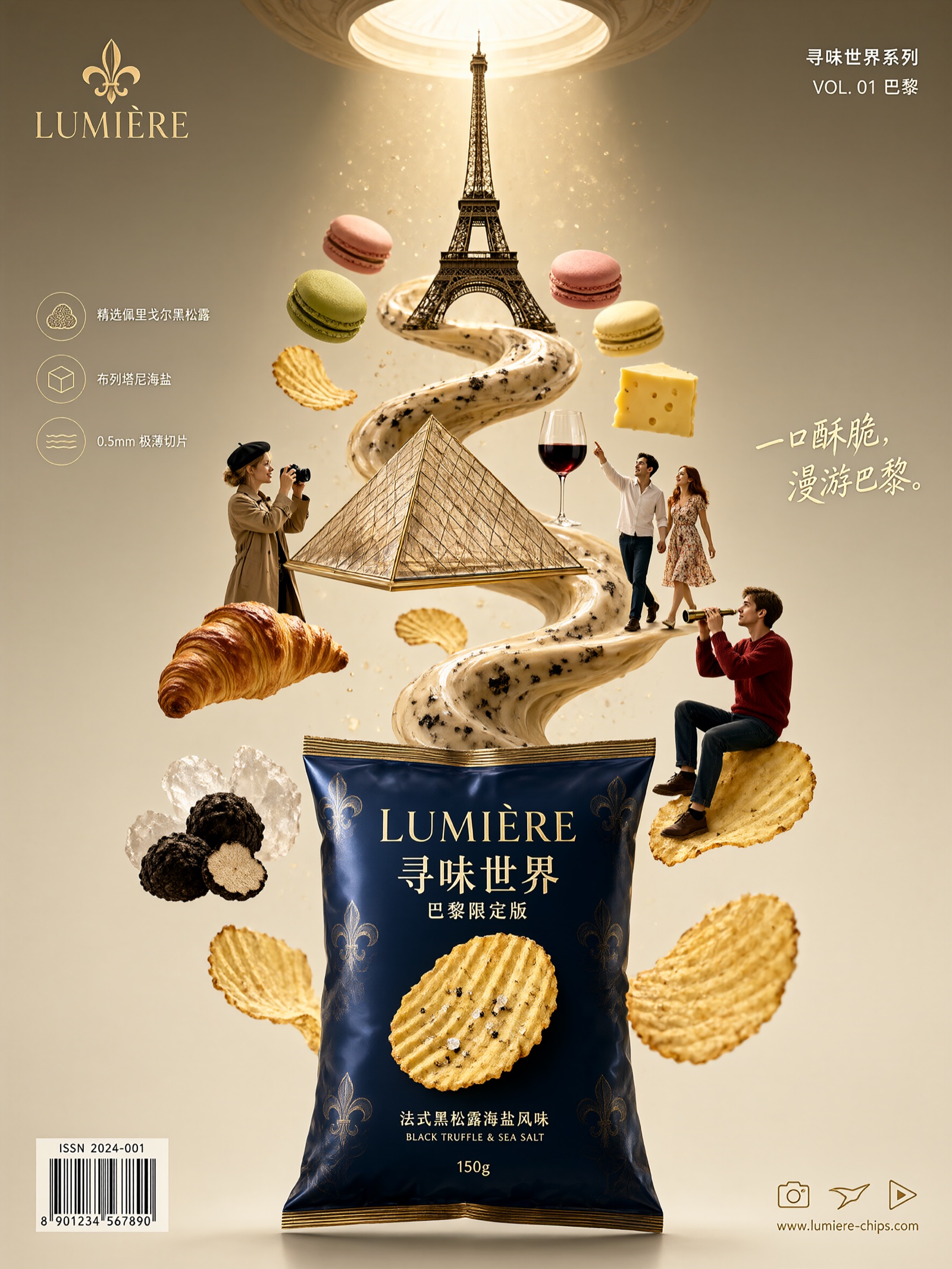
Typography and poster design, a category that used to need the full 40-step rollout.
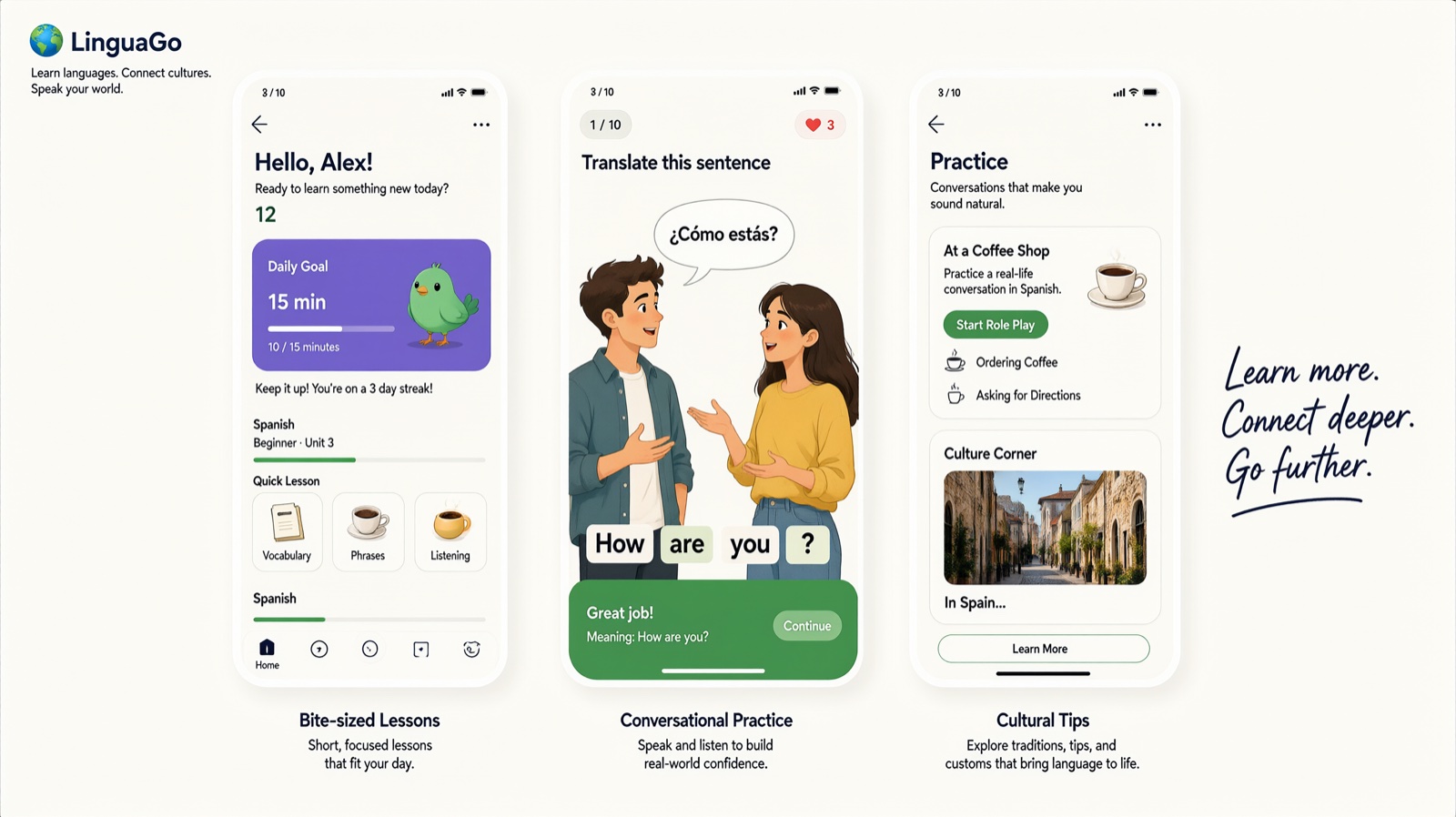
UI and information layout, one of the harder structured-output cases.
Transparency survives the acceleration: the alpha channel is written by the model, so stickers and product assets still come out ready to composite.
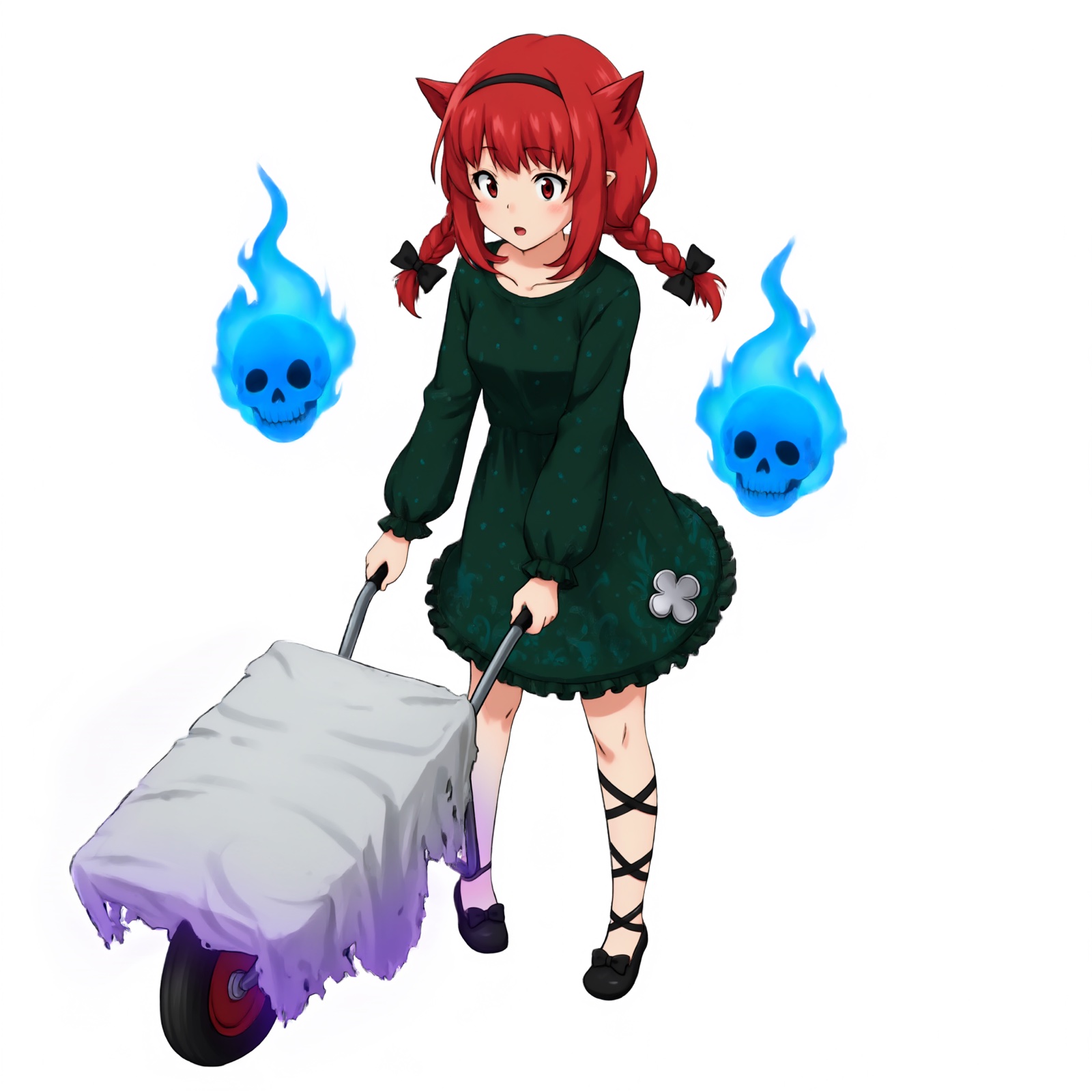
Transparent image generation with the Turbo checkpoint.
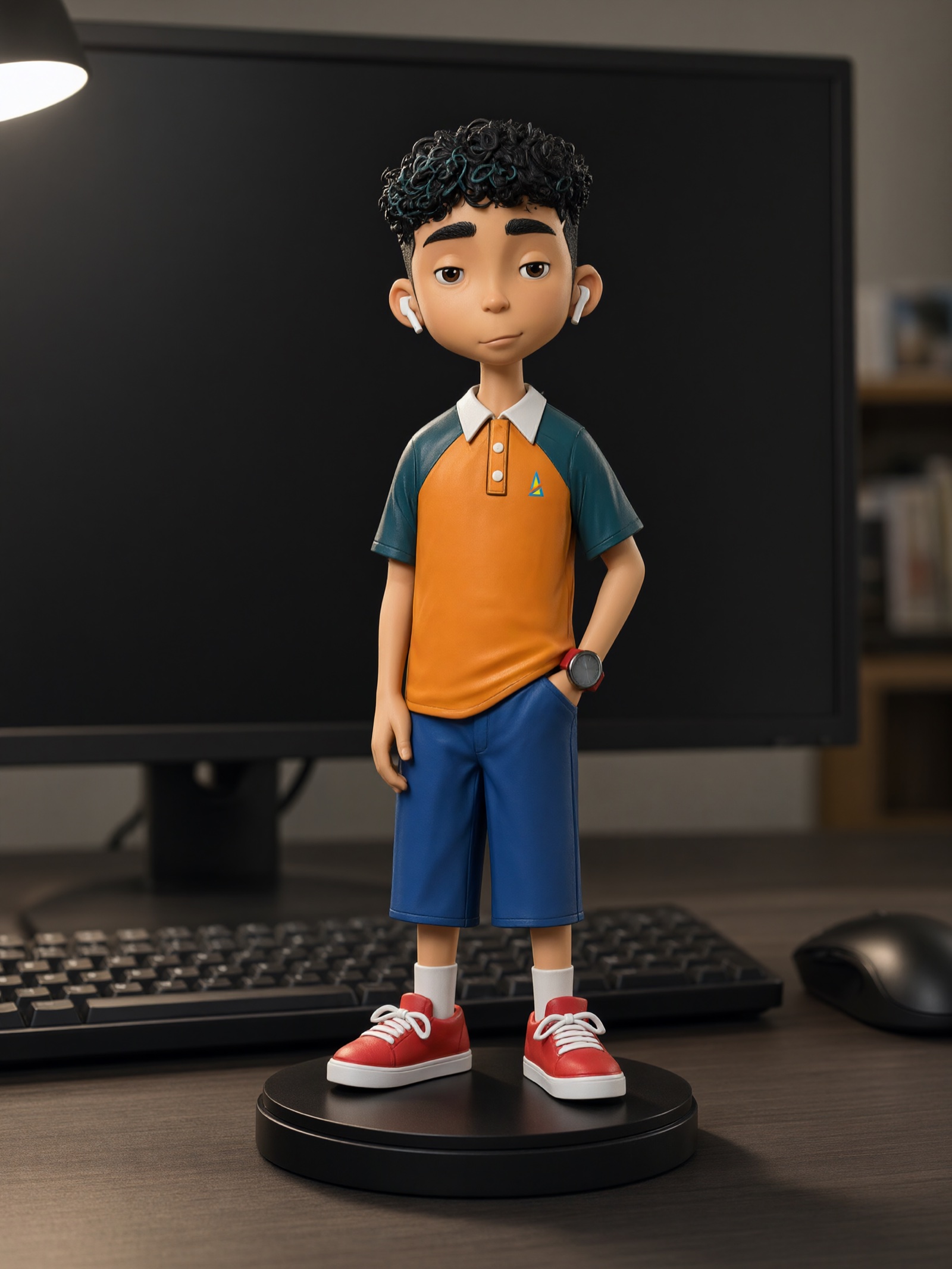
Editing works the same way as the base model, including single-image transformation:
 |  |
|---|---|
| Input reference | 8-step edit output (2048x2048) |
ComfyUI availability
Comfy-Org/Qwen-Image-2.1 added Turbo within hours of the release, in the same three forms as the base model:
diffusion_models/qwen_image_2.1_turbo_bf16.safetensors, the full 8-step checkpoint in BF16.diffusion_models/qwen_image_2.1_turbo_int8_convrot.safetensors, the INT8 convrot quantization for lower VRAM.loras/qwen_image_2.1_turbo_lora_avg_rank_178_bf16.safetensors, a LoRA extraction of the same distillation that you load on top of the base transformer instead of swapping checkpoints.
The text encoder and VAE are shared with Qwen-Image 2.1, so a setup that already runs the base model only needs the new transformer or LoRA. The Turbo weights drop into the existing official Qwen-Image 2.1 workflow: set the sampler to 8 steps and CFG 1, and pick either the turbo diffusion model or the base model plus the turbo LoRA.
Early reception
The release landed in #qwen-image the same day and was tested on the spot. RuneX reported that "the official turbo works great" and that it looked clearly better than at least one third-party Turbo LoRA on the same prompt. Corza compared the shipped sigmas against a custom Euler schedule and found the difference minor, mostly some extra sharpening and skin detail when LoRAs or LoKRs are stacked on top, which is the same oversmoothing problem reported for stacked adapters on the base model. Kijai was unimpressed by a community node claiming better turbo results, noting that on flow-matching models ComfyUI's Euler sampler already is flow-match Euler, so such nodes are mostly changing sigmas.
Comments
Sign in with GitHub to join the discussion.