Comfy Agent: Build ComfyUI Workflows With AI on Your Canvas
Comfy Agent plans, builds, runs and debugs ComfyUI workflows on the canvas itself, with reusable skills and up to 5 parallel chats. Live on Comfy Cloud now.
Describe what you want and Comfy Agent plans the workflow, drops the nodes onto the canvas, wires them together, runs the graph and iterates when something breaks. It works on the canvas you already have open rather than handing back a JSON file to import, so the graph stays visible and editable while it builds.
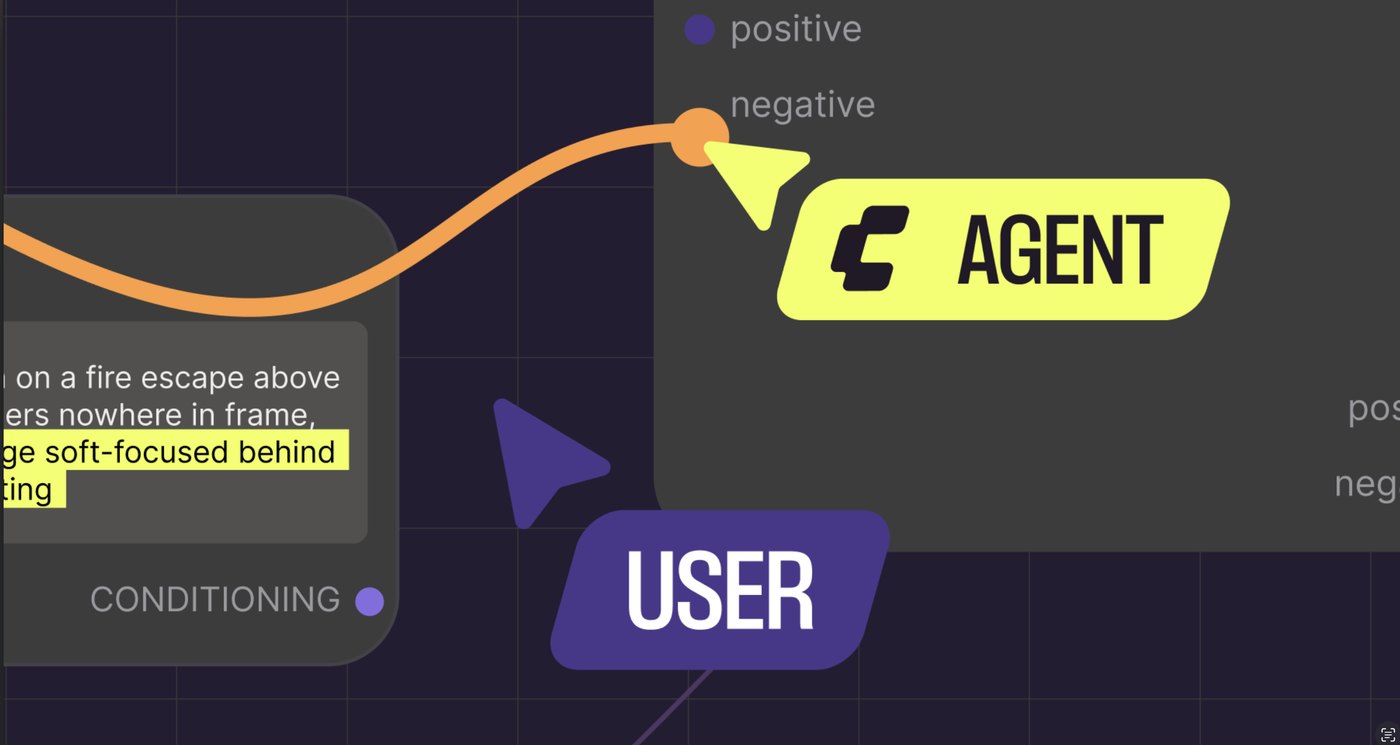
Comfy Agent works inside the ComfyUI canvas, next to the workflow you are editing.
Vibe crafting: the agent builds the graph in place while the workflow stays open and editable.
What it does
- Builds and edits workflows: picks nodes, places them, connects them and can restructure an existing graph.
- Runs generations with your permission, then reviews the output. In auto mode it runs and iterates on its own until the result is ready.
- Explains and debugs: open any workflow and the agent reads the whole graph, explains what it does, points at slow parts and traces errors.
- Carries curated knowledge for model recommendations and node selection.
- Understands assets visually: it sees the images and files you see, and you can reference a node, an asset from the library or another workflow in the chat.
- Uses skills: create and save your own for repeated tasks, or pick up public preset skills.
Two of you on one canvas
The agent edits the canvas while you do, without either side locking the other out. You can drag an asset from the library, mention a node by name, or watch the graph assemble and move things around as it goes. Every node and parameter stays where it was: nothing is hidden behind the agent, and you can open any node to check its values.
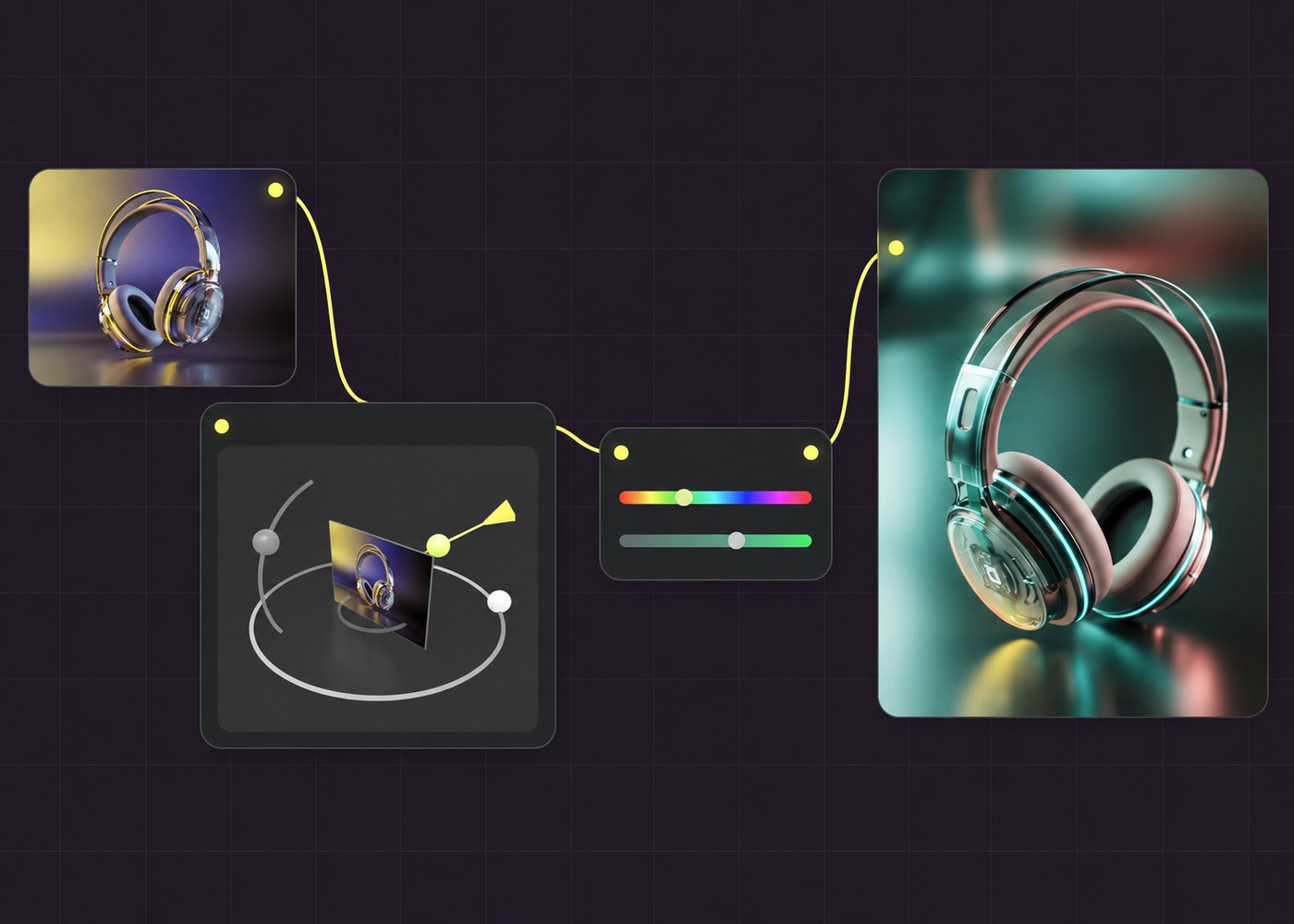
From a product photo to a set of ad variants: the agent builds the pipeline on the canvas while the artist keeps working.
Skills, chats and history
Up to 5 agent chats can run in parallel, each with its own full history. Skills are reusable instructions you write once and call again, and the product page lists them as a way to package the things you do over and over.
Agent, MCP or your own agent
Comfy already ships an MCP server that lets an outside agent drive ComfyUI. The product page draws the line between the two:
| Comfy Agent | Comfy MCP | |
|---|---|---|
| What it is | The agent built into the Comfy app. Chat and build on the canvas together. | Curated knowledge and native tools to operate ComfyUI. Your own agent, connected to ComfyUI. |
| Best for | Beginners through advanced builders who want to watch the agent build and edit in real time. | People who already work in another agent. |
| Runs on | Comfy Cloud GPUs now, local GPUs later. | Comfy Cloud GPUs, or your local GPU. |
| Custom nodes | Cloud-supported nodes on Cloud. Any local node when local support lands. | Cloud-supported on Cloud, any node on local. |
What powers it
Comfy says the agent runs on frontier models by Anthropic, with the option to switch LLMs on the way. What the model does not get on its own, the agent adds: the full context of your workflow, your errors and ComfyUI itself. Local LLM support is on the roadmap, and Comfy notes that ComfyUI can manage memory for the image, video and language models at the same time.
New accounts get some free chats to try it, and after that the agent draws on the Comfy Credits already used on Cloud. See the pricing page for plans.
What's next
- Local ComfyUI support: the same agent running on your GPU, your models and your custom nodes, walking through setup and picking models that fit your hardware.
- Agent-built custom nodes: the agent assembling customized editing tools for you.
- More model options, better public skills and knowledge, and more external integrations.
Getting started
Log in at cloud.comfy.org, open the Agent panel and claim the free chats. Open one of your saved workflows first, then ask the agent to explain it, change it or run it on new images.
Comments
Sign in with GitHub to join the discussion.