ComfyUI-Continuity 3.2: Casts and Seam Control for MiniMax H3
ComfyUI-Continuity 3.2 puts MiniMax H3, LTX 2.5 and five still families behind one node: managed casts, per-family RefMods, segment control and a selectable seam handoff.
@, and press Render. This update is about the parts that make a piece rather than a clip: a cast that survives across shots, saved reference modules, per-segment control, and a seam setting you choose.
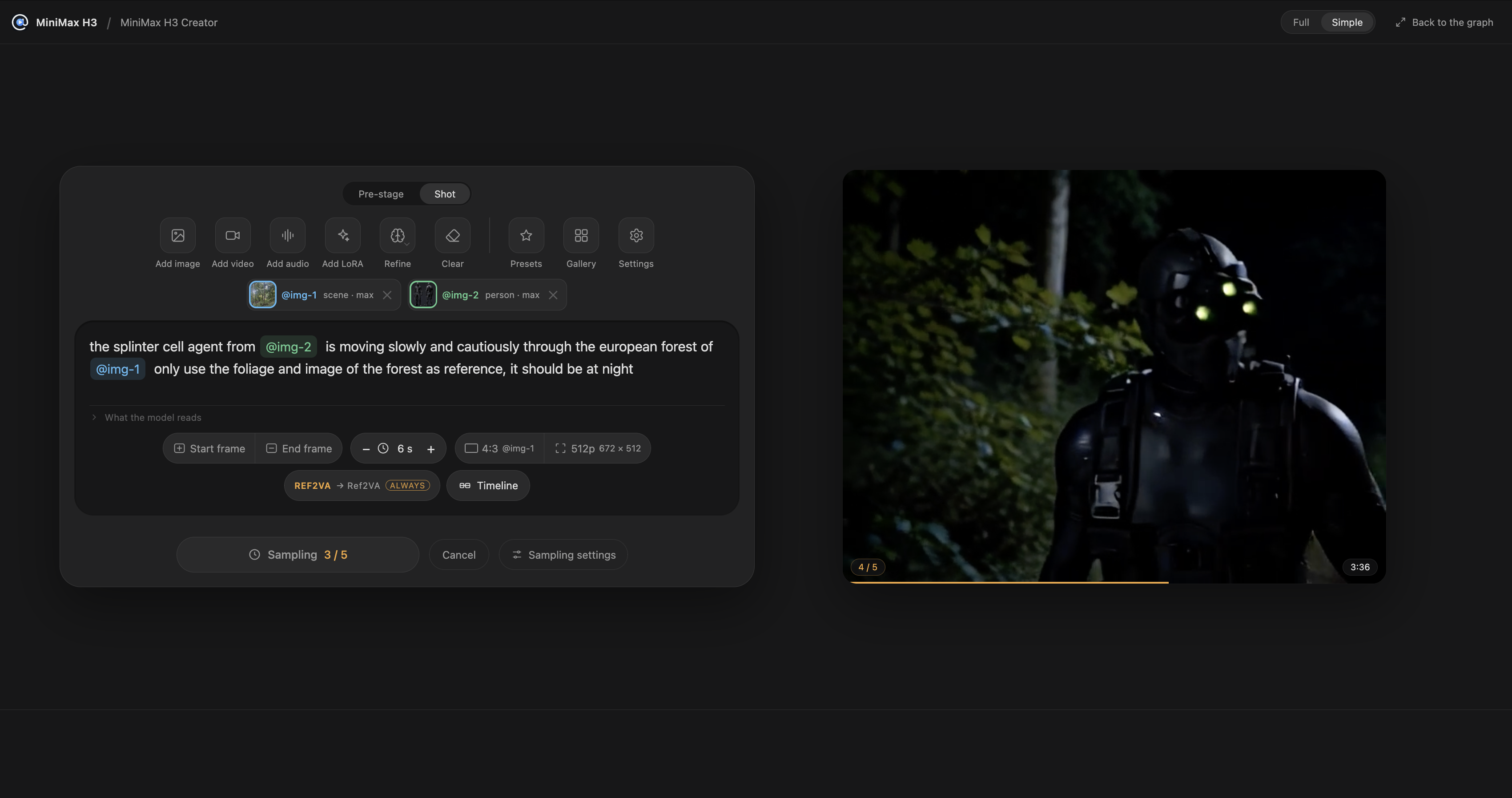
The shot and the render it produced, side by side on the same canvas.
One node, one prompt
The node is the whole setup. Media you attach gets an @ name and you cite it in the sentence, so the prompt says which picture is the person and which is the room. A pill row under the prompt box carries duration, aspect, resolution, the model family and, when you want it, a sampler row with the community accelerators (Spectrum, TeaCache, FirstBlockCache, SLA sparse attention) already wired in. Below the prompt there is a timeline strip, a chat room that writes prompts for you, and a tools dashboard with a ControlNet bench, a blockout bench for staging a scene out of boxes, an upscale bench and a 941-look style atlas.
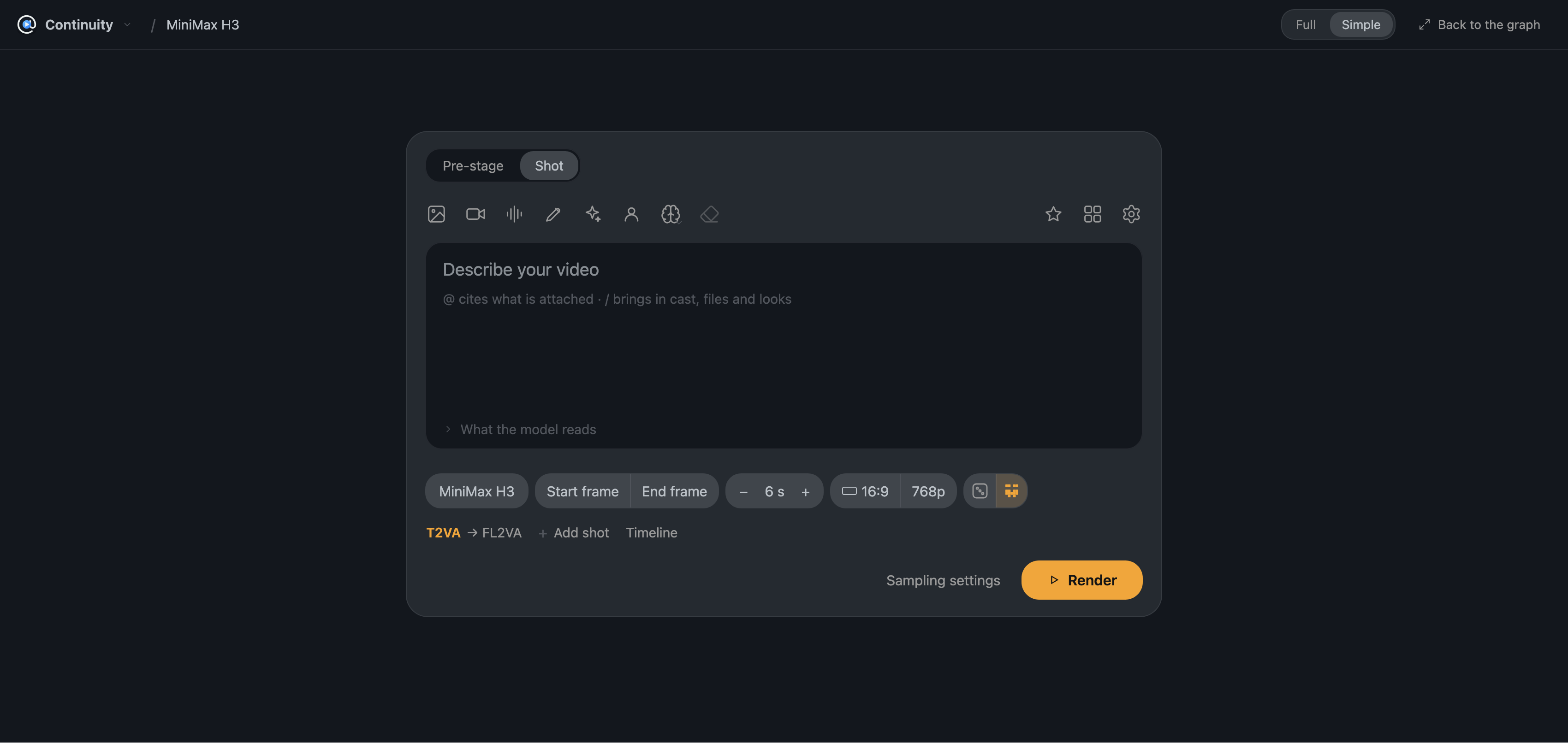
A single card holds the prompt, the pills and the render. The timeline and the pre-stage open on the same canvas.
A cast that carries between shots
Instead of re-attaching reference images in every workflow, a character can be saved once and cited by name in any piece. The update reworks that roster into a Cast tab where recurring subjects are managed, and each member now says what every family gets from them: a member can wear a different LoRA per family, and the card states what that family is handed for their looks, either the saved reference, the pictures themselves, or the description alone. Krea 2, which only reads pictures through an adapter LoRA, works here too.
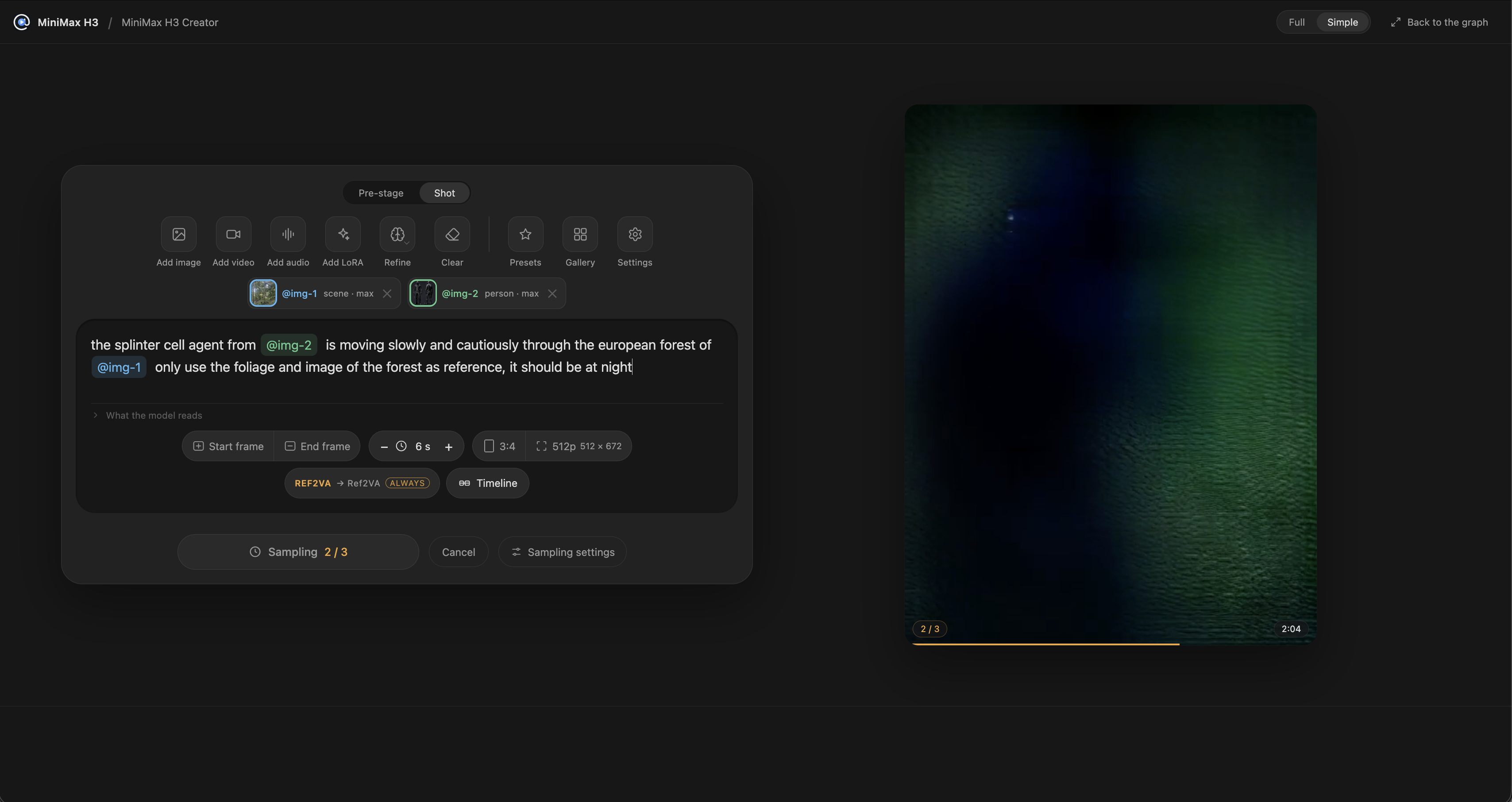
Two cast members cited in one prompt. Each contributes what it was told to contribute.
RefMods, saved per family
The pack pre-encodes references into its own RefMod files, so a reference video does not have to be encoded again on every generation. Saving one is now a first-class action: Save as RefMod at the head of the reference rail lists every family this machine can encode for and reports what is already saved, and each save is re-runnable. Since a latent belongs to one VAE, a picture keeps one RefMod per latent space, and the family rendering it reads the one in its own space. Nothing is chosen at render time, and a picture encoded for H3 video is no longer consumed by the act of saving.
Timelines, segments and seams
A timeline strip holds shots that are each a whole generation with their own prompt, references and LoRAs, and can even run on different families: a Krea 2 pre-stage feeding start frames into LTX 2.5 shots is one strip. Individual segments can be tuned on their own while the rest of the strip keeps its shared context, and a segment can be duplicated to build the next card.
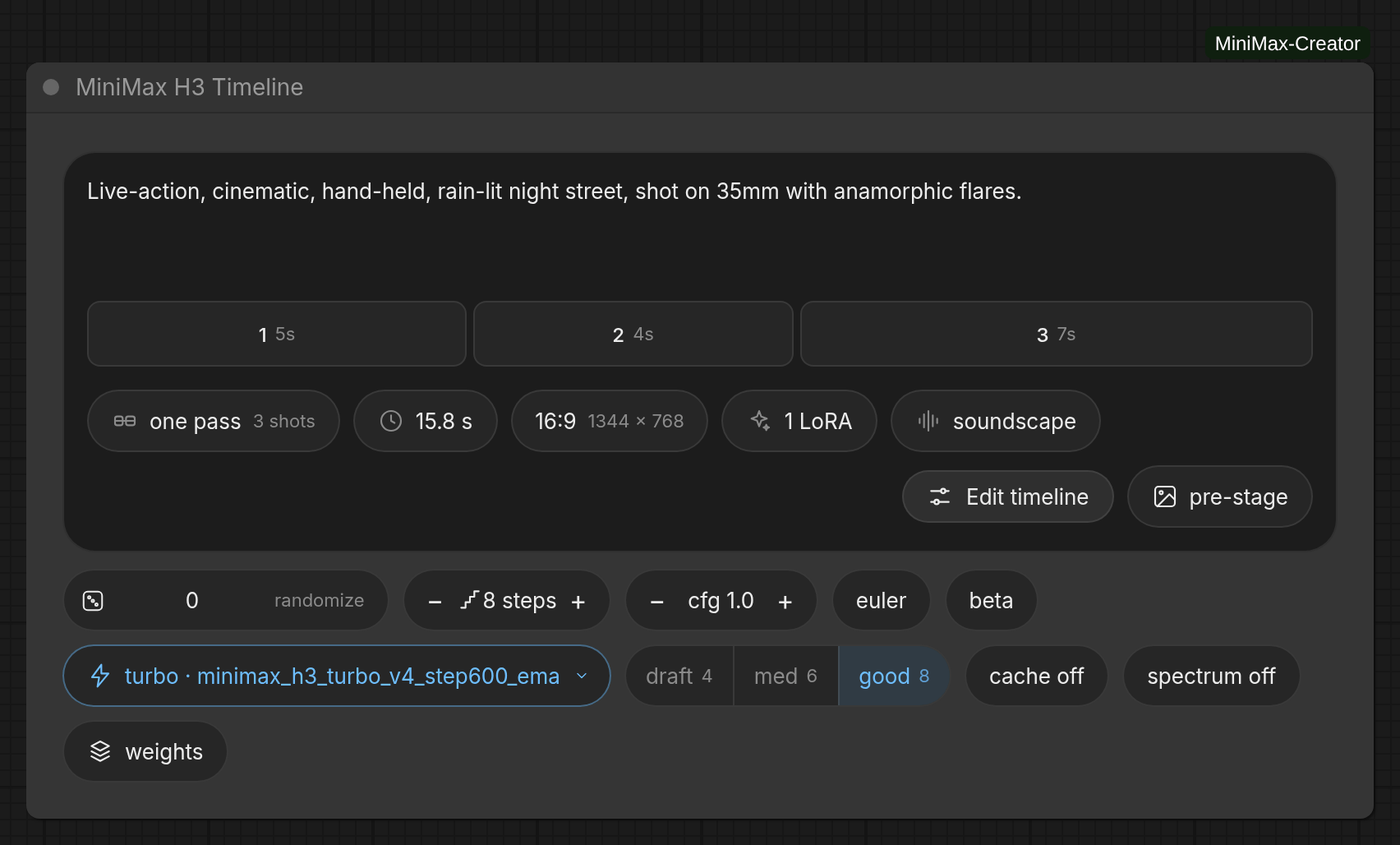
Every card on the strip is a full generation. Seams between them are settings, not luck.
For the joins, the Seam handoff setting now offers four roads instead of one: handing over the decoded frames, continuing from the source pass's own sampler latent, that latent levelled back to the first pass's channel mean and spread, or a masked latent that lets the model continue the tokens it already made under core's noise mask. The pack's measurements put the masked road at an end-to-end brightness drift of under 2 units across an 8-hop turbo strip against 24 on the latent road, at roughly half the sampling time per pass.
Install
cd ComfyUI/custom_nodes
git clone https://github.com/roadmaus/ComfyUI-Continuity
Restart ComfyUI. There is nothing to pip install. If ComfyUI-MiniMax-Creator is already installed, do not clone next to it: the pack was renamed and GitHub redirects the old address, so a git pull in that folder is the whole update. Two folders would register the same node ids and the node would not appear at all.
Availability
- Repository and documentation: github.com/roadmaus/ComfyUI-Continuity
- Changelog: CHANGELOG.md
- Model files and folders: docs/models.md
- Timelines and seams: docs/timeline.md
- Headless rendering from a shell or a coding agent: docs/headless.md
Comments
Sign in with GitHub to join the discussion.