Fizgig v6.5: Qwen Image 2.1 LoRA Training With a Custom Adapter
Fizgig v6.5 adds Qwen Image 2.1 LoRA and LoKR training with the studio's own training adapter, turbo previews and a new driver system, saving LoRAs ComfyUI loads.
Fizgig v6.5.0, released on September 27, makes Qwen Image 2.1 a trainable base model inside the studio (GitHub | release notes | Qwen Image 2.1 guide). Fizgig already trains LoRAs, LoKRs and full fine-tunes for Flux 2 Klein, Krea 2 and MiniMax H3. This release brings the same toolset to Qwen's image model, and Qwen Image 2.1 is the first model added through the studio's new driver system.
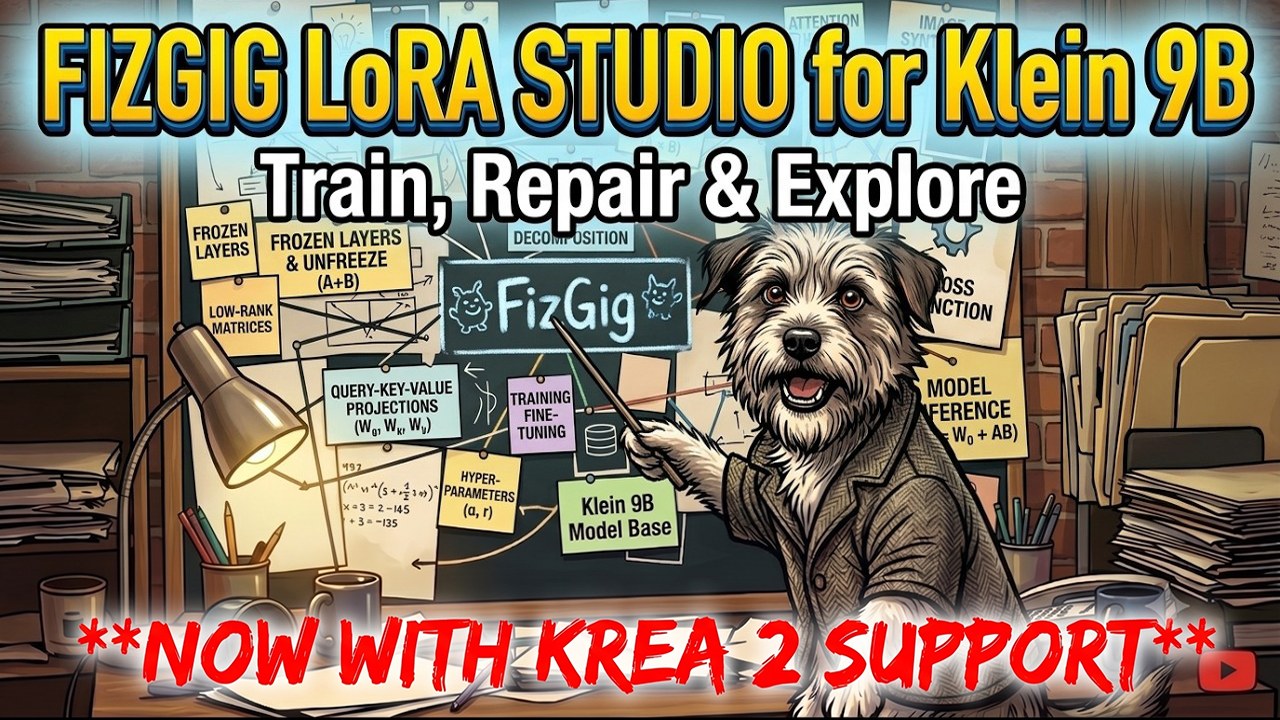
Fizgig: a train, fine-tune, repair and explore workbench for Flux 2 Klein 9B, Krea 2, MiniMax H3 and now Qwen Image 2.1
What Qwen Image 2.1 training includes
- LoRA or LoKR training, with Adaptive LR or Automagic, EMA, Context LoRA, and pause and resume.
- Turbo previews during training, driven by Viggle's 6-step turbo LoRA. Fizgig runs it below full strength by default, at 0.7 for 10 steps, after finding in its own tests that this beats the turbo's default 6 steps at full strength.
- A per-image loss watch: problem-image detection, per-image learning rates, a look-outlier warm-up, and automatic re-captioning of stuck images with the same Qwen3-VL captioner the Captions tab uses.
- A live sample override panel inside a run.
- All five workbench tools: Repair Studio, LoRA the Explorer, Profiler, Extract and LoRA Royale.
Saved LoRAs, LoKRs, Repair Studio saves and Extract outputs load through ComfyUI's standard LoRA loader.
Fizgig's own training adapter
Qwen 2.1 LoRAs have a habit of collapsing into texture or wobbling part-way through a run, and a lower loss does not warn you it is happening. Fizgig's fix is a training adapter: a small LoRA that stays frozen and active while you train, is switched off for previews, and never ends up inside your saved LoRA, so the result works on the plain model. It was trained at a higher resolution than the existing Qwen 2.1 training assistant, and the author reports that LoRAs trained with it come out much sharper as well as avoiding the collapse. It is on by default in every Qwen preset and is also published for any trainer on Hugging Face.
Three presets, one sweet spot
All three presets train at 0.5 MP with adamw8bit, EMA 0.98 and the training adapter, for 30 epochs, saving every epoch:
| Preset | Rank | Learning rate | For |
|---|---|---|---|
| Qwen 2.1 Fast (default) | 8 | Adaptive LR 2e-4 to 4e-4 | Most subjects. The quickest to likeness in the author's tests, and the best at holding skin detail. |
| Qwen 2.1 Standard | 16 | Adaptive LR 1e-4 to 2e-4 | Bigger or mixed datasets. Rank 16 at the Fast preset's rates overtrains. |
| Qwen 2.1 Style | 16 | Flat 1.5e-4 | Styles. Adaptive LR tends to climb on style datasets, which is where styles overbake. |
The reasoning behind training faster: Qwen renders very sharp images out of the box, and a LoRA pulls fine detail such as skin texture toward whatever your dataset has, so a long run on softer photos trades Qwen's sharpness for theirs. 0.5 MP is half a million pixels, about 704×704 for a square image, and Fizgig buckets each image by shape at that pixel count: 624×784 at 4:5, 576×848 at 2:3 and 528×928 at 9:16. Saved epochs stay scrubbable in LoRA Royale, so if a later epoch looks softer an earlier one is often the better pick.
Cards down to 10 GB
Base precision and block swap size themselves from your free VRAM. Auto picks bf16 on 24 GB and up, INT8 on 12 to 16 GB, and 4-bit NF4 at 10 GB, which is the floor for Qwen Image 2.1; the text encoder quantises to 8-bit below about 20 GB free, which is what sets that floor. In the author's tests, an RTX 5090 limited to 12 GB trained on INT8 with a 9.9 GB peak, previews included, and limited to 10 GB it trained on NF4 with a 7.3 GB peak.
The driver system
Qwen Image 2.1 is the first model added through Fizgig's new driver system: a model is described once, as its files, its LoRA format and its model code behind a standard interface, and training, previews, downloads, memory planning and all five workbench tools work from that description. A guide to the system and open pull requests for adding more models are promised in the coming week.
Getting it
Press Download models for me in the Qwen Image 2.1 section of the Preferences tab to fetch the DiT, VAE, text encoder, the training adapter and the turbo LoRA (about 34 GB), plus the Qwen3-VL captioner if you do not have it, then pick Qwen Image 2.1 as the Base Model on the Training tab. Edit training for Qwen Image 2.1 is listed as coming soon.
.safetensors LoRAs that drop straight into ComfyUI/models/loras/.
Comments
Sign in with GitHub to join the discussion.