Seedance 2.5 Draft Mode Arrives in ComfyUI
Draft mode previews a Seedance 2.5 clip at 480p and renders the 1080p final from the same draft. ComfyUI adds a Draft model option, a Draft to Final node and three templates.
Preview first, render once
Draft mode splits a clip into two passes. The draft run generates a 480p version, so composition, motion, dialogue and camera movement can be checked before paying for a full render, and ByteDance bills the draft as a normal 480p render. Once a take is worth keeping, the final pass renders the native 1080p version from that draft, currently the only output size the API accepts for this step. It keeps the draft's scene and motion and reuses its prompt, references, duration, aspect ratio and audio setting.
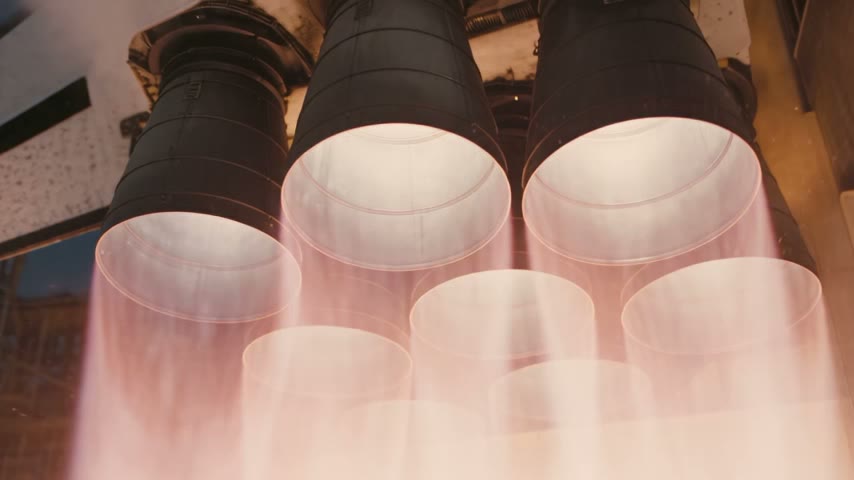
The 480p draft pass of the official text-to-video template
Official 480p draft output from the Seedance 2.5 Draft text-to-video template
Official 480p draft output from the Seedance 2.5 Draft image-to-video template
A draft stays renderable for 7 days after it was created, so the final pass can wait until the review is done. Fix the draft node's seed before queueing the final render: with a random seed the next run creates a new draft instead of reusing the take that was reviewed.
The ComfyUI nodes
Seedance 2.5 Draft is a model option inside the three Seedance 2.5 nodes, and it behaves differently from the standard Seedance 2.5 entry:
- ByteDance Seedance 2.5 Text to Video and ByteDance Seedance 2.5 First-Last-Frame to Video lock resolution to 480p when Draft is selected, while the regular Seedance 2.5 option keeps 480p, 720p and 1080p.
- ByteDance Seedance 2.5 Reference to Video gets the same Draft entry for reference-driven runs.
- Each of them gains a
draft_task_idoutput. It has to stay disconnected unless Draft is the selected model, otherwise the node stops with an error.
The new ByteDance Seedance 2.5 Draft to Final Video node takes that draft_task_id (connected from a draft run or pasted directly) plus an optional watermark toggle, and returns the finished 1080p video.
Official templates
Three templates cover the draft pass and ship with the same update (workflow_templates #1288):
| Template | Input |
|---|---|
| Seedance 2.5 Draft: Text to Video | Prompt |
| Seedance 2.5 Draft: Image to Video | One start frame and a prompt |
| Seedance 2.5 Draft: Reference to Video | Reference images plus a prompt |
Availability
Draft mode is part of the hosted Seedance 2.5 API and is reached through ComfyUI's partner node system, the same as the standard Seedance 2.5 entry. Videos are generated on ByteDance's infrastructure, so the nodes need a comfy.org sign-in and billing applies to each render, including the 480p draft pass.
Comments
Sign in with GitHub to join the discussion.