Fizgig H3 Still: Single-Frame Stills for MiniMax H3 in ComfyUI
ComfyUI-Fizgig-H3-Still adds two nodes that build a true one-frame MiniMax H3 latent and decode it without banding, for clean stills from 3 MP up.
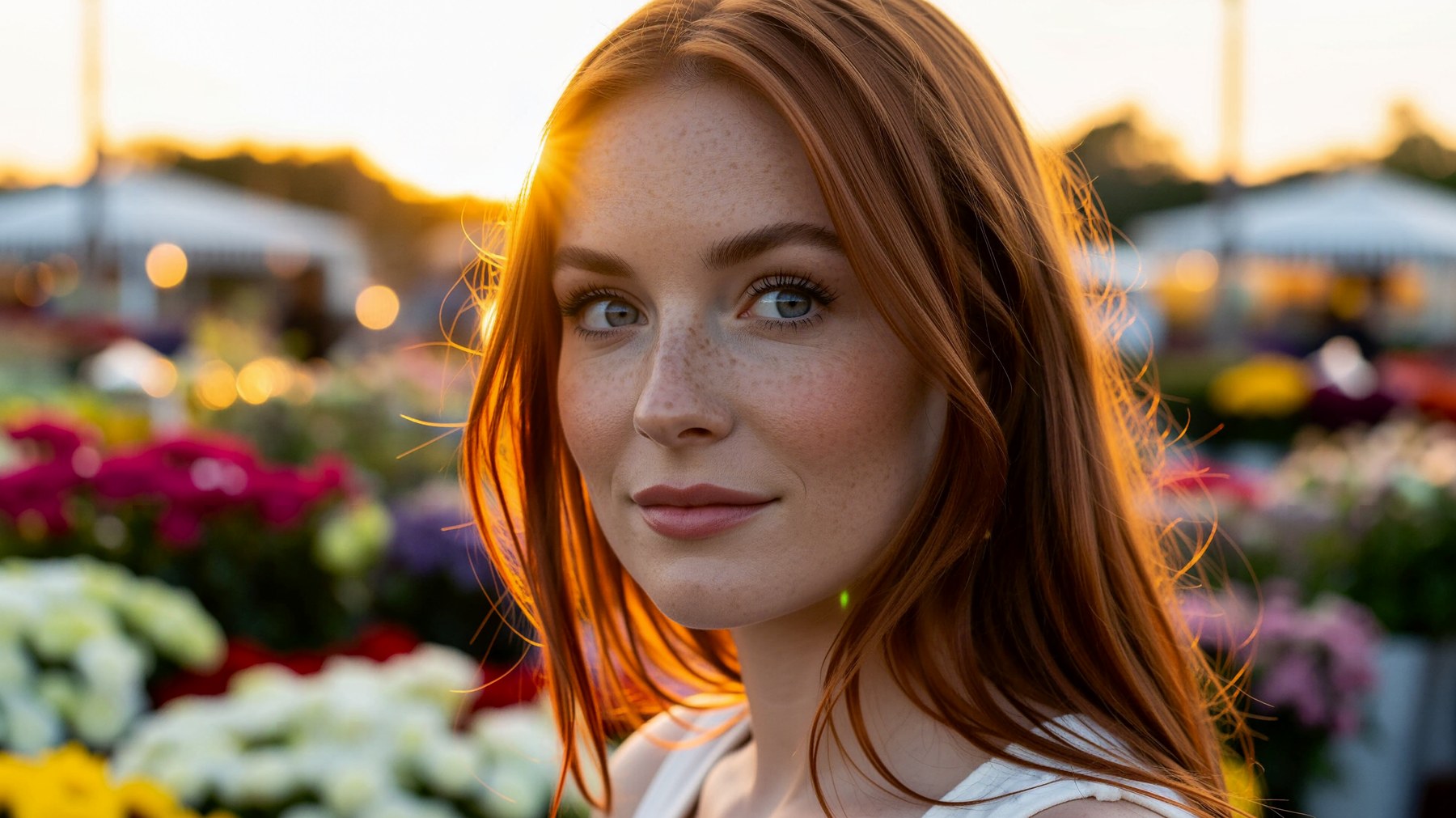
3872x2176 still, no Turbo LoRA, 50 steps, er_sde. Fizgig H3 Still Latent + Fizgig H3 Still Decode, from the repository's own 8 MP example.
Why a video model needs a still pipeline
H3's native image is a single frame, but the stock pipelines never treat it as one. A normal H3 latent is at least five frames long, so a "still" is really the first frame of a short clip. Decoding that lone frame with the stock VAE Decode node gives banded, streaky output, which is why the usual workaround was to render five frames and keep one.
The pack splits the problem into two nodes that come from how Fizgig renders its own H3 still previews:
- Fizgig H3 Still Latent produces a genuine one-frame latent.
- Fizgig H3 Still Decode decodes that single frame without the banding.
Both run on ComfyUI's built-in MiniMax H3 support and need no extra Python dependencies. The author's own tests also compare them against the dedicated single-frame VAE covered in MiniMax H3 Single-Frame VAE 500K: that checkpoint is slower and softer with less skin detail, so the nodes are the recommended path.
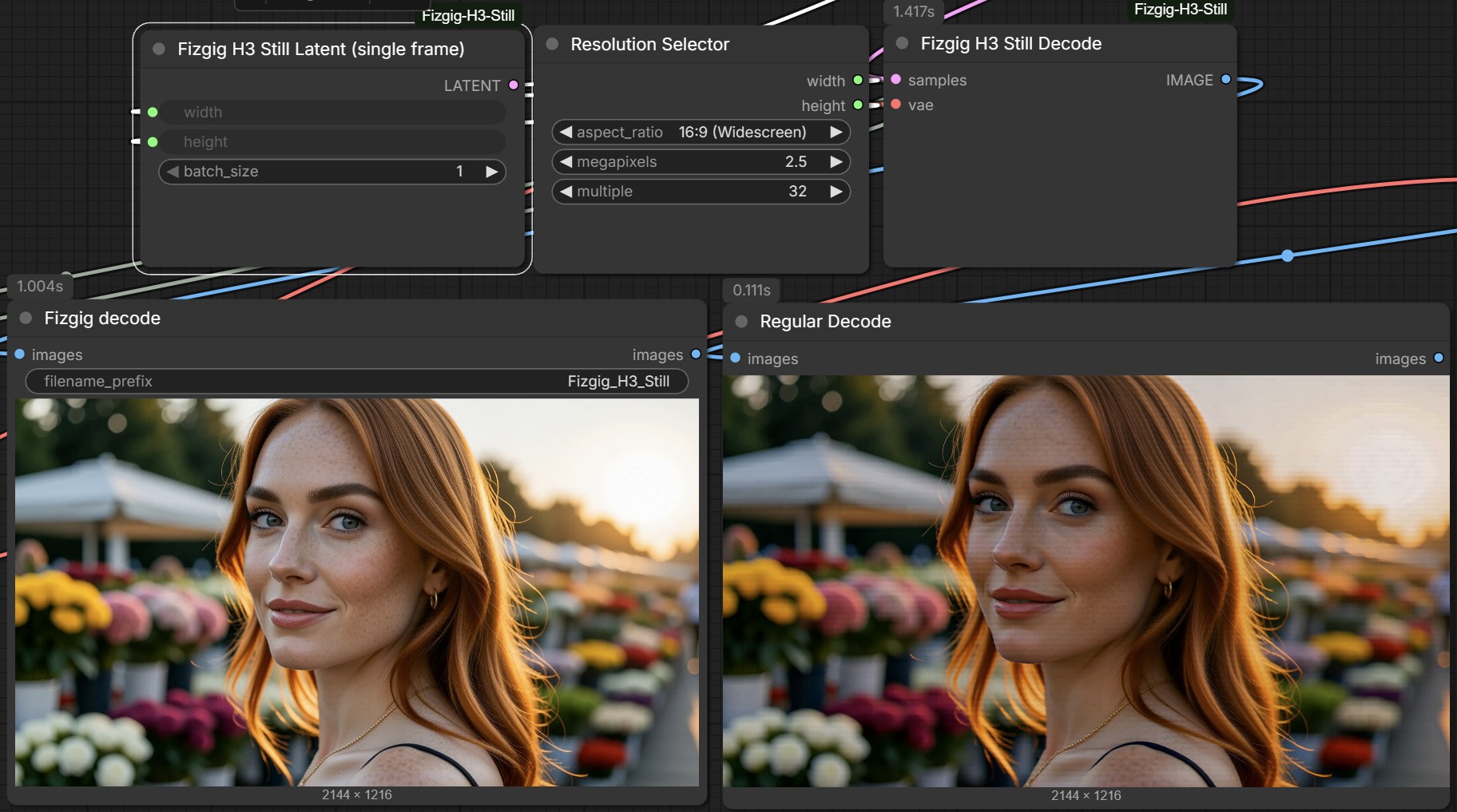
Same seed, 2144x1216: Fizgig H3 Still Decode (left) against the stock VAE Decode (right).
Wiring it into an H3 graph
LATENT output unconnected. Feed Fizgig H3 Still Latent into the sampler's latent input instead, using the same width and height as the conditioning node.
Swap the decoder
Replace VAE Decode with Fizgig H3 Still Decode. It takes the sampler output and the video VAE, the same inputs as the node it replaces.
Optionally add a Turbo LoRA
Add the LoRA from larryvrh/MiniMax-H3-Turbo-Lora through a model-only LoRA loader. The shipped settings use the v4 step-600 EMA file at strength 0.38 with 20 steps and the er_sde sampler; the 8 MP example renders without Turbo at 50 steps.
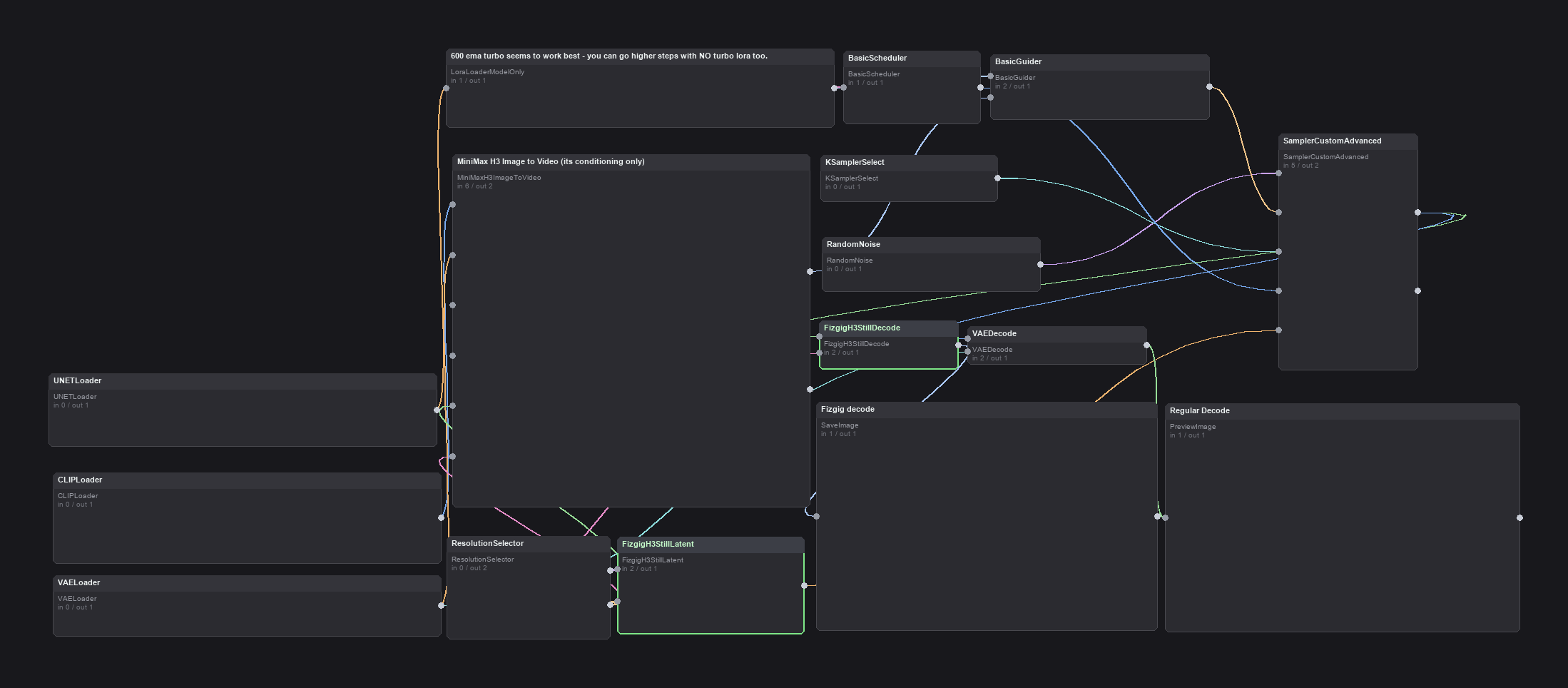
The h3_still_text_to_image example, rendered from the workflow JSON shipped in the repository. It decodes twice, once with Fizgig H3 Still Decode and once with the stock VAE Decode, so the two outputs can be compared side by side.
Any width and height that are multiples of 32 work, but results hold up best from 3 MP up: small images come out noticeably weaker. The decode is tiled, so it works through a few tiles at a time, or one at a time when VRAM is tight, which means large stills do not need a large card. Something to know before reusing the graph for video: the latent node is for stills only, while the decode node passes anything longer than one frame straight to the stock decode, so leaving it in a clip workflow does no harm.
The pack also ships an edit example that feeds a photo through MiniMax H3 Reference to Video and refers to it as <Picture 1> in the prompt, with an upscale to 2.5 MP first, since H3 edits seem to work best at that size.
Sibling pack: H3 Tweaks
The same author's earlier node pack, ComfyUI-Fizgig-H3-Tweaks, covers the video side of the same exploration with no-training knobs: skin texture control, re-rolling a scene while keeping the sub-seed, and a prompt-strength dial for Turbo renders. Its 09-25 update added H3 Latent and VAE Decode node variants alongside the still work.
Community response
The nodes circulated on r/comfyui on 2026-09-26, and an independent tester ran the 8 MP graph at 30 steps over the weekend. Their notes: the still pipeline finally makes small typography usable, though not for very fine lettering, and their renders came out smoother than the ordinary output, with no blocky pixel seams or "scan lines". They also measured a shift in colour: the still path returned a pure black-and-white film-noir look instead of the slight sepia warmth of the normal output.
Install
cd ComfyUI/custom_nodes
git clone https://github.com/shootthesound/ComfyUI-Fizgig-H3-Still
Restart ComfyUI, and both nodes appear under the Fizgig category. The examples use the Comfy-Org H3 files: minimax_h3_fl2va_pruned_int8_convrot.safetensors in models/diffusion_models, qwen3vl_32b_minimax_h3_nvfp4_awq.safetensors in models/text_encoders, and minimax_h3_video_vae_int8_convrot.safetensors in models/vae. The edit example additionally uses AILab_ImageResize from ComfyUI-RMBG.
Repository: shootthesound/ComfyUI-Fizgig-H3-Still
Sibling pack: shootthesound/ComfyUI-Fizgig-H3-Tweaks
Related: Fizgig v6 RefMods, MiniMax H3 Video VAE Optimization
Base model: Comfy-Org/MiniMax-H3
Comments
Sign in with GitHub to join the discussion.