Viggle Turbo v0.2: 5-Step Qwen-Image 2.1 Distill in ComfyUI
Viggle's v0.2 DMD distillation of Qwen-Image 2.1 cuts generation to 5 steps with no CFG, shipping as a rank-256 LoRA with community ComfyUI conversions.
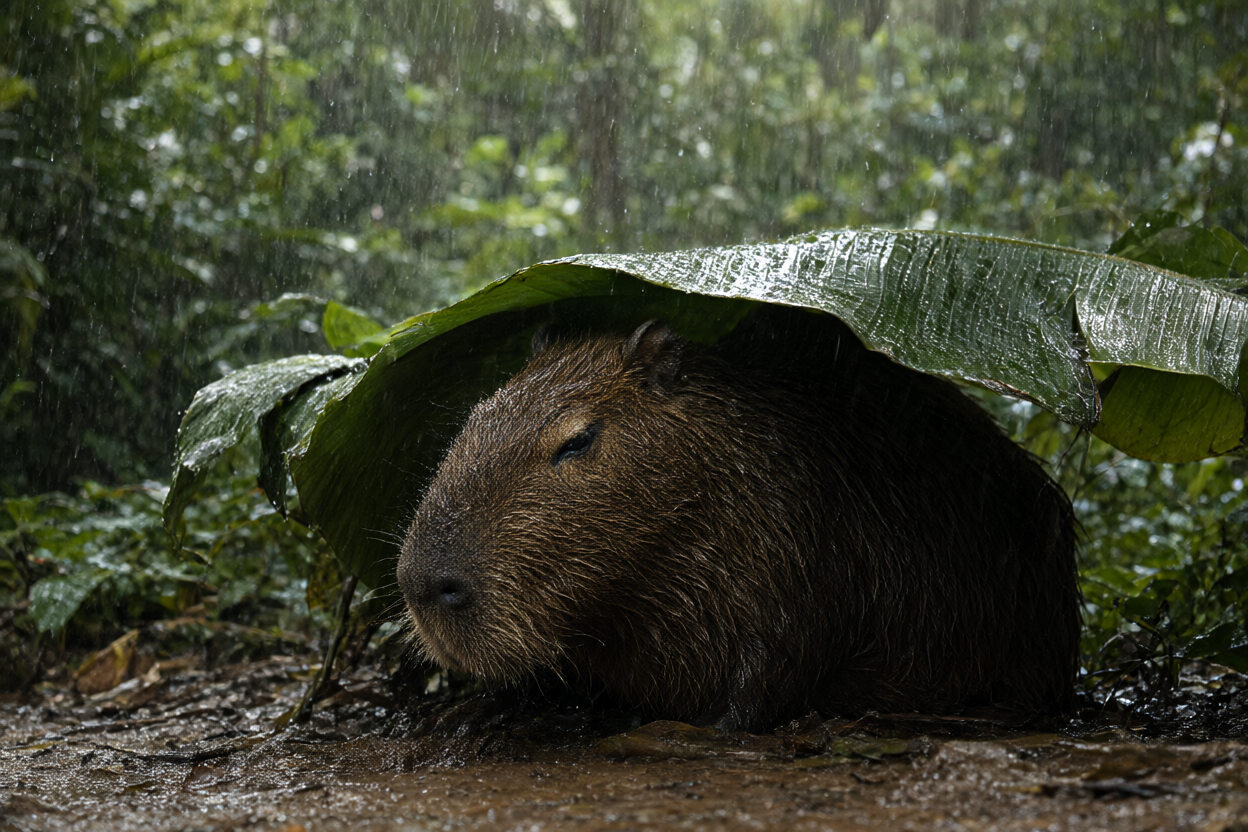
A 5-step text-to-image sample from Viggle's own demo Space.
What v0.2 changes
The first public version, v0.1, was a preview that collapsed output diversity and drifted from the base model on composition. v0.2 is a larger student, and Viggle measured it against the 40-step base model plus its official prompt enhancement on a held-out set of 96 user requests:
| Metric | v0.1 LoRA r64 | v0.1 full fine-tune | v0.2 LoRA r256, 5 steps |
|---|---|---|---|
| Sample diversity vs base model | 0.75 | 0.72 | 0.93 |
| Composition drift vs base model | -0.019 | -0.033 | +0.000 |
Diversity is the mean intra-prompt DINOv2 patch distance over 8 seeds, expressed as a ratio to the base model, and drift is how far the image centroid moves relative to the base model's output for the same prompt and seed. In practice that means v0.2 keeps the base model's spread across seeds and places subjects where the base model would, where v0.1 pushed every seed onto similar layouts. The v0.1 artifacts stay in the repository for reproducibility, but Viggle says there is no reason to prefer them.
How it runs
The distilled student is sampled on a fixed schedule rather than a step count: 5 steps with the sigma nodes [1.0, 0.875, 0.75, 0.5, 0.25], true_cfg_scale=1.0, and no negative prompt. Those are the four-step training nodes with the highest-noise segment split in two, which Viggle found removes most of the detail loss and ghosting of a plain four-step rollout. Other step counts and CFG values do not help.
Two more details matter for anyone wiring it up:
- Use the shipped scheduler config, or set
shift_terminal=None. The base model'sshift_terminal: 0.02would wreck the final step. - Keep the LoRA scale at 1.0, since alpha equals rank in the shipped adapter.
Text-to-image was trained at 1024 and 2048 area, editing at 1024 and 1536 area, and editing accepts up to 3 reference images whose order fixes which one <image1>, <image2> and <image3> refer to inside the prompt.
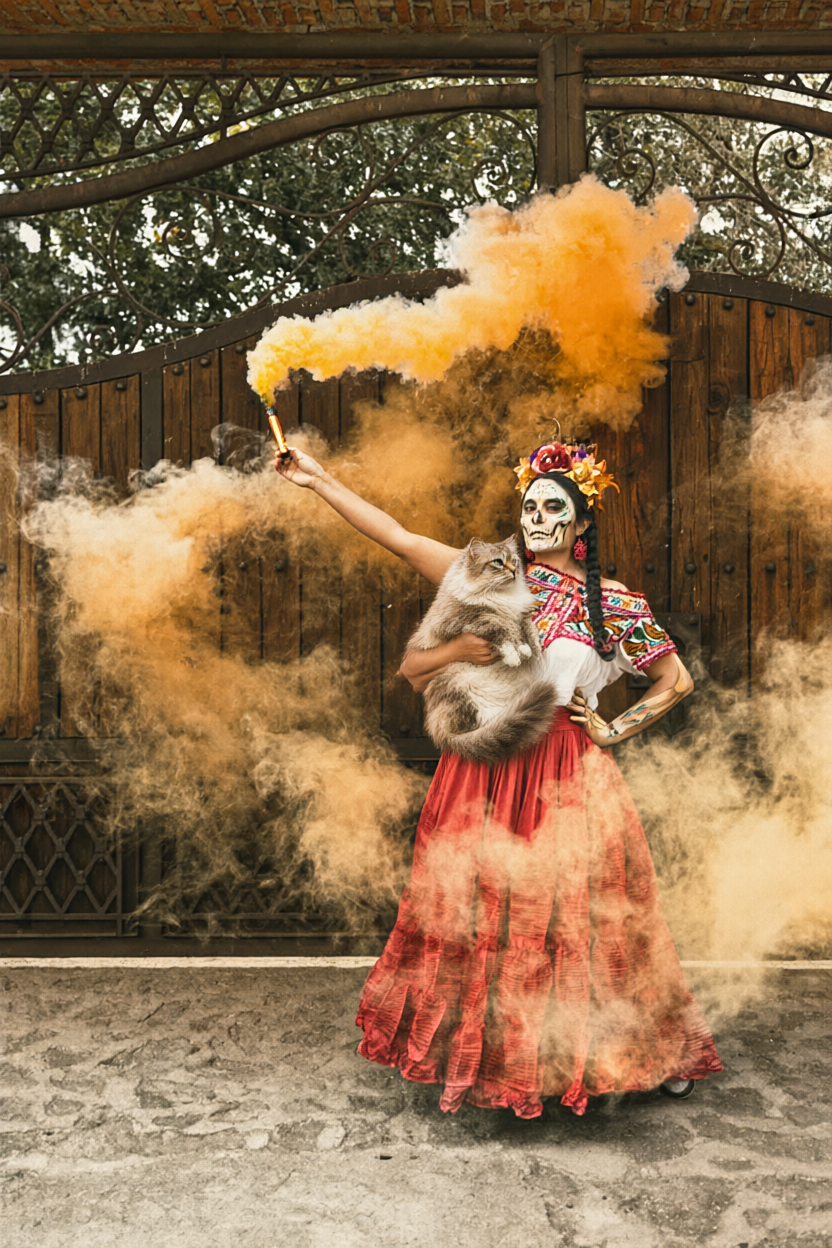
A two-reference edit at 832x1248 in 5 steps. Prompt: "The woman from image 1 is holding the cat from image 2 in her arms, keep the background of image 1".
ComfyUI availability
The official release ships in diffusers key format plus a parallel peft_v0.2 adapter, not in the single-file kohya format ComfyUI loads directly, so there is no official ComfyUI workflow yet. The community filled that gap within a day of v0.1:
t8star/Qwen-Image-2.1-viggle-turbo-4step-r64-comfyconverts the v0.1 r64 adapter to a ComfyUI-loadable LoRA.- Quantized builds of the 4-step line also exist as GGUF repos (Abiray, realrebelai), aimed at the same low-VRAM setups as other Qwen-Image 2.1 quantizations.
The base Qwen-Image-2.1 transformer, text encoder, VAE and processor are not redistributed with the distillation, so those still have to come from the base model, which ComfyUI already supports natively.
What it still does not do
Viggle is explicit that v0.2 remains a preview. Text-to-image lands close to the base model, but complicated editing still trails it: multi-reference composition, face swaps and identity-document edits can produce duplicated or ghosted figures, "keep everything the same" requests can drift in identity, and small or long rendered text garbles more often than at 40 steps. 2K output is not validated against the teacher, and RGBA output, more than 3 references, and mask-based local editing are untested.
The model is already being picked up in the ComfyUI community, with the release making the rounds in the Banodoco #qwen-image channel and on r/StableDiffusion.
Comments
Sign in with GitHub to join the discussion.