Qwen-Image 2.1 Fix LoRA: Corrected Settings for ComfyUI
Qwen-Image 2.1 Fix is a community LoRA with a companion 20-step ComfyUI workflow, aimed at the model's washed-out colors and broken fine texture.
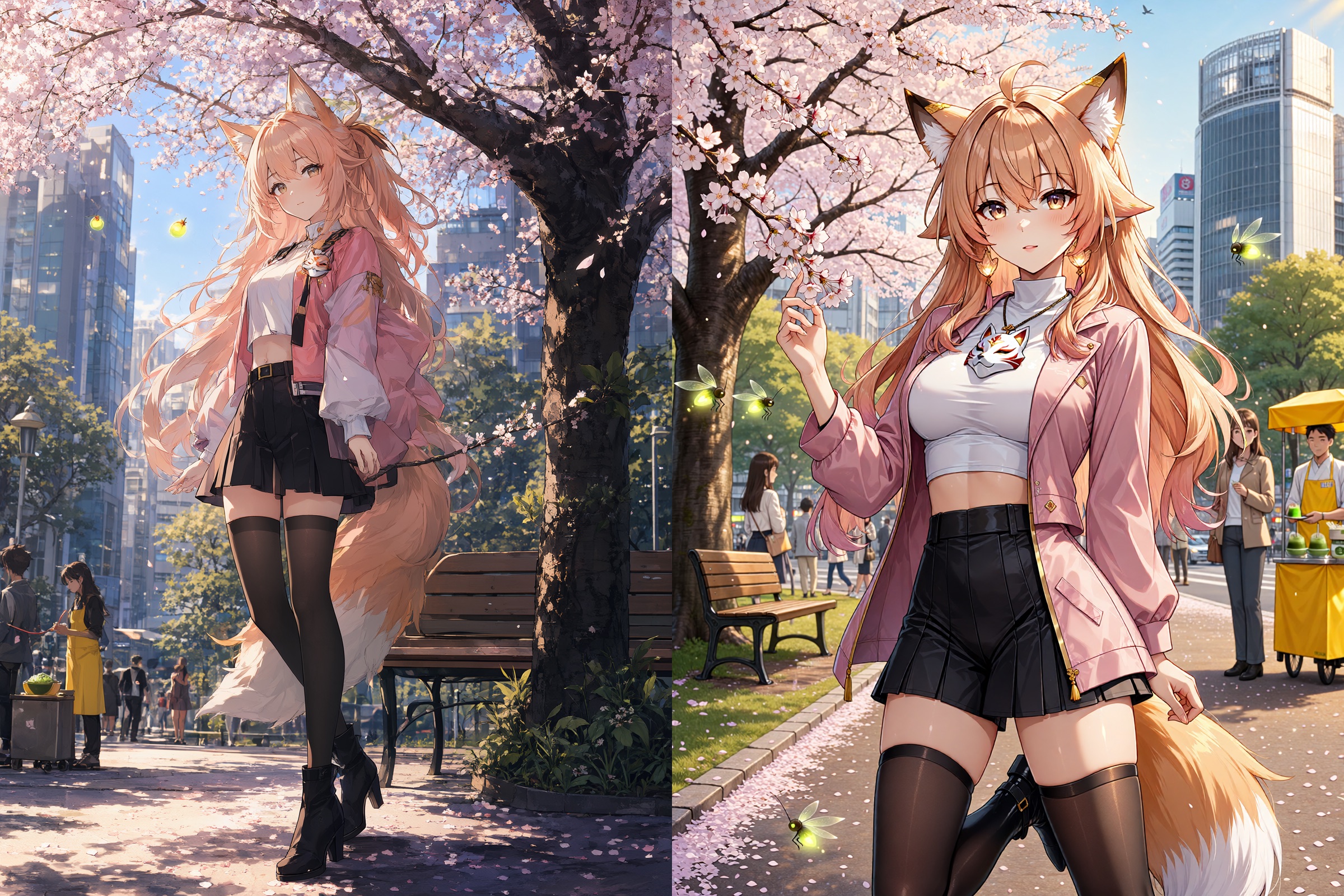
One of the before/after comparisons published with the model. Each image pairs vanilla Qwen-Image 2.1 against the LoRA at the recommended settings.
What it is trying to fix
Qwen-Image 2.1 landed on September 20 with strong prompt adherence and a compact 7B visual backbone, and the complaints followed within a day. The two recurring ones are aesthetic rather than structural: fine texture breaks down in a way testers describe as gpt-image style blotching, and colors come out flatter and more washed out than the prompt implies. Hand and finger rendering was the other thing flagged repeatedly in early testing.
Qwen-Image 2.1 Fix is one author's answer: a small adapter (qwen-image-2.1-fix-1.0-comfy.safetensors, about 112 MB, in ComfyUI single-file format) that is not meant to be dropped into an arbitrary workflow. The model card is blunt about that, saying only that it fixes most generation issues when used with the proper settings, and pointing at the workflow download for what those settings are.
The recommended settings
The workflow itself is where the useful information lives, and it is specific about the sampler path rather than just the LoRA strength:
| Setting | Value |
|---|---|
| LoRA strength | 1.0 via LoraLoaderModelOnly |
| Steps | 20 |
| CFG | 3 |
| Sampler | seeds_2 |
| Scheduler | sgm_uniform |
| Denoise | 1.0 |
| Guidance | APG at 1, 10, 0.3 plus FreSca at 1, 2, 8 |
| Resolution | 1200 x 1600 |
The two guidance nodes matter. APG (adaptive projected guidance) and FreSca (frequency-separated scaling of classifier-free guidance) are both ComfyUI core nodes, so they come with the application rather than requiring a custom pack, and the workflow wires them ahead of the sampler rather than relying on the CFG value alone.
The prompt side is equally opinionated. The sampled prompt goes through a TextEncodeQwenImage21 node with an explicit negative prompt that names the failure modes directly:
artifacts, gpt-image, washed-out colors, low quality, low resolution, AI slop,
deviantart, sloppy lines, rough sketch, blurry, indistinct, missing fingers,
badly drawn hands, wrong number of fingers
The workflow also loads Qwen-Image 2.1 in its quantized form (qwen_image_2.1_int8_convrot, qwen3vl_8b_int8_convrot, qwen_image_2.1_vae_bf16), which is what ComfyUI's own templates use.
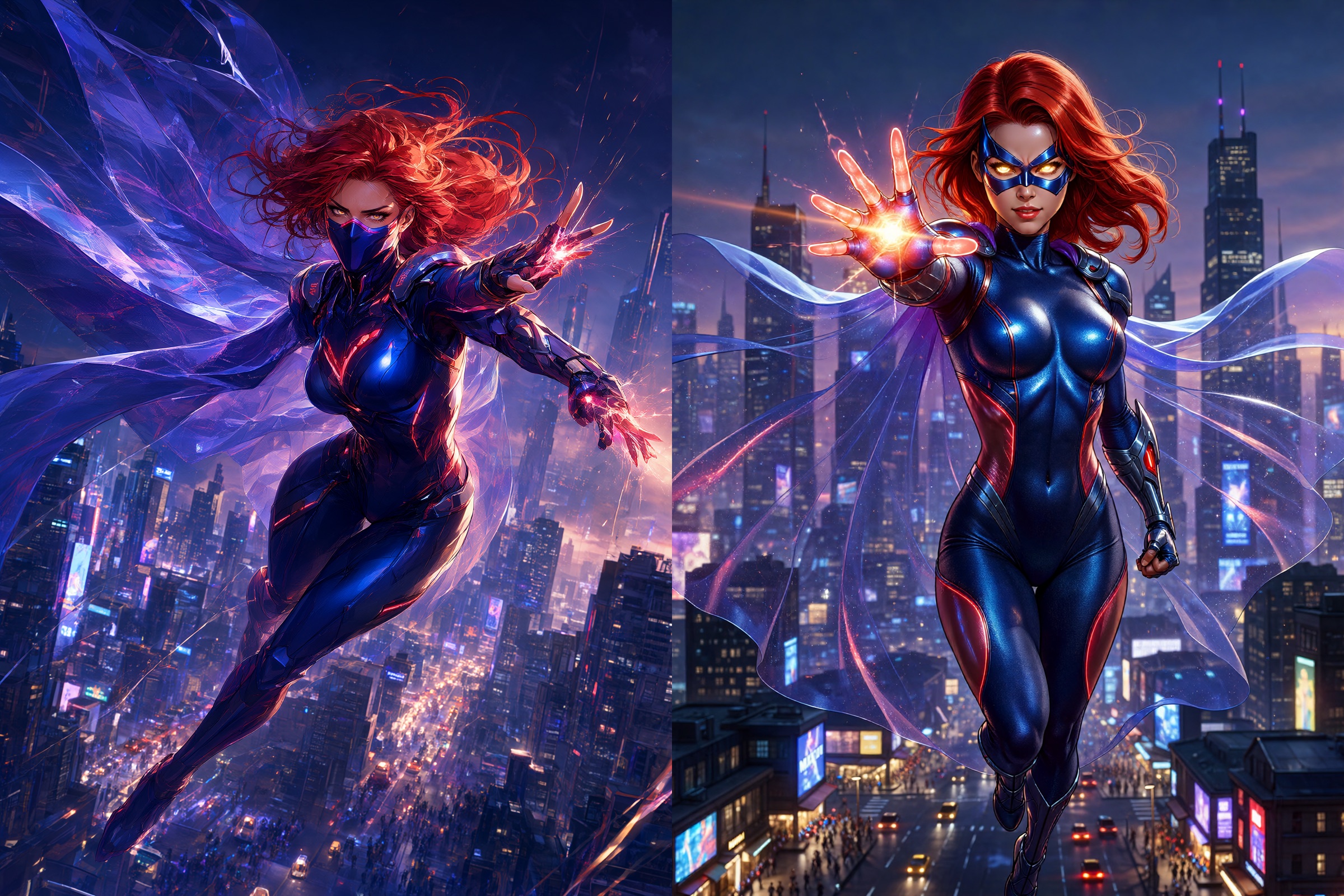
Another published comparison. The repository ships 15 of these.
Installing it
The adapter is a normal ComfyUI LoRA, so the path is short:
- Download the full repository and put
qwen-image-2.1-fix-1.0-comfy.safetensorsinComfyUI/models/loras/. - Unzip
Qwen Edit 2.1 Optimal Settings.json.zipand drag the JSON into ComfyUI. - Point the loader at the LoRA file. Note the filename mismatch: the workflow references a bare
qwen-image-2.1-fix-1.0.safetensorsin aqwen2.1/subfolder, which is the author's own layout, not what the repository ships.
The workflow is also not purely core. Alongside the APG and FreSca guidance nodes it uses convenience nodes for prompt text generation and timestamped filenames, so a bare install will report a few missing nodes before it runs.
Caveats
This is a single-author community adapter, not an official fix, and it has spread mostly by word of mouth: it landed on r/StableDiffusion and r/comfyui the day it appeared, with commenters reporting results ranging from clean to unusable before the author pushed a corrected weight file. Early adopters also disagreed about whether the improvement comes from the LoRA at all or from the guidance and negative-prompt settings bundled in the workflow, which is a reasonable argument to keep in mind when reading the comparisons.
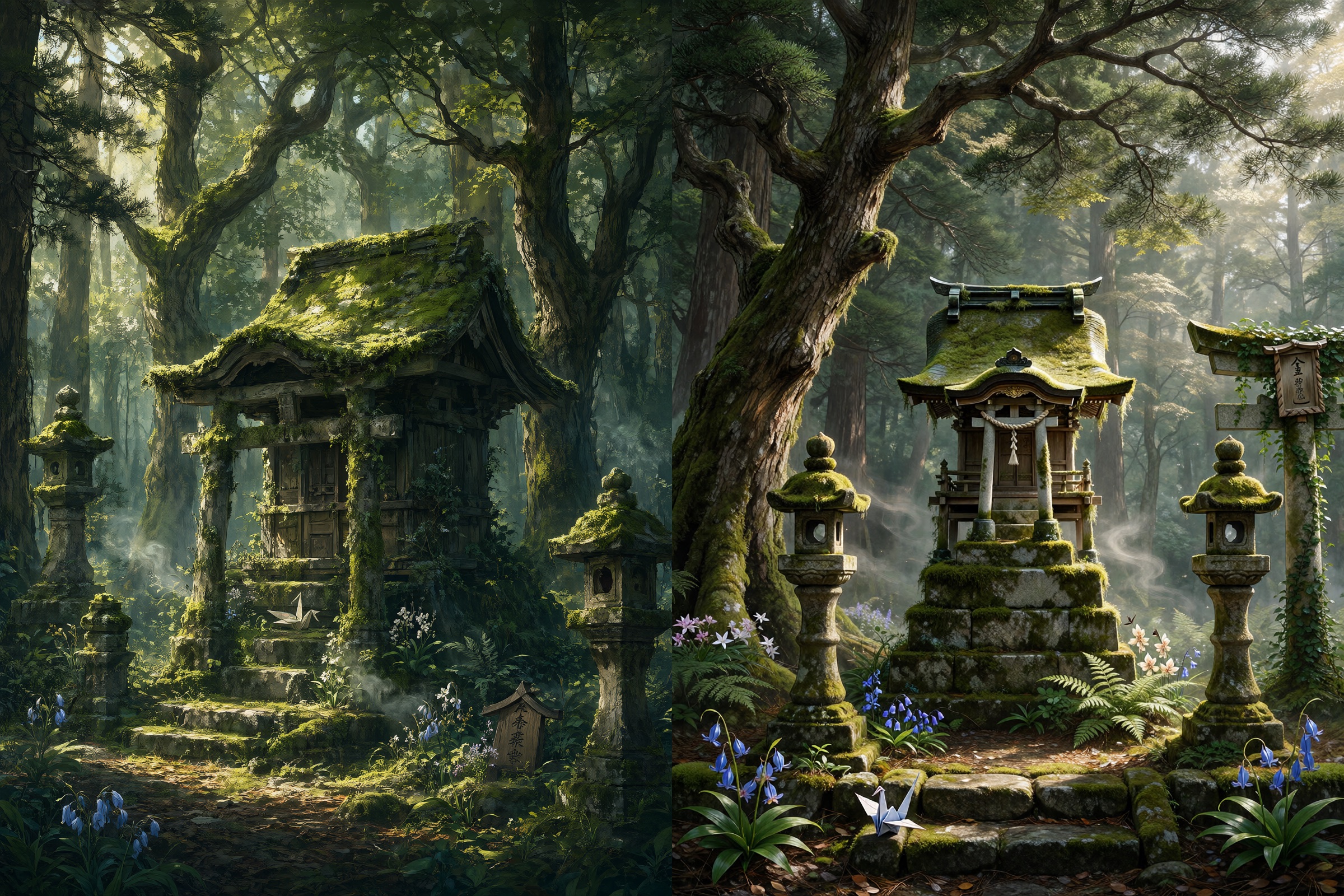
A third published comparison.
Comments
Sign in with GitHub to join the discussion.