Tencent HY Image 3.5 Preview Arrives in ComfyUI Partner Nodes
Tencent's HY Image 3.5 Preview adds text-to-image, reference-image and multi-turn editing to the Hunyuan image API, with new ComfyUI text-to-image and edit nodes.
What the model does
Tencent positions HY Image 3.5 Preview for production design work rather than casual generation: advertising and infographic layouts, UI mockups, portrait editing, and product visuals where text rendering and subject consistency matter. It handles both directions in one model, so a text prompt and a reference image use the same endpoint.
- Text to image and image to image in one model, with up to 5 reference images per request.
- Multi-turn conversational editing: instead of re-prompting from scratch, you keep sending follow-up instructions and the model retains the earlier turns, the same working style as chat-based image editors.
- Text-heavy layouts: multilingual text rendering and typesetting are called out as one of the three areas strengthened over the previous version, alongside photorealism and edit consistency.
- Already live in Tencent's own apps: the preview ran in a gradual rollout inside Yuanbao and ima for about two months before the public announcement.
Tencent's benchmark claim is a GSB blind test run internally with several hundred professional designers, where HY Image 3.5 Preview scored 30% above HY Image 3.0, level with Seedream 5.0 pro, and slightly ahead of Nano-Banana Pro and Qwen-Image-3.0 Pro. These are the vendor's own evaluations, not independent benchmarks.
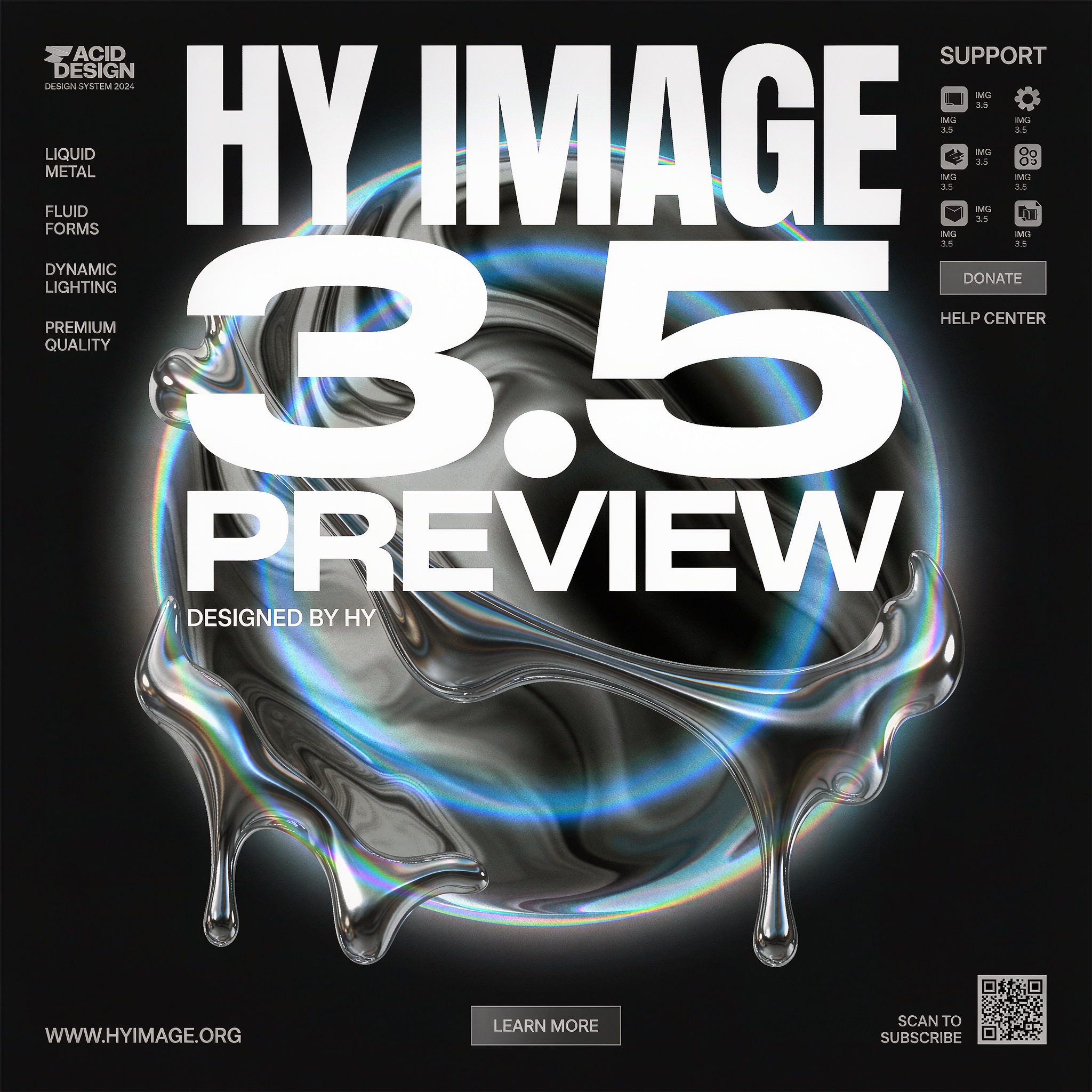
A poster generated with HY Image 3.5 Preview in the official ComfyUI template
The two ComfyUI nodes
PR #16462 (merged September 22, 2026) adds a Tencent image file to comfy_api_nodes/ with two nodes under the Tencent partner category:
- Tencent HY Image: Text to Image generates an image from a text prompt.
- Tencent HY Image: Edit edits or combines up to 5 reference images guided by a prompt. References are addressed by name in the prompt as
@image1through@image5, so you can say which input is the subject, which supplies the background, and so on.
Both nodes share the same size controls. aspect_ratio offers auto plus 1:1, 3:2, 2:3, 4:3, 3:4, 16:9, 9:16, 21:9 and 9:21; resolution selects a 1K, 2K, 4K or custom pixel area, with custom width/height in multiples of 16 up to 4096x4096. Anything above the 2K tier is rendered at 2K and upscaled by the model, and the node tooltip notes that beyond roughly a 6:1 ratio the output starts repeating the subject. Both nodes also expose a seed and an optional AI watermark toggle. On top of that, the edit node adds reference_detail (standard or high, roughly 1 MP versus 4 MP per reference image).
Official templates
Two templates ship with the nodes and need ComfyUI 0.37.1 or newer:
HY Image 3.5 Preview: Text to Image
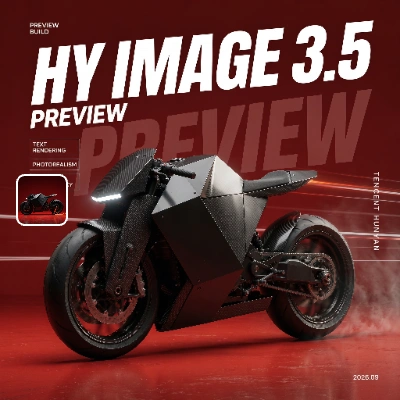
HY Image 3.5 Preview: Image Edit
Availability
HY Image 3.5 Preview runs on Tencent's hosted infrastructure through ComfyUI's partner node system: no local weights are published for this version, and the open-weight Hunyuan Image 3.0 release remains the self-hosted option from the same family. The nodes require signing in with a comfy.org account in ComfyUI, and billing applies to the generated images.
Comments
Sign in with GitHub to join the discussion.