Fizgig v6 RefMods: No-Training Character References for MiniMax H3
Fizgig v6.0 makes RefMods for MiniMax H3: reference photos packed into one small file, tuned against the model itself, previewed in RefMod Studio before ComfyUI.
Fizgig v6.0 shipped yesterday with a new capability on top of its LoRA and fine-tuning trainer: RefMods for MiniMax H3. A RefMod packs a folder of reference photos or clips into one small file that the ComfyUI-MiniMaxH3Mod nodes load like a LoRA and feed to H3's reference path. No training run, a file in minutes, and the basic kind needs no captions.
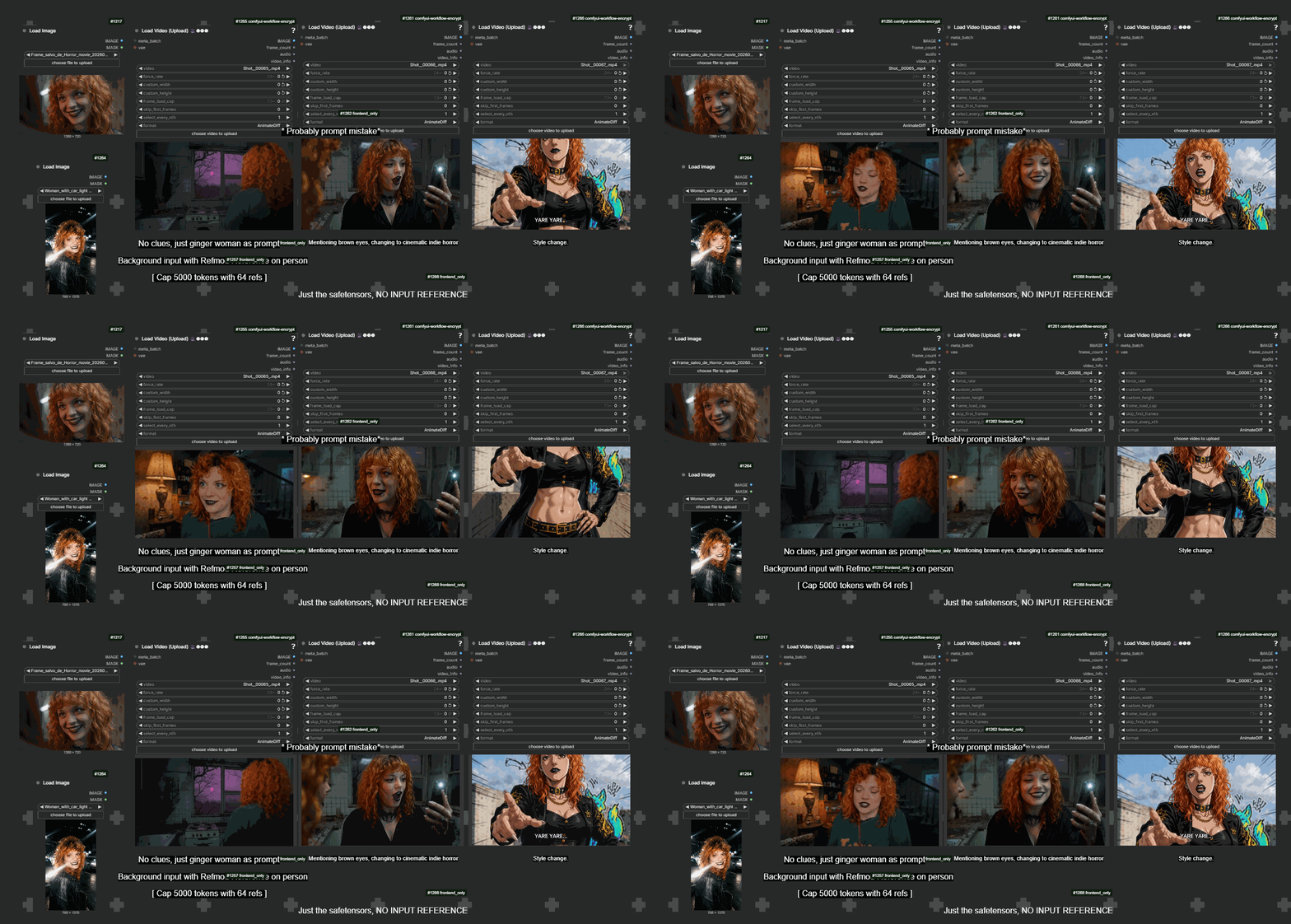
An identity RefMod generated in ComfyUI via the MiniMaxH3Mod nodes, from the project's example gallery.
What a RefMod is
The RefMod format itself comes from the community node pack ComfyUI-MiniMaxH3Mod by @Luisacaotica (199 stars), with a mod library and guide from @malcolmrey. It compresses reference images and videos into tiny latent tokens that ride along H3's reference path, so instead of stuffing the same photos into image slots every generation, you load one file. Fizgig v6 adds the one thing no other maker had: it can tune the RefMod against H3 itself, not just plain-encode the photos.
What Fizgig v6 adds
- Five presets for people and styles: the community recipe (a plain encode of 8 photos at 1 MP, identical to what the node pack's own extractor makes), Fizgig recipe lite (16 photos at 0.5 MP, tuned against the model), Fizgig recipe (the same at 1 MP for sharper results), plus style presets for looks rather than people.
- Model-in-the-loop tuning: the tuned presets run the file against the H3 base during creation, which the author says buys better generalisation on shots the photos never showed, cleaner and sharper output.
- RefMod Studio tab: A/B a mod against the base model inside Fizgig before you ever open ComfyUI.
- Clips as motion and audio mods: video clips prepared with the pack's Gizmo tool can become motion references, and an audio mod can carry a folder's sound alongside the visuals.
- Drop-in compatibility: point the output folder at ComfyUI's
models/refmodsonce and every mod loads through the existing MiniMaxH3Mod nodes. Works for both ref2va and fl2va workflows.
RefMods vs LoRAs
The author's own framing in the release thread: RefMods are quick and small, but they cannot know as much about a concept as a LoRA and do not generalise as well. The tradeoff is speed: a LoRA needs a training run, a RefMod lands in minutes, and for character consistency on shots similar to your references the quality gap is small. For maximum likeness and generalisation, LoRAs are still king, and Fizgig v6 keeps its full H3 and Krea 2 LoRA trainer unchanged.
Getting it
Fizgig v6.0.1 is on GitHub. In ComfyUI you need the MiniMaxH3Mod node pack to load the files, and the author's RefMods - how do I...? guide walks through the whole flow from photos to a loaded mod.
Comments
Sign in with GitHub to join the discussion.