AI Movie Studio 2: Open-Source Filmmaking Workstation for ComfyUI
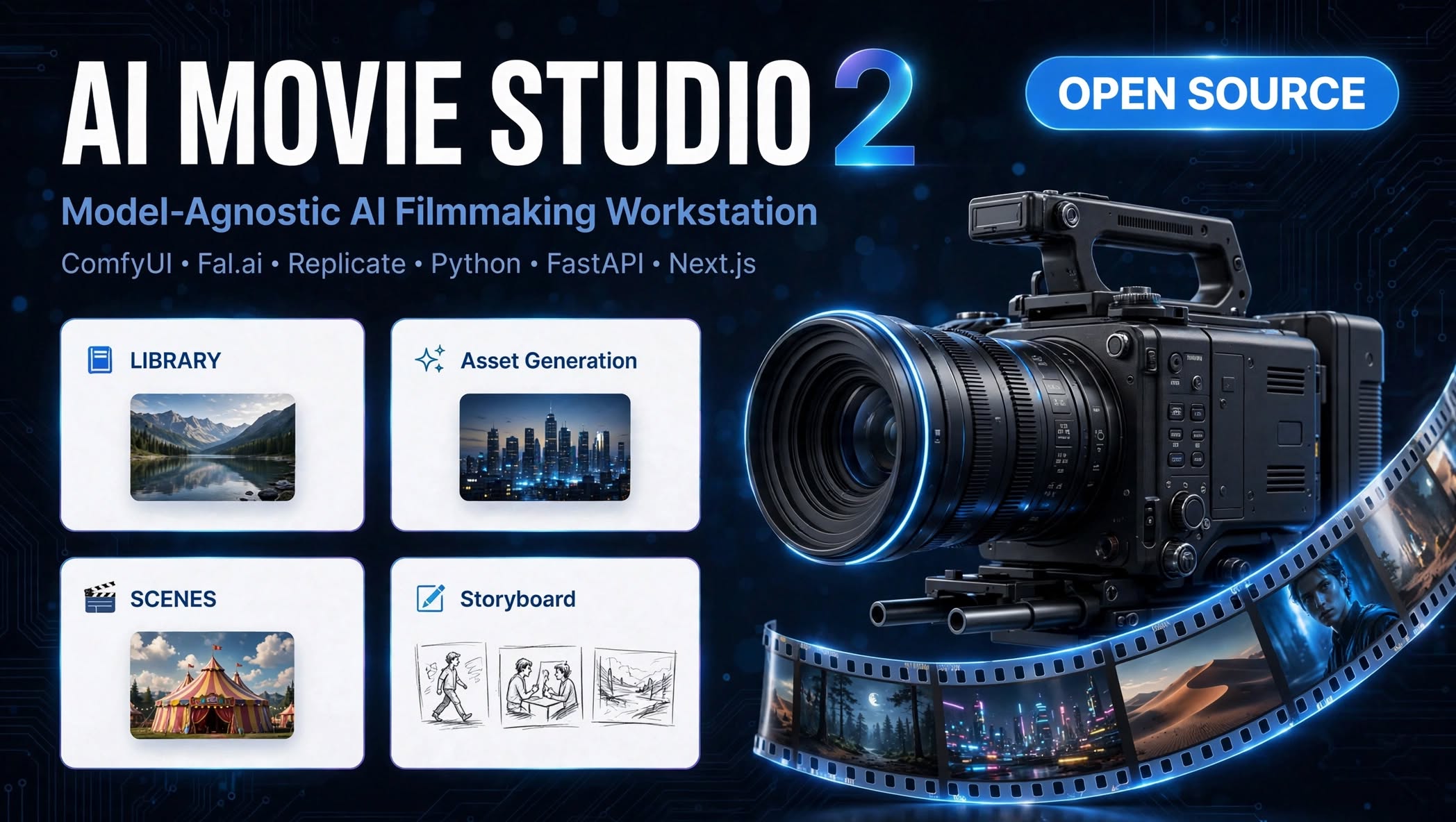
AI Movie Studio 2 is an open-source AI filmmaking workstation that drives local ComfyUI with a 3D storyboard, continuity system, Long Take mode and timeline export.
The project comes from Nathan McConnell, a virtual production specialist and camera department veteran based in Atlanta who manages LED volume stages at SCAD. The first version collapsed under its own feature list, so version 2 was rebuilt from scratch around one goal: a clean interface that follows the actual filmmaking workflow instead of a kitchen-sink dashboard.
How it works with ComfyUI
AI Movie Studio 2 does not generate anything itself. It is a director's cockpit on top of your existing setup: a Next.js 14 frontend talks to a FastAPI backend, and the backend's "Driver System" adapts to whichever engine you point it at. Locally that means your running ComfyUI instance at 127.0.0.1:8188; in the cloud it means Fal.ai or Replicate with an API key. The UI never changes.
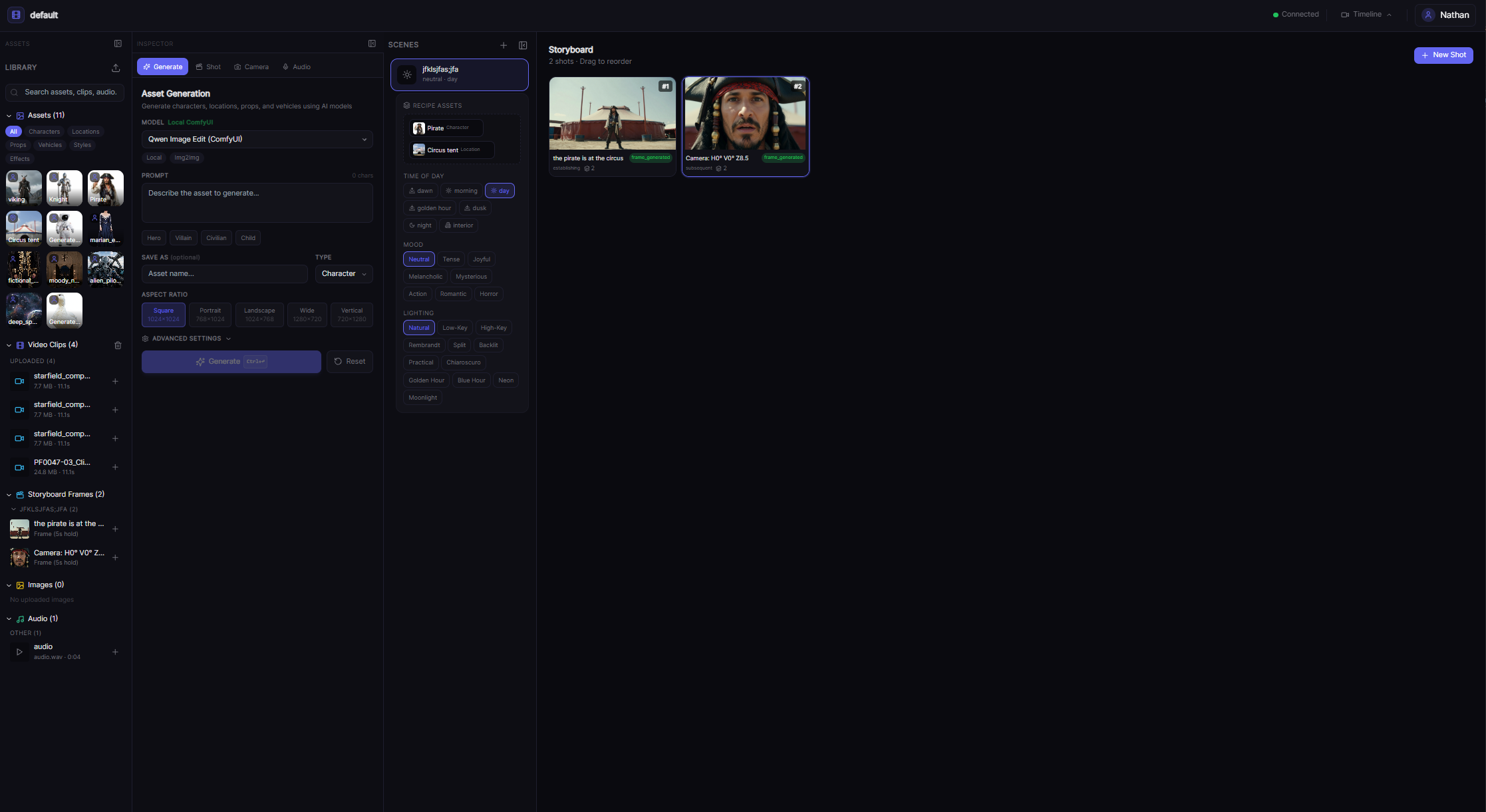
Supported local video models in ComfyUI are LTX Video 2.3, Wan Video (via Kijai's WanVideoWrapper) and MiniMax H3 (via Kijai's MiniMax nodes), covering text-to-video, image-to-video and first-last-frame workflows. On the image side it drives Z-Image, Qwen Image, Flux 2 and Krea 2, with multi-reference support for consistent characters and locations across shots.
The workflow features
- 3D storyboard: place a virtual camera in 3D space, frame shots visually with FOV and compass indicators, and get warnings when you break the 180-degree rule.
- Continuity system: reference images keep characters and locations consistent across frames.
- Long Take mode (experimental): chain keyframe interpolation across multiple segments for continuous shots longer than a single clip, stitched with ffmpeg. It requires models that support first-last-frame-to-video, such as LTX Video 2.3 and Wan Video.
- LoRA support everywhere: upload and apply LoRAs with per-model strength sliders in all five generation surfaces.
- Custom workflow registration: build a workflow in ComfyUI, export the JSON, upload it in the settings panel, and it appears as a new model in every dropdown. The app parses the JSON, lists every required checkpoint, LoRA and VAE, and flags which ones are already present in your ComfyUI models folder.
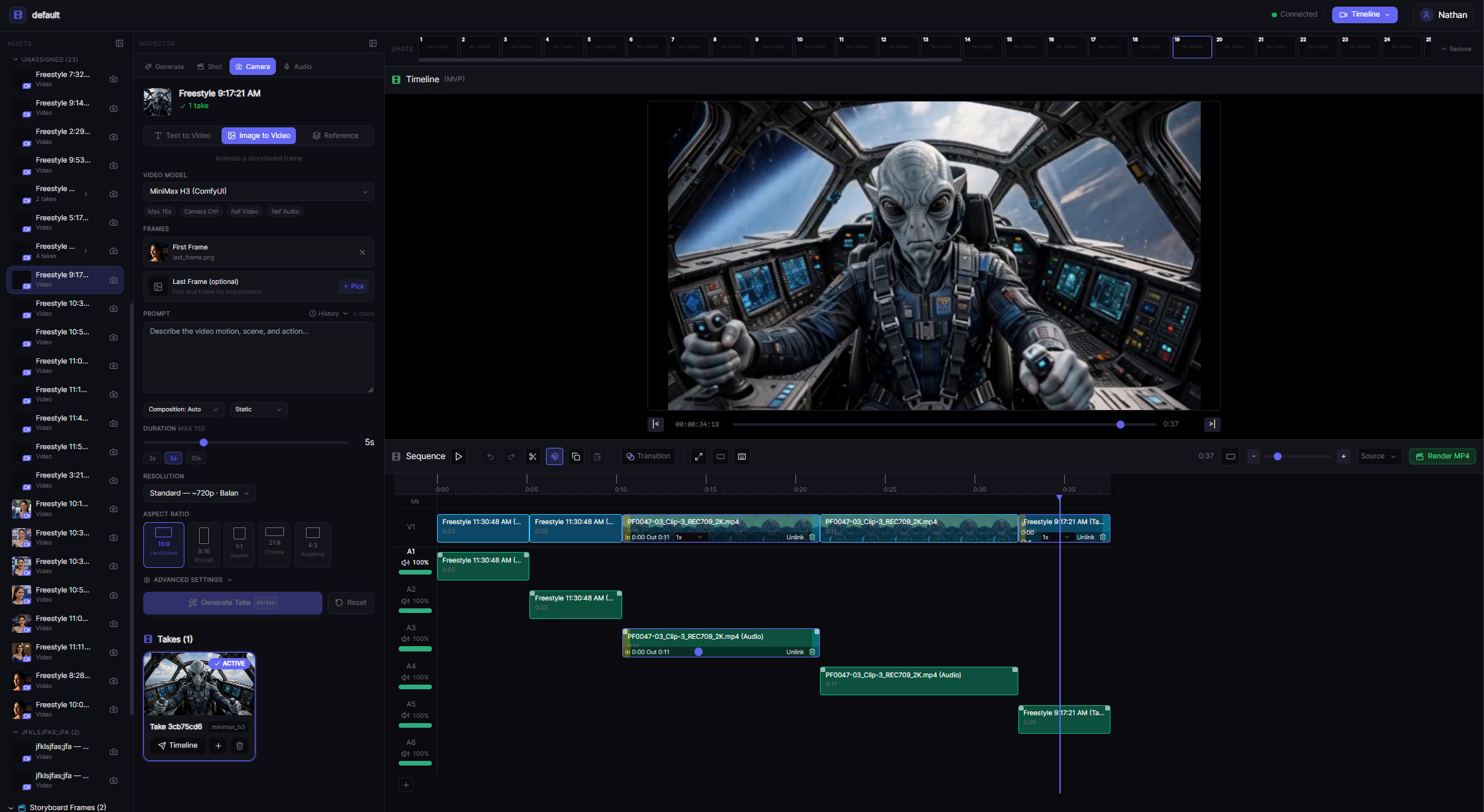
- Timeline export: assemble shots with dialogue and audio, then export XML for Premiere or DaVinci.
Community traction
The September 7 update post on r/comfyui drew independent users reporting real usage: one runs it on a Strix Halo mini PC under Linux, another had a PR merged into the project. The Docker path (docker compose up --build) removed the biggest setup hurdle from earlier versions.
Minimum hardware is an 8 GB GPU for image generation and short clips; 12-16 GB covers all local image models plus Wan and MiniMax H3 video. A GPU is not mandatory since the cloud drivers work without one.
Availability
AI Movie Studio 2 is AGPL-3.0 licensed and runs on Python 3.10+ with Node.js 18+. Setup guides, the Docker one-liner and the full model compatibility tables are in the GitHub README. The project is under active development and the author notes to expect breaking changes between updates.
Comments
Sign in with GitHub to join the discussion.