Wan 3.0 in ComfyUI: 30-Second Video Generation Lands via API Nodes
Alibaba's Wan 3.0 is live in ComfyUI through three API nodes: native 30-second single-pass video, 20-reference Omni Creation with @ syntax, and video editing by instruction.
Wan 3.0, Alibaba's newest video generation model, is live in ComfyUI through three API nodes: Wan 3.0 Text to Video, Wan 3.0 Image to Video, and Wan 3.0 Reference to Video (official ComfyUI blog). The headline change over its predecessor is native 30-second output in a single pass with no stitching, enough room for continuous camera moves and complete scenes.
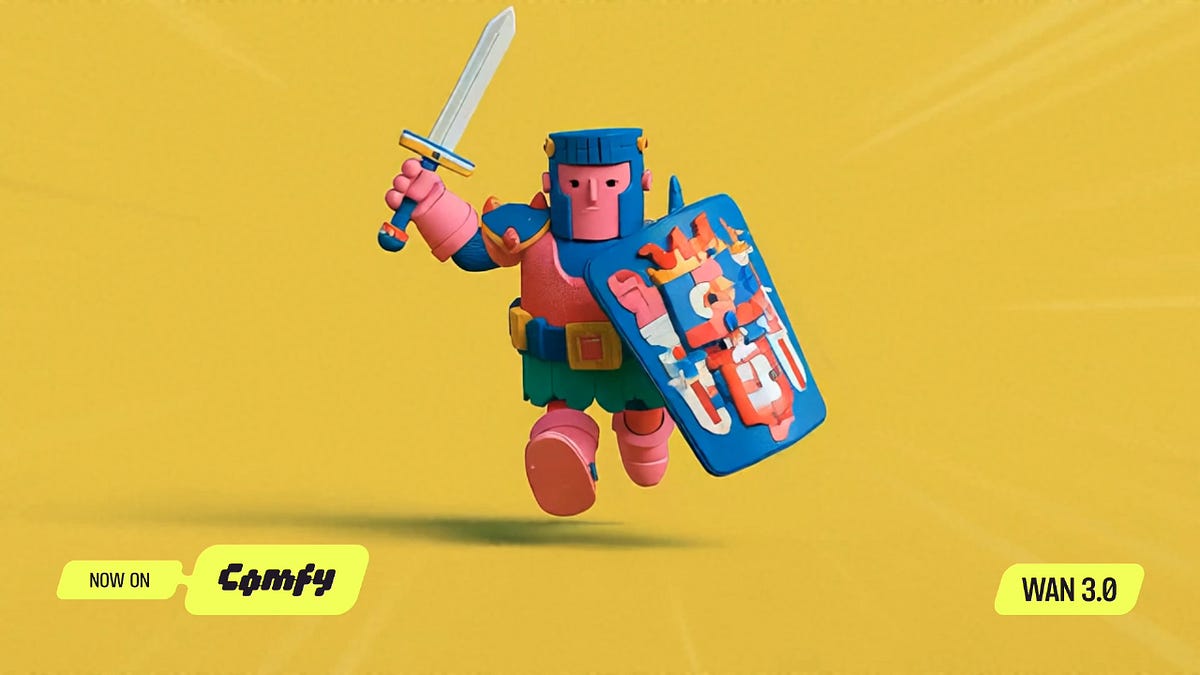
Wan 3.0 generation from the ComfyUI blog announcement
Model highlights
- Native 30-second duration in one pass, selectable from 2 to 30 seconds, with an "auto" mode that lets the model pick the optimal length.
- Omni Creation references: up to 20 assets per generation, including 10 images, 5 videos, and 5 audio clips, addressed directly in the prompt with @ syntax such as
@Image1for a character card or@Video2for camera movement. - Document and webpage parsing: a proposal doc or wiki page can serve as source material for a finished clip.
- Precision editing by instruction: remove or replace elements, relight a scene, or change motion while the rest of the frame stays put. Existing footage can also be extended, with total input plus output up to 30 seconds.
- Prompt input expanded to 20,000 characters.
- Resolutions and ratios: 480p, 720p, and 1080p across 16:9, 9:16, 4:3, 3:4, and 1:1. The 480p tier is new in this release for low-cost drafts. An "adaptive" aspect ratio option is available, and audio generation can be toggled off.
How to use it in ComfyUI
Update ComfyUI to v0.33.4 or later, or open Comfy Cloud. The nodes are available in the Node Library, and the Templates panel ships three official workflows:
- Wan 3.0 Text to Video: prompt to 30-second video with audio.

The official Wan 3.0 text-to-video template
- Wan 3.0 Image to Video: animate a still image with synchronized audio.

The official Wan 3.0 image-to-video template
- Wan 3.0 Reference to Video: combine a character card, a video for camera movement, and an audio clip for voice timbre, each addressed in the prompt by @ syntax.
Wan 3.0 generation runs through ComfyUI's API node system, so no local weights download is required and billing follows the API pricing per resolution tier. The 480p tier keeps draft iterations cheap before committing to a 1080p final pass.
For local open-weight workflows, the Wan 2.2 family remains available in ComfyUI with native support, while Wan 3.0 generation itself currently runs through the API nodes.
Comments
Sign in with GitHub to join the discussion.