Recraft V4 Styles and Styles Pro: Brand-Controlled Styling in ComfyUI
ComfyUI's Recraft nodes add V4 Styles and Styles Pro models to the Create Style node, pairing custom trained styles with a style reference workflow for consistent branding.
ComfyUI's Recraft partner nodes now support V4 Styles and V4 Styles Pro through the Recraft V4 Create Style node, adding trained-style outputs to the Recraft V4 generation stack (Styles PR, Styles Pro PR).
Recraft's style system lets you train a custom style from example images, then generate new images that consistently follow that visual language: useful for brand illustration sets, consistent icon families, or a repeating poster aesthetic.
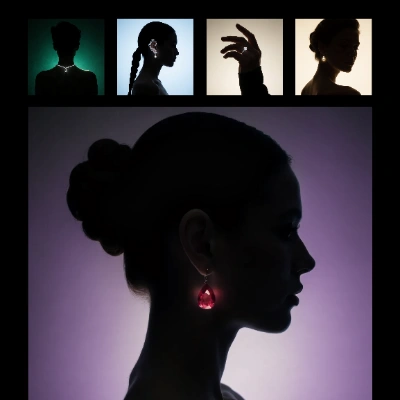
The official Recraft V4 style reference template combining Create Style with text-to-image
How the workflow fits together
The official style reference template chains two nodes:
- Recraft V4 Create Style builds a style from uploaded reference images. The new V4 Styles and V4 Styles Pro models change how faithfully and how flexibly the style is captured, with Styles Pro as the higher-quality tier.
- Recraft V4 Text to Image generates new images with that style applied, keeping subjects and prompts independent from the visual language.
Together they cover the full loop: capture a look once, then produce unlimited on-brand variations through the API node system, with no local weights and billing through the standard Recraft API pricing.
How to use it
Update ComfyUI to the latest build and load the Recraft V4 style reference template from the Templates panel, or find the Recraft nodes in the Node Library. The existing Recraft V4.1 model support continues to work unchanged alongside the new style models.
Comments
Sign in with GitHub to join the discussion.