Gemini Omni 1.1 Flash: Controllable Video Generation Now in ComfyUI
ComfyUI adds five Gemini Omni 1.1 Flash API nodes covering text-to-video, image-to-video, reference-to-video, scene extension, and video editing with 4K output.
Gemini Omni 1.1 Flash, Google DeepMind's production-ready update to the Gemini Omni Flash video model family, is live in ComfyUI through five API nodes (Google announcement, model card).
Released on August 27, 2026 as a generally available model in the Gemini API, Omni 1.1 Flash focuses on developer control: scenes can be extended, start and end frames specified for smooth transitions, and output generated at high resolution.
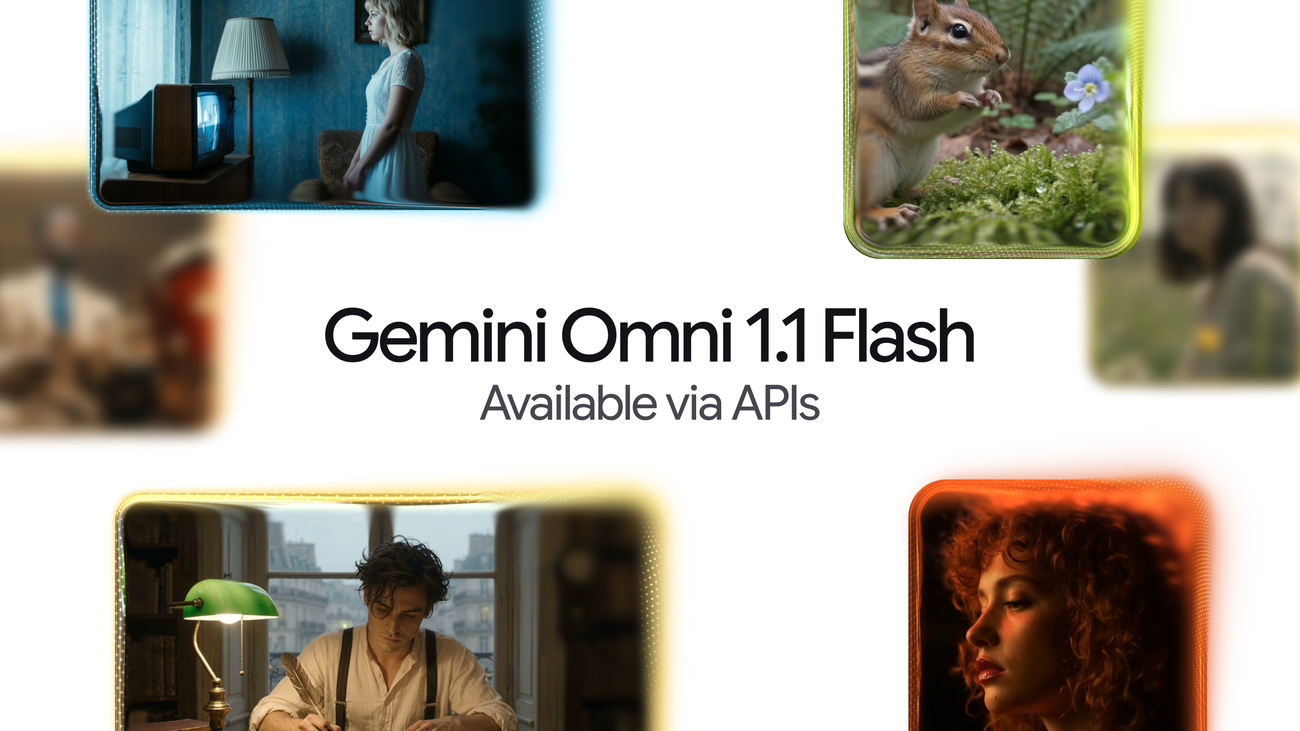
Gemini Omni 1.1 Flash announcement visual from the Google blog
The five ComfyUI nodes
- Text to Video: prompt-driven generation through the updated model.
- Image to Video: animate a still image.
- Reference to Video: generate from reference assets.
- Scene Extension: continue an existing clip, chaining generated shots into sequences up to 40 seconds.
- Video Edit: conversational editing that changes content while keeping the rest of the footage stable.
The updated model adds first and last frame specification for controlled transitions between shots, and supports output up to 4K resolution.
How to use it
Update ComfyUI to the latest build, then find the Gemini nodes in the Node Library under the Google partner section, or load the official templates. Templates ship for all five workflows, including t2v, i2v, r2v, extend, and edit variants.
Generation runs on Google's servers through the API node system: no local weights are involved, and billing follows Gemini API pricing.
Comments
Sign in with GitHub to join the discussion.