Endless MiniMax H3 v1.0: Unlimited-Length Lip-Synced H3 Videos
A new workflow combines H3 Motion Context with a latent-saver node to chain MiniMax H3 clips into unlimited-length videos, with lip-sync, on a 12GB GPU.
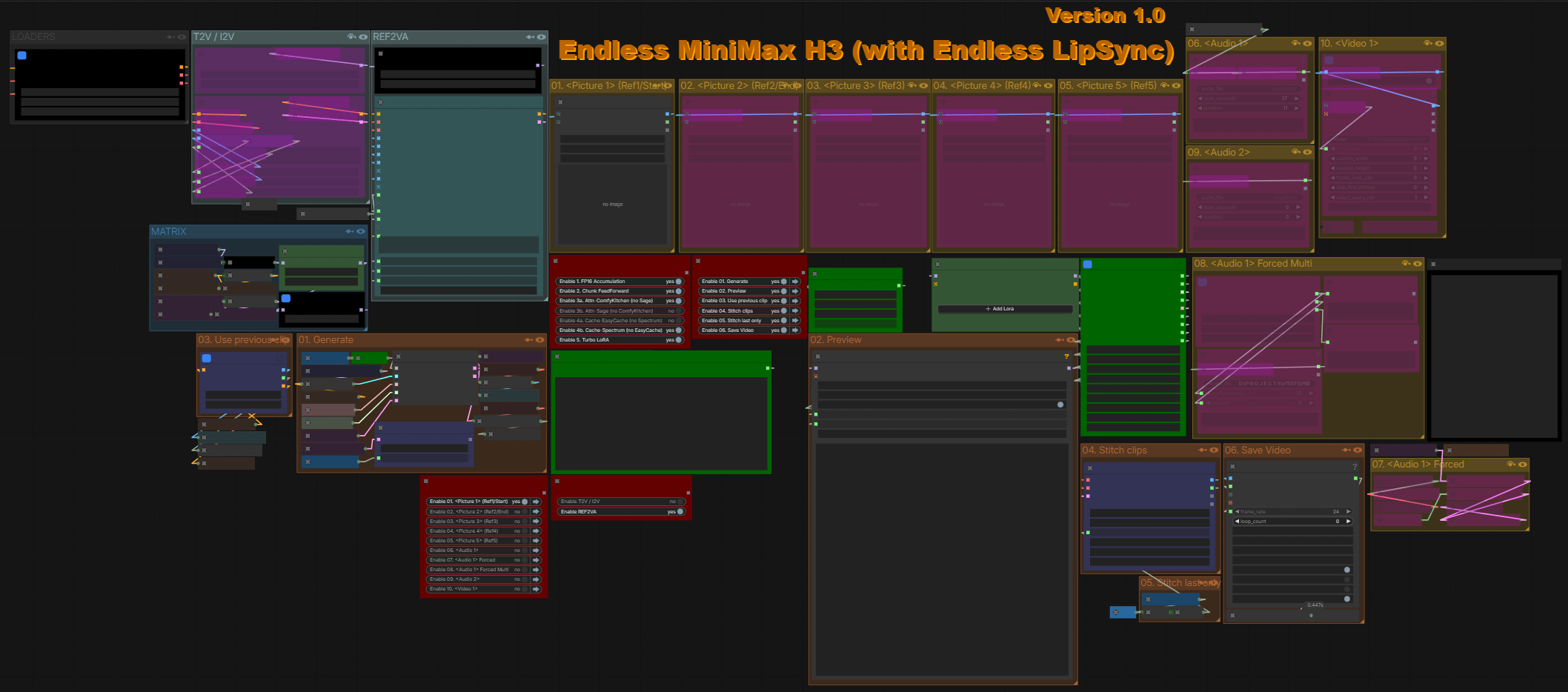
Endless MiniMax H3 chains H3 Motion Context clips through a latent save/load loop and stitches them losslessly.
Unlimited length from chained latents
Reddit user NikoDemon80 released Endless MiniMax H3 (with Endless LipSync) v1.0, a workflow that produces MiniMax H3 videos of unlimited duration by chaining H3 Motion Context generations. The author reports a 1:30 lip-synced video generated on an RTX 3060 12GB in around two hours including retries.
The missing piece was lossless assembly. Existing setups stopped at single videos, and concatenating rendered clips in a video editor means decoding and re-encoding losses. The new workflow saves the latent from every generation, and a stitcher node assembles all (or selected) clips at the end: the H3 Motion Context Clip Stitcher by noembryo decodes one clip at a time to avoid memory peaks, dissolves the overlap between adjacent clips with video and synchronized audio, and concatenates everything into a single stream with no visible seams.
Per-clip control before committing
Because each segment stays a separate latent until you choose to stitch, the workflow supports a retry-driven loop: regenerate any clip you do not like, review it, then move on to the next. The one constraint is temporal: after replacing a clip, later clips are fused with the replaced one, so you can redo any previous generation but the clips after it must be regenerated too.
The workflow runs in both FL2AV and Ref2AV modes and also produces standard single H3 videos when you do not need chaining. The download bundles everything needed, including the quantized H3 checkpoints it was tested with.
Comments
Sign in with GitHub to join the discussion.