H3 Motion Context v0.2.0: Seamless MiniMax H3 Clip Chaining
H3 Motion Context v0.2.0 chains MiniMax H3 clips so motion and audio continue across cuts, adds reference mode support, and removes the visible seam at joins.
H3 Motion Context released v0.2.0 on August 9. The custom node pack chains MiniMax H3 clips in ComfyUI so that motion and audio genuinely continue across the cut: generate clip A, feed its last frames and audio into the node, and clip B picks up where A left off — same motion, same speed, same direction, with the audio continued rather than re-synthesized.
What's new in v0.2.0
- No more visible seam. With
context_latentwired, the pinned frames are sliced straight out of the previous clip's latent instead of being decoded to pixels and re-encoded. No color shift, no contrast step at the join, and it is faster since it skips a decode, a resize and a VAE pass. - Reference mode works with chaining. A Ref2VA graph now keeps its own image, video and audio references while continuation audio is added alongside them. Previously the node overwrote the reference list, so enabling chaining silently dropped every reference. The design is by seitanism (from the Banodoco MiniMax H3 seamless-extension thread), first implemented in @ethanfel's fork; this implementation is independent but credits both.
- 56-frame context window, alongside 5, 22 and 39.
- Two settings instead of six.
context_lengthandaudio_context_length; the rest are constants with clear defaults. - Pinned audio snaps to the audio grid, fixing a third-of-a-step misalignment for some window and clip-length combinations.
- Patches install on first use, not at import, and are gated to this pack's own graphs, so other H3 workflows are untouched.
- Resolution can't change mid-chain while using
context_latent— the node refuses and names both resolutions rather than silently falling back to the lossy path.
How it works
MiniMax H3 can pin a frame at a time coordinate and re-inject it at every sampling step; the only blocker for chaining was a check in ComfyUI that rejected any pinned frame other than the first or last. The pack lifts that restriction with a runtime patch (nothing on disk is edited), and the patches verify their assumptions against the live ComfyUI code on every start — a loud refusal beats a silently bad render.
The harder half is audio, since H3 generates picture and sound together: the node carries the previous clip's audio context so the next segment continues the same audio rather than producing a sound-alike.
Workflow
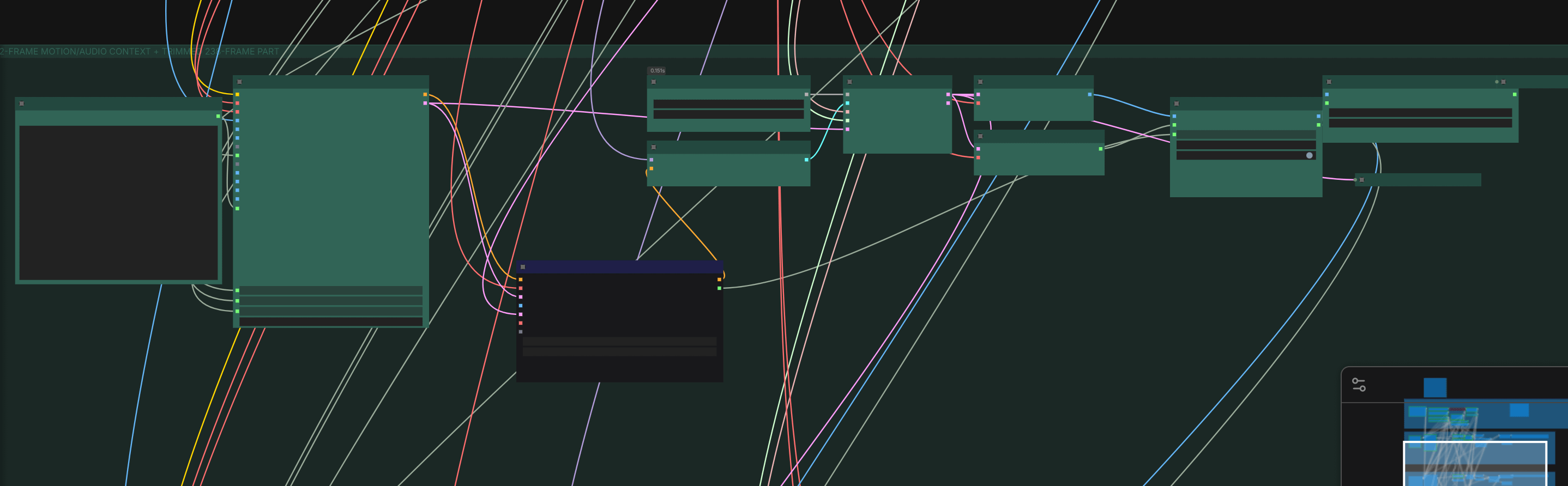
The v0.2.0 release ships a combined workflow that runs both the fl2va and ref2va paths in one graph:
Availability
Install by dropping the folder into ComfyUI/custom_nodes/ and restarting. Note that widget values changed in 0.2.0 — workflows saved against 0.1 will load numbers into the wrong slots, so delete and re-add the Motion Context node. Also run only one H3 chaining pack at a time: several packs lift the same first/last keyframe restriction, and this node now refuses to run if another pack has already claimed it.
Comments
Sign in with GitHub to join the discussion.